



ANSYS Workbench Training in Coimbatore – Skyjet Academy
Skyjet Academy offers the best ANSYS Workbench training in Coimbatore with a comprehensive 80-hour curriculum designed for mechanical engineers, aerospace engineers, diploma students and freshers. Our ANSYS course covers the complete Finite Element Analysis (FEA) workflow from CAE introduction to advanced thermal, structural, modal, buckling and CFD analysis.
ANSYS is the world's leading engineering simulation software used by top companies for product design validation, structural integrity testing, thermal management and fluid dynamics. Learning ANSYS enables you to perform real-world simulation before physical prototyping, saving time and cost in product development.
We serve students from Gandhipuram, Peelamedu, Saravanampatti, Singanallur, Tiruppur, Avinashi, Ondipudur, Ganapathy and nearby areas. ANSYS course fees start from ₹17,800 with combo discounts up to 50%. Join Skyjet Academy and become a certified ANSYS simulation engineer.
ANSYS Course Details
-
Total Duration
80 Hours (Theory 40 Hrs + Lab 40 Hrs) -
Course Duration
1–2 Months -
Certification
ISO / Industry Recognized Certificate -
Placement
100% Placement Assistance -
Fees
Starting ₹17,800 | Combo Offers Available -
Location
4th Crosscut, Gandhipuram, Coimbatore
Authorized CAD/CAE Training Institute
Industry-recognized ANSYS Workbench training with ISO certification in Coimbatore
80 Hours Comprehensive Training
40 hours theory + 40 hours hands-on lab practice for complete FEA simulation mastery
100% Placement Assistance
Dedicated placement support with real interview preparation and mock tests
Industry Expert Trainers
Learn ANSYS from experienced simulation and FEA professionals with real project background
All Major Analysis Types Covered
Static, Modal, Thermal, Buckling, Fatigue, CFD, Thermal Stress — all in one course
Real Industrial Project Training
Cantilever beam, pressure vessel, heat sink, piston, connecting rod and more real projects
Licensed ANSYS Workbench Software
Train on genuine licensed ANSYS Workbench software in well-equipped computer labs
Flexible Batch Timings
Weekday, weekend and fast-track batches for students & working professionals
Affordable Fees with Combo Offers
Up to 50% combo discount when combined with SolidWorks, CATIA or CREO courses
Best ANSYS Training Institute in Gandhipuram, Coimbatore
Skyjet Academy is the best ANSYS Workbench training institute in Gandhipuram, Coimbatore providing industry-oriented 80-hour FEA simulation training for mechanical engineers, automobile engineers, aerospace students and job seekers. Our ANSYS course covers Static Structural, Modal, Thermal, Buckling, Fatigue and CFD analysis with real industrial projects and 100% placement support. ANSYS course fees start from ₹17,800 with combo discounts up to 50%. We serve students from Gandhipuram, Peelamedu, Saravanampatti, Singanallur, Tiruppur, Avinashi, Ondipudur, Ganapathy and nearby areas in Tamil Nadu.
ANSYS Course Details & Fees
| Course | Total Duration | Theory | Lab | Starting Fees | Certification | Placement |
|---|---|---|---|---|---|---|
| ANSYS Workbench | 80 Hours | 40 Hours | 40 Hours | ₹17,800 | ISO / Industry Recognized | ✅ 100% |
* Combo discounts up to 50% available. Call +91 9597450440 for current offers.
ANSYS Workbench Syllabus
Complete 15-chapter curriculum covering all major FEA and CFD simulation topics
Illustrated through three examples for complete mesh understanding
Software & Analysis Tools Covered
Everything covered in this ANSYS Workbench training programme
ANSYS Workbench
DesignModeler
Static Structural
Modal Analysis
Thermal Analysis
Buckling Analysis
Flow Analysis
Meshing Tools
Our Achievements
0
Students Trained
100%
Placement Support
0
Years Experience
5/5
Google Rating
Certified
Expert Trainers
Our Hiring Partners






Career Opportunities After ANSYS Training
FEA Simulation Engineer
Perform structural and thermal FEA analysis for product validation in R&D companies
CFD Engineer
Conduct computational fluid dynamics analysis for automotive, HVAC and aerospace companies
Structural Analysis Engineer
Analyze mechanical components for stress, fatigue and buckling in manufacturing industries
Thermal Analysis Engineer
Perform thermal management simulation for electronics, automotive and power generation
Aerospace Simulation Engineer
Work on structural and thermal analysis of aerospace components and aerostructures
Automotive CAE Engineer
Validate vehicle components for crashworthiness, NVH and thermal performance
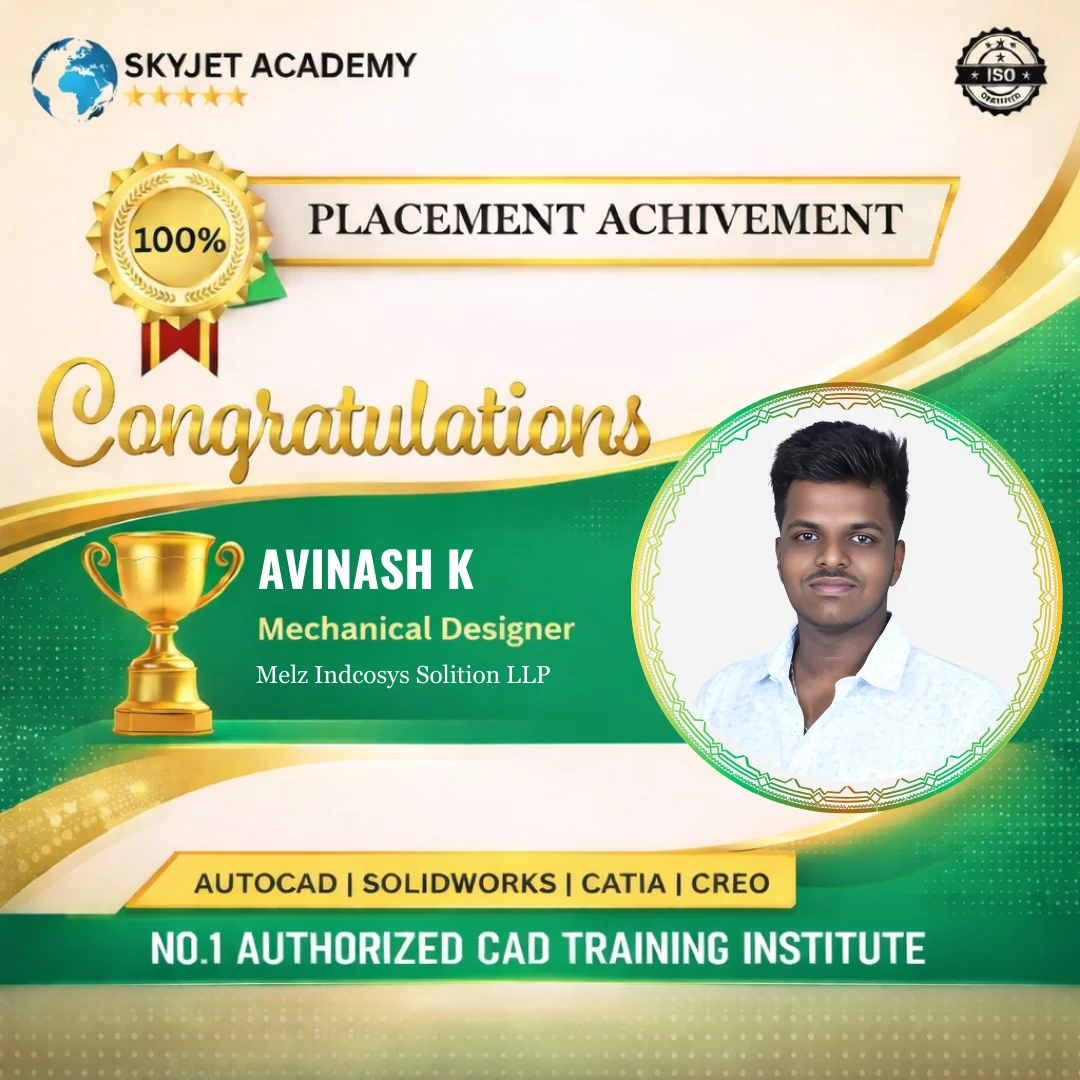
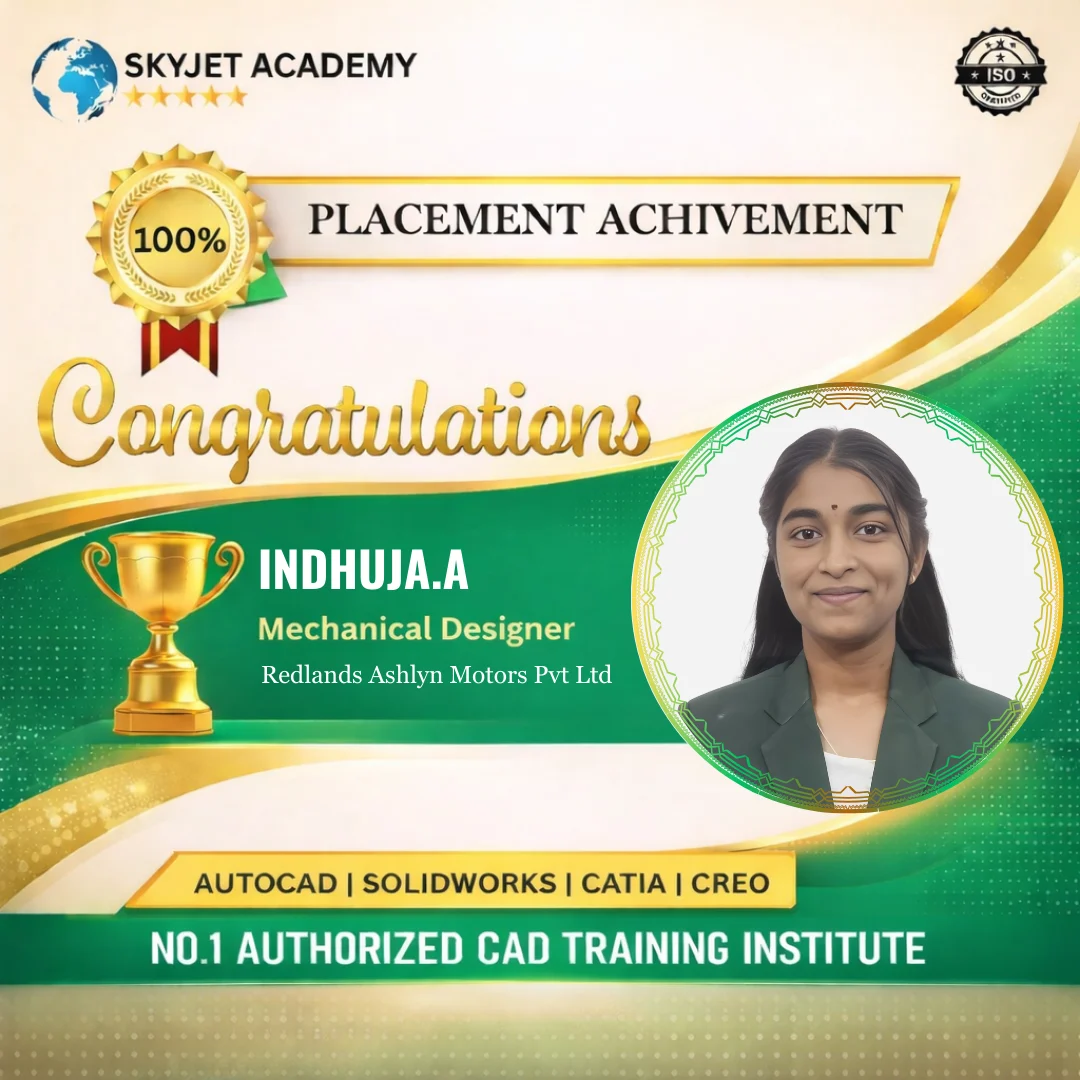
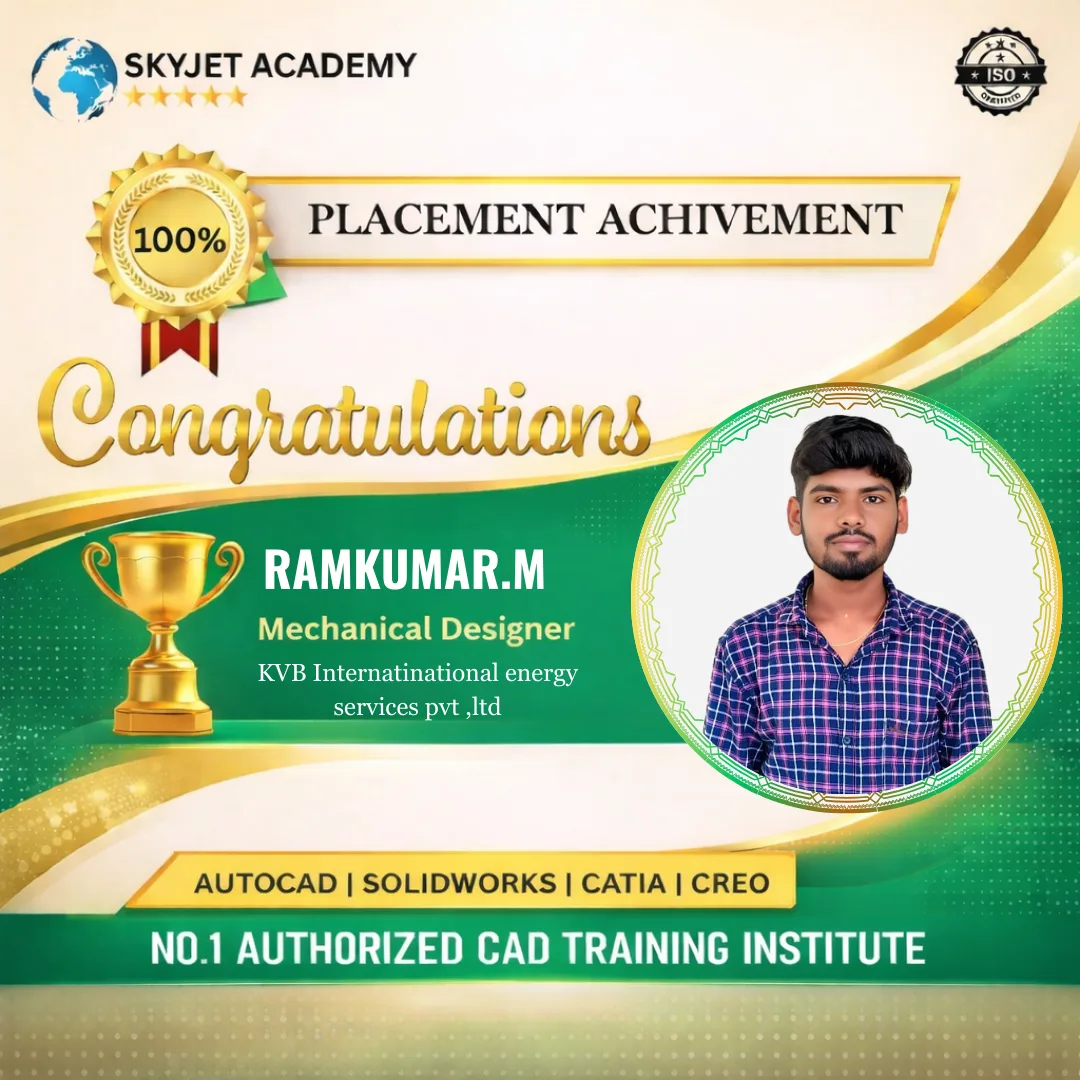
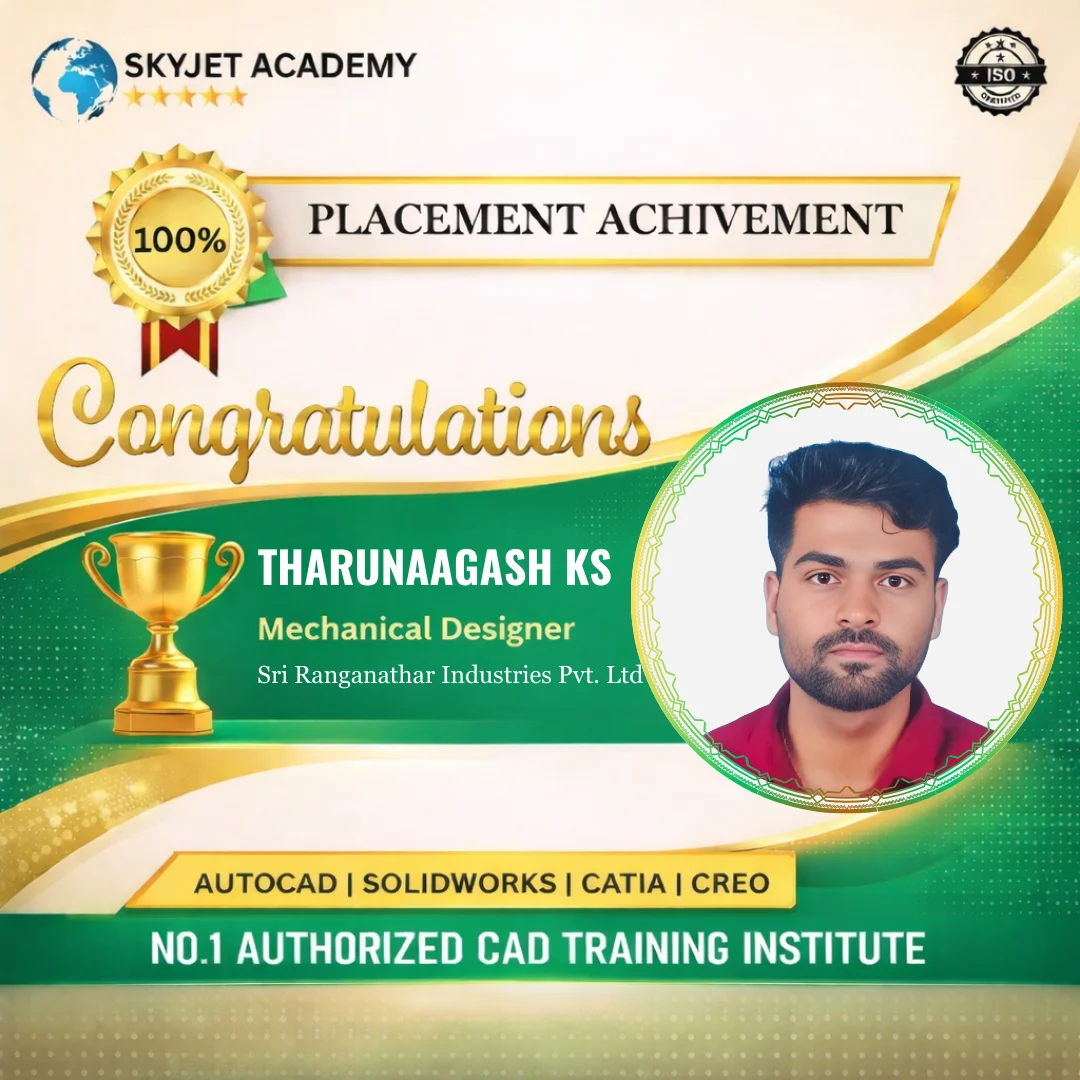
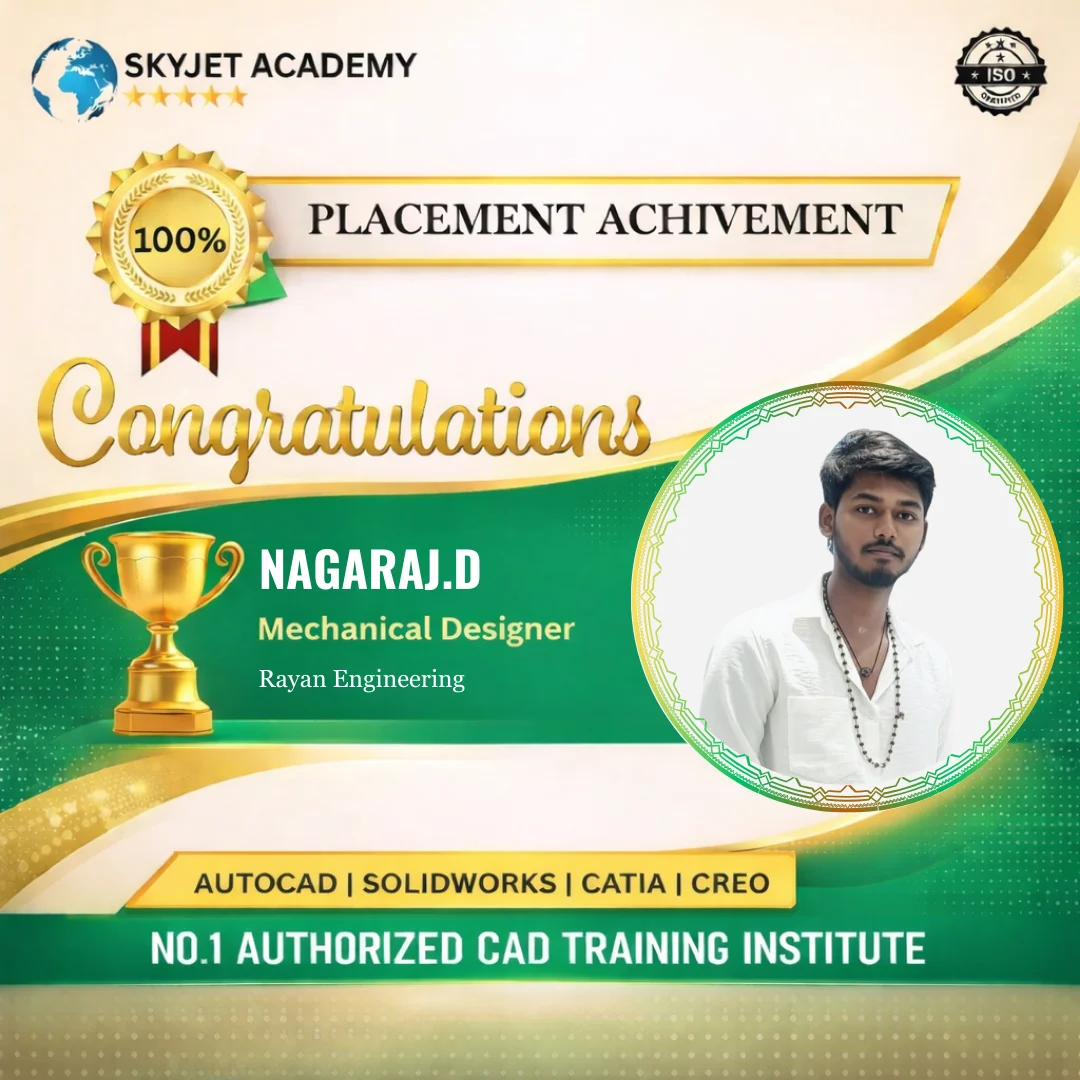
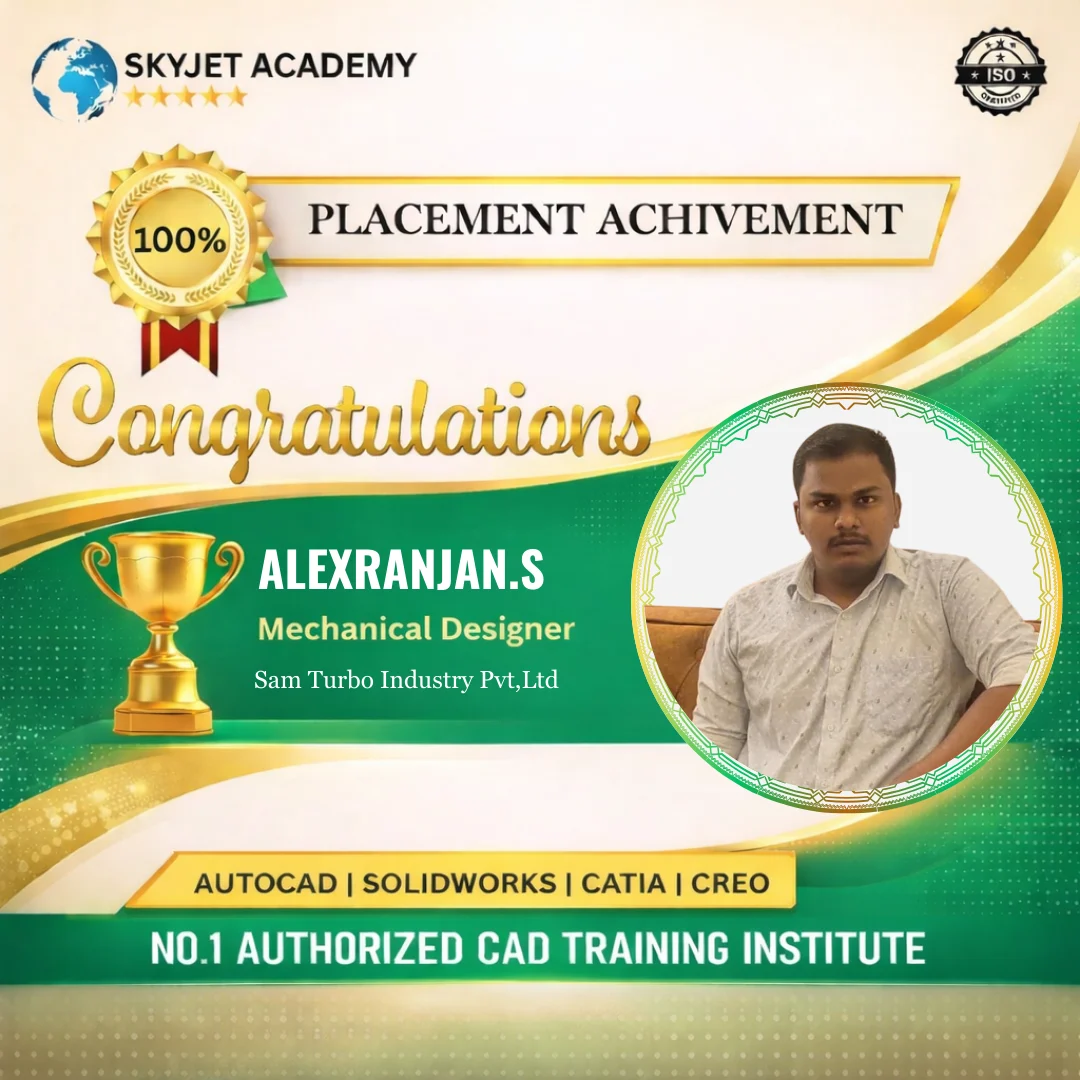
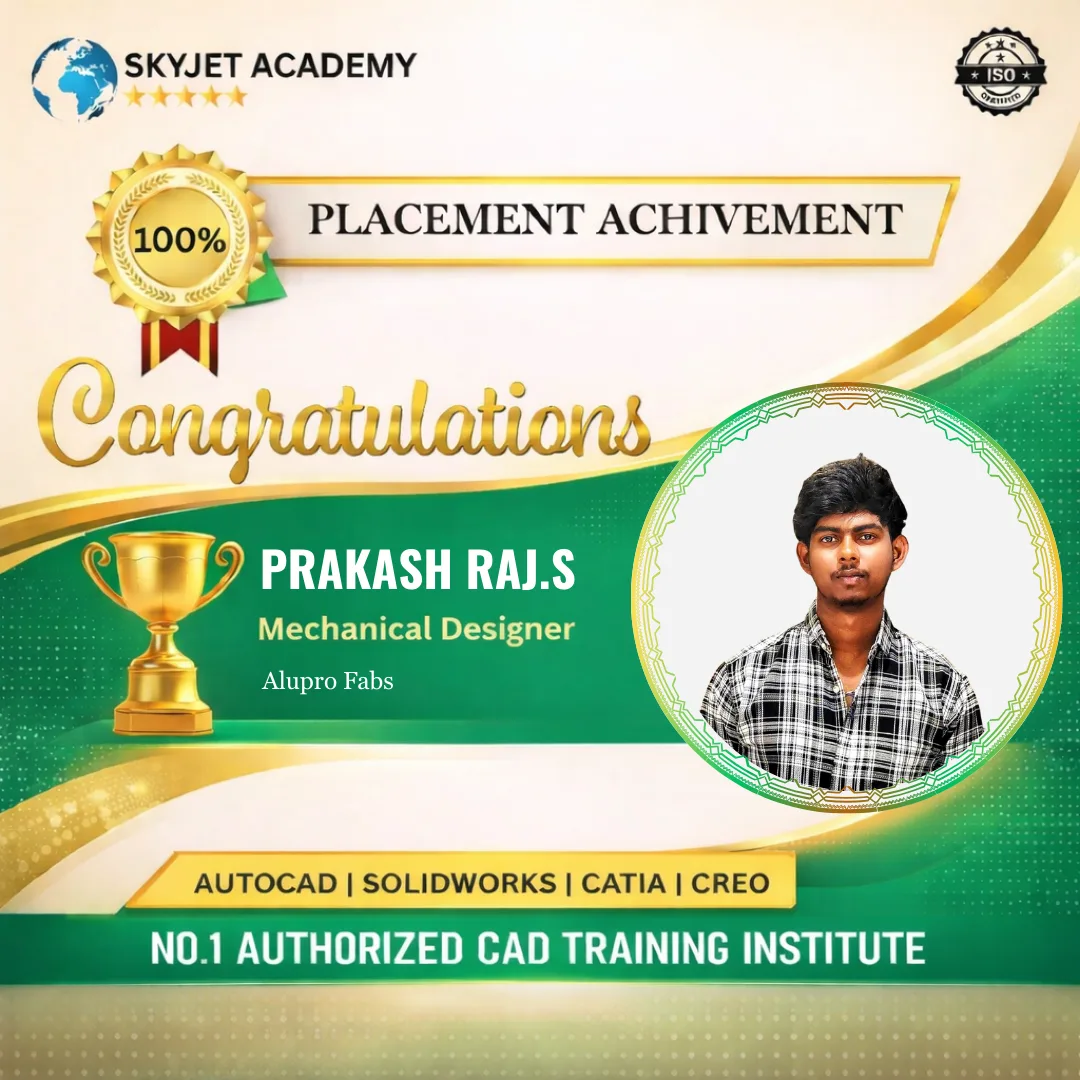
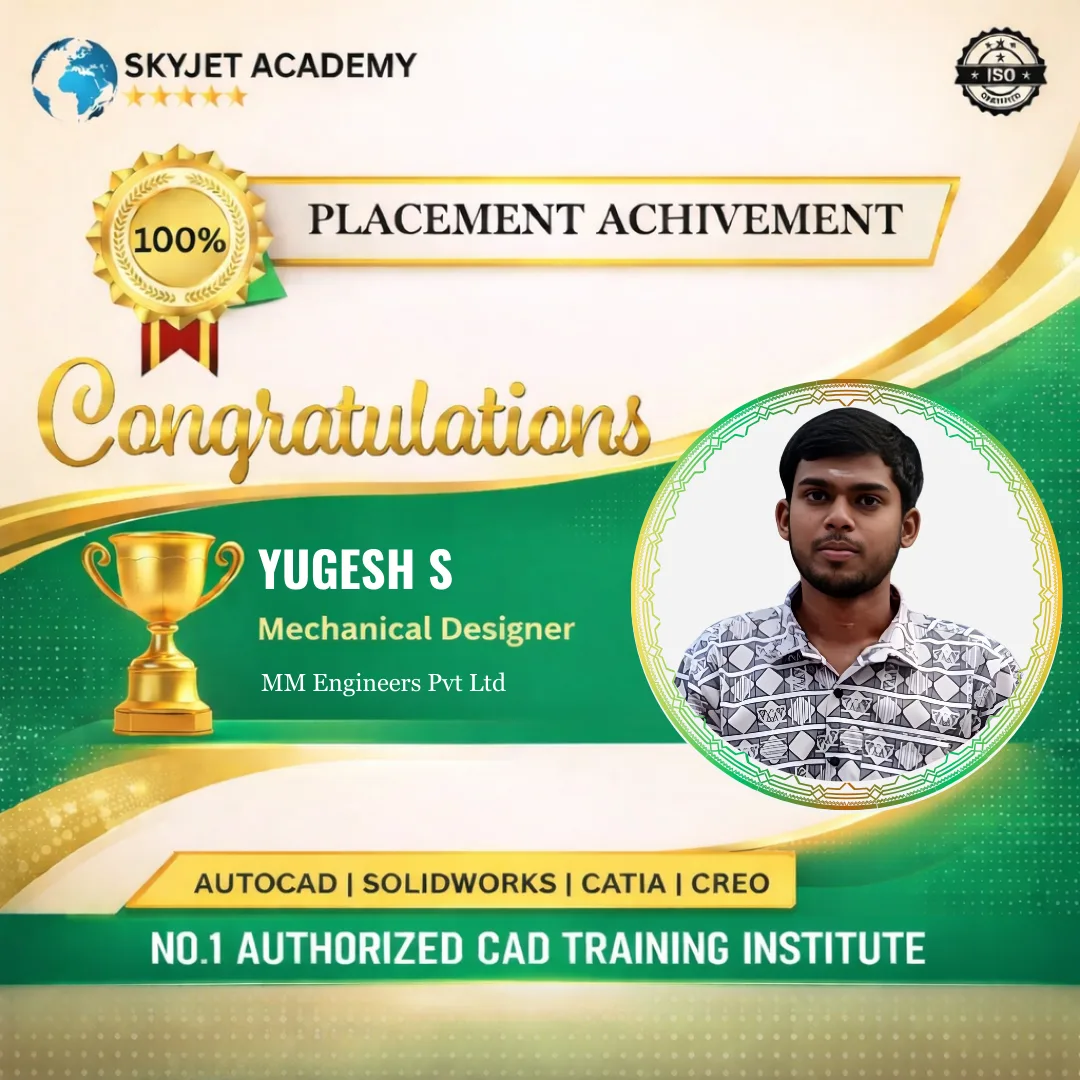
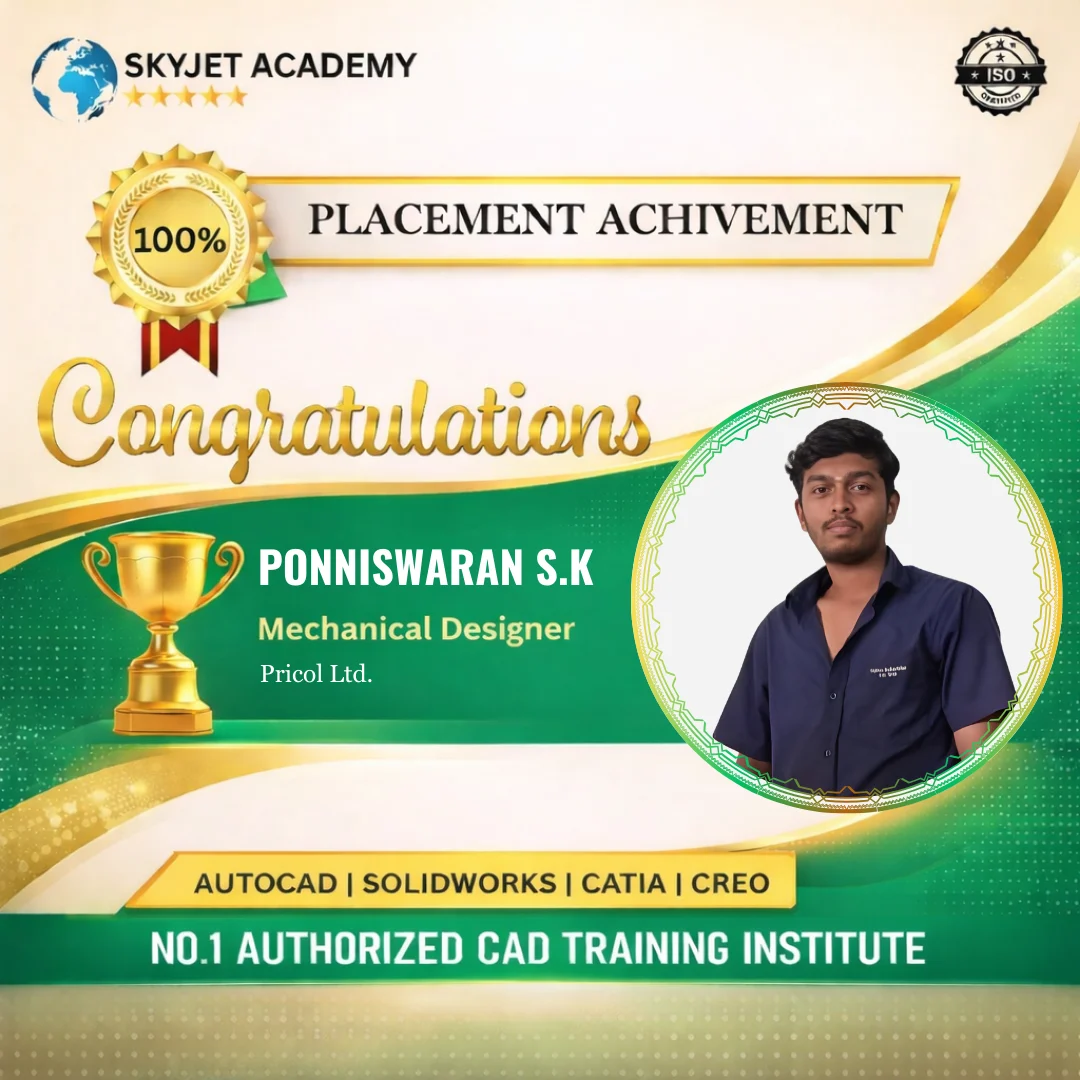
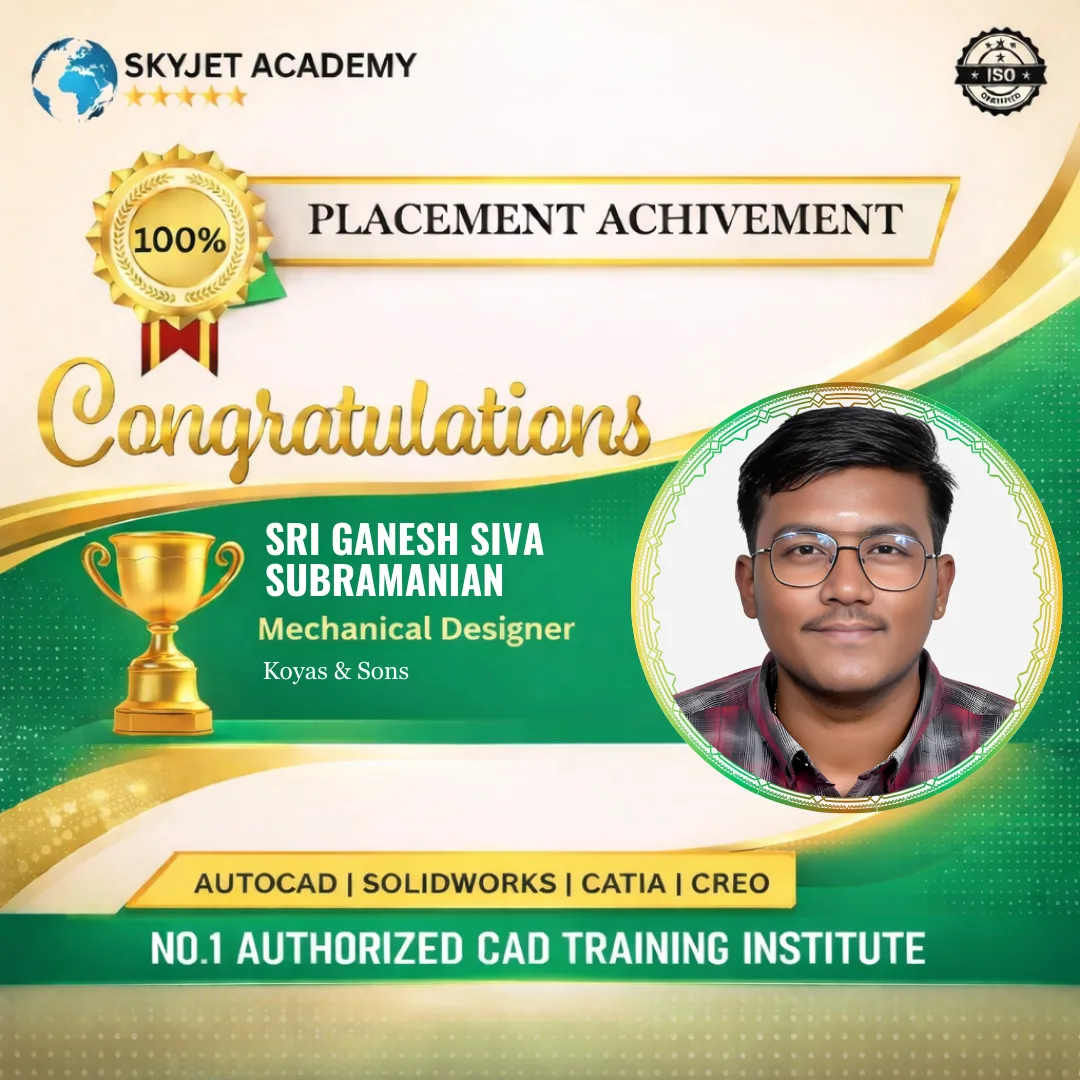
Placement Achievements
Student Testimonials
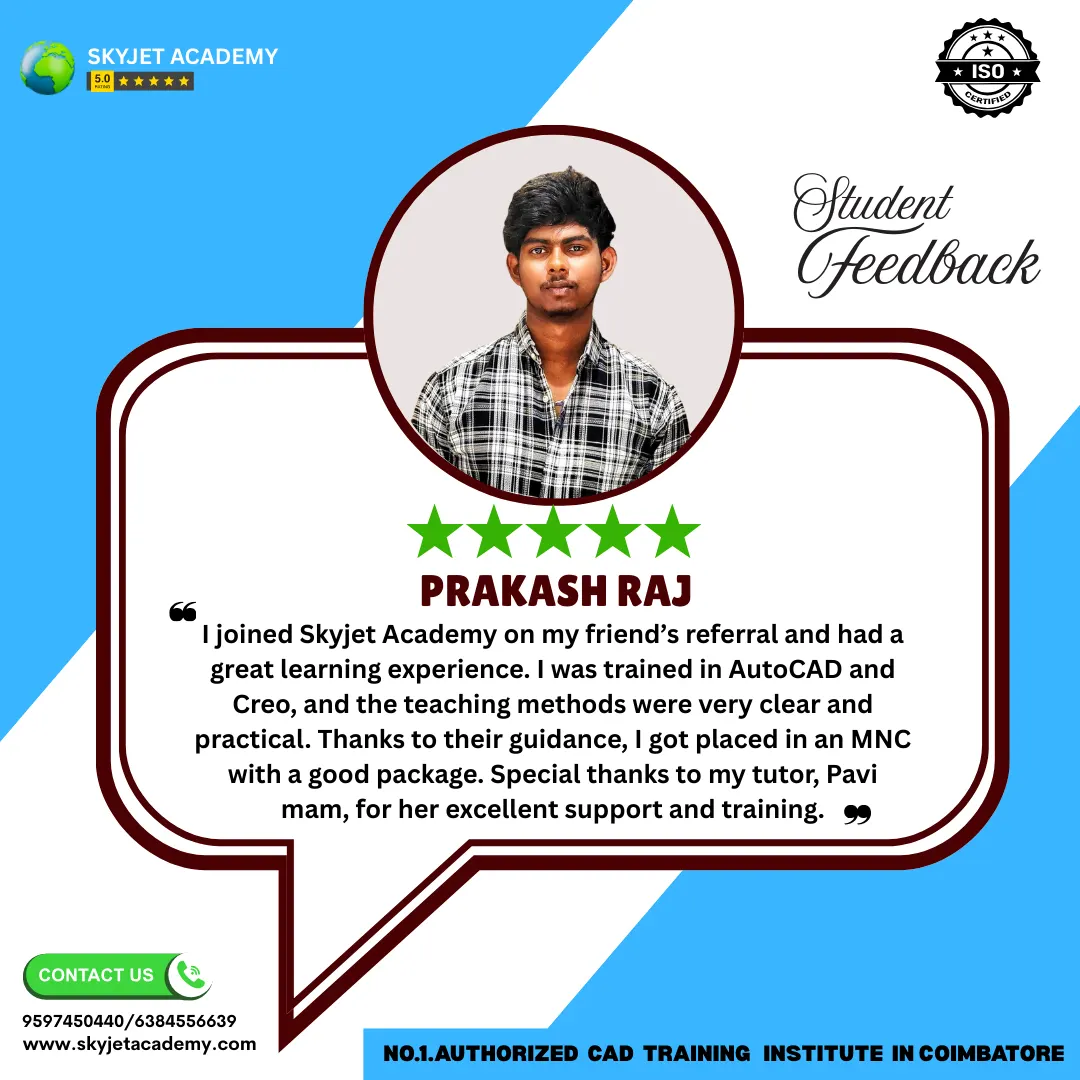
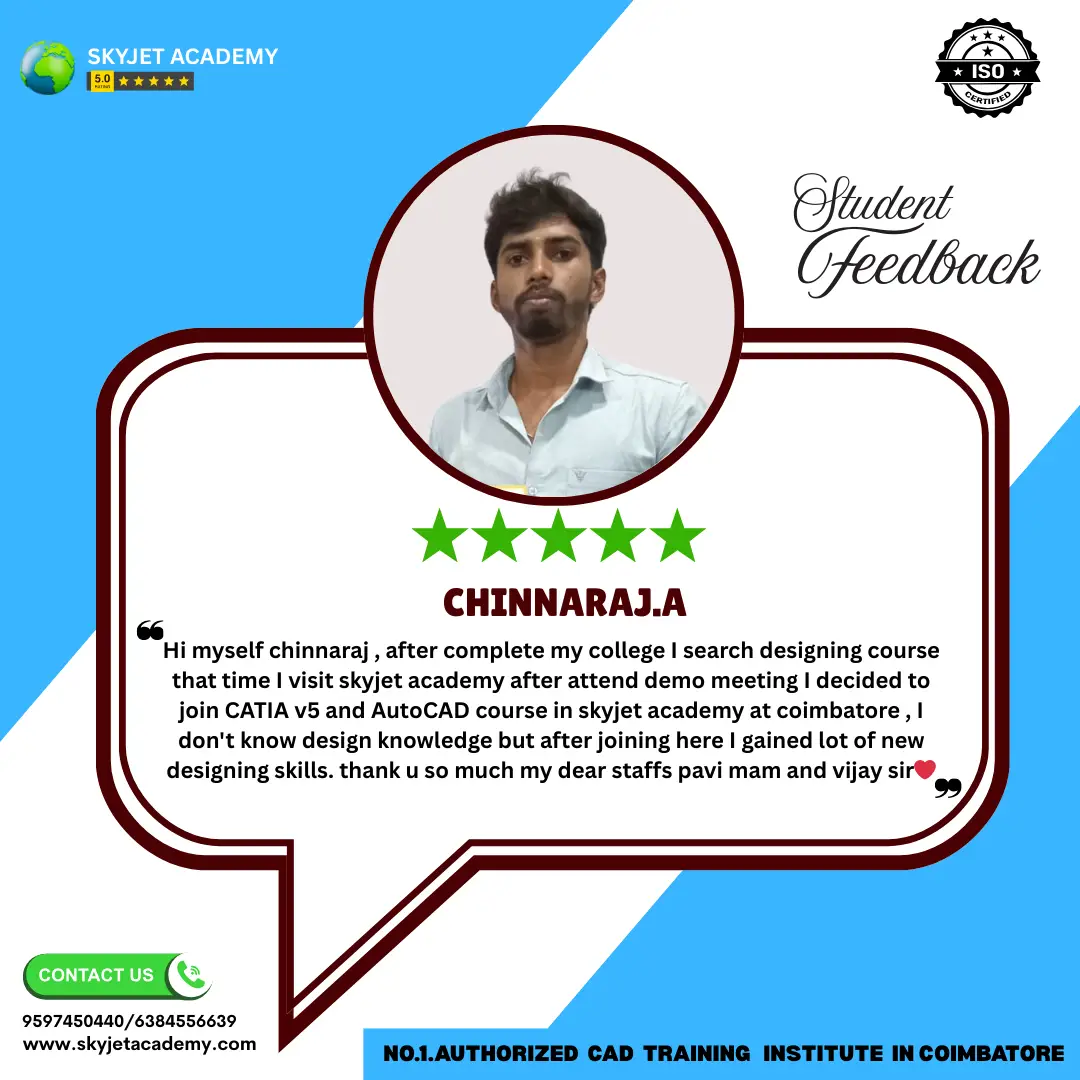
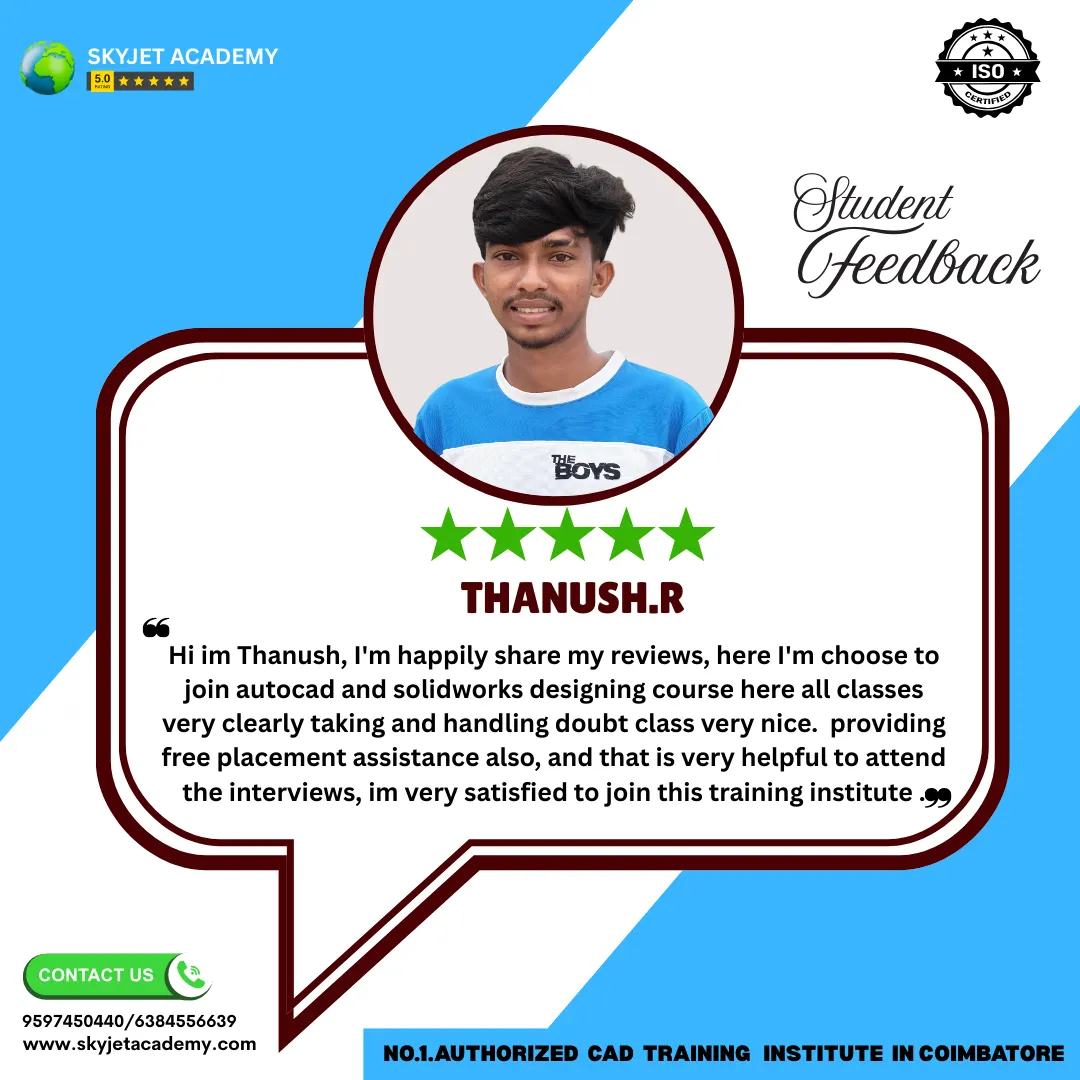
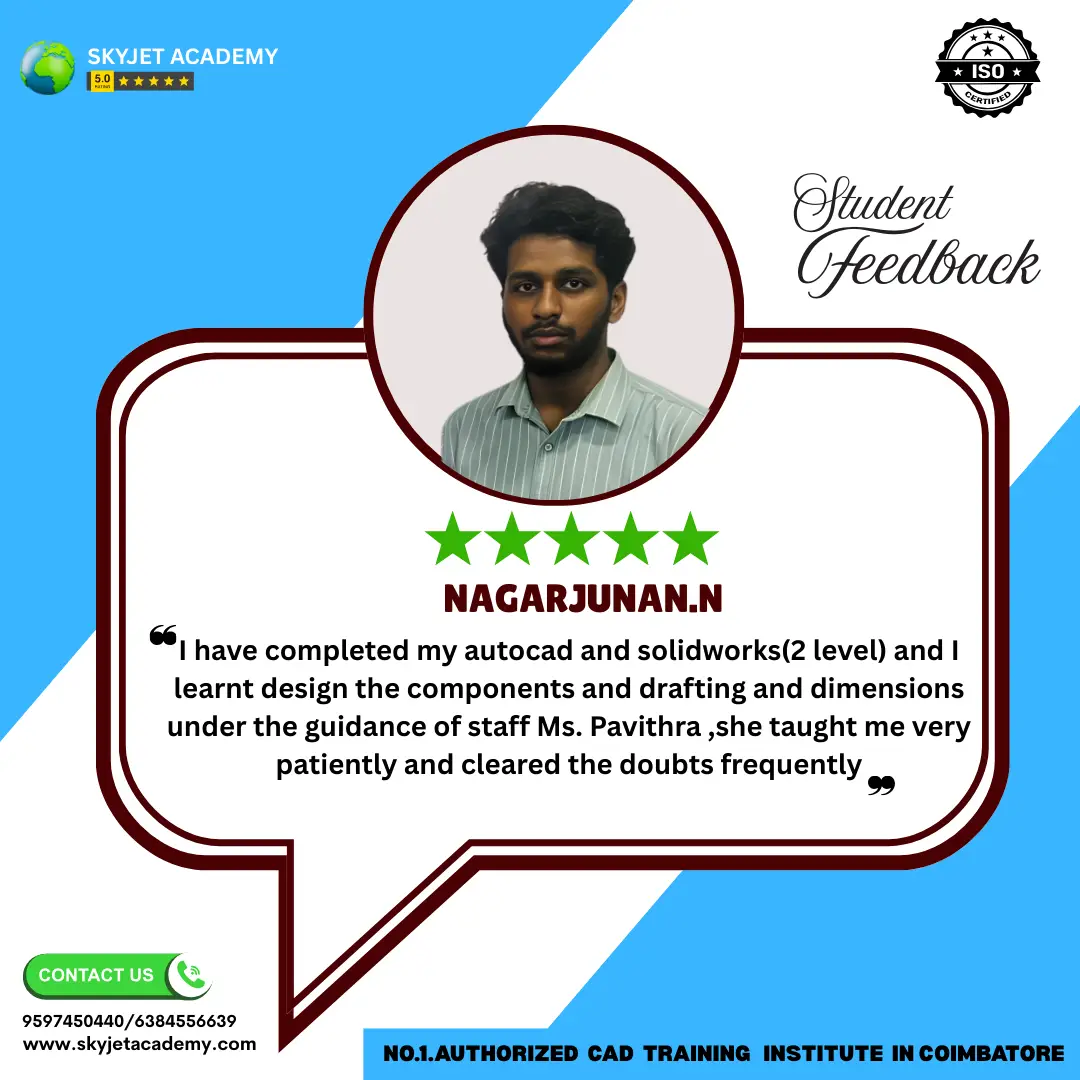

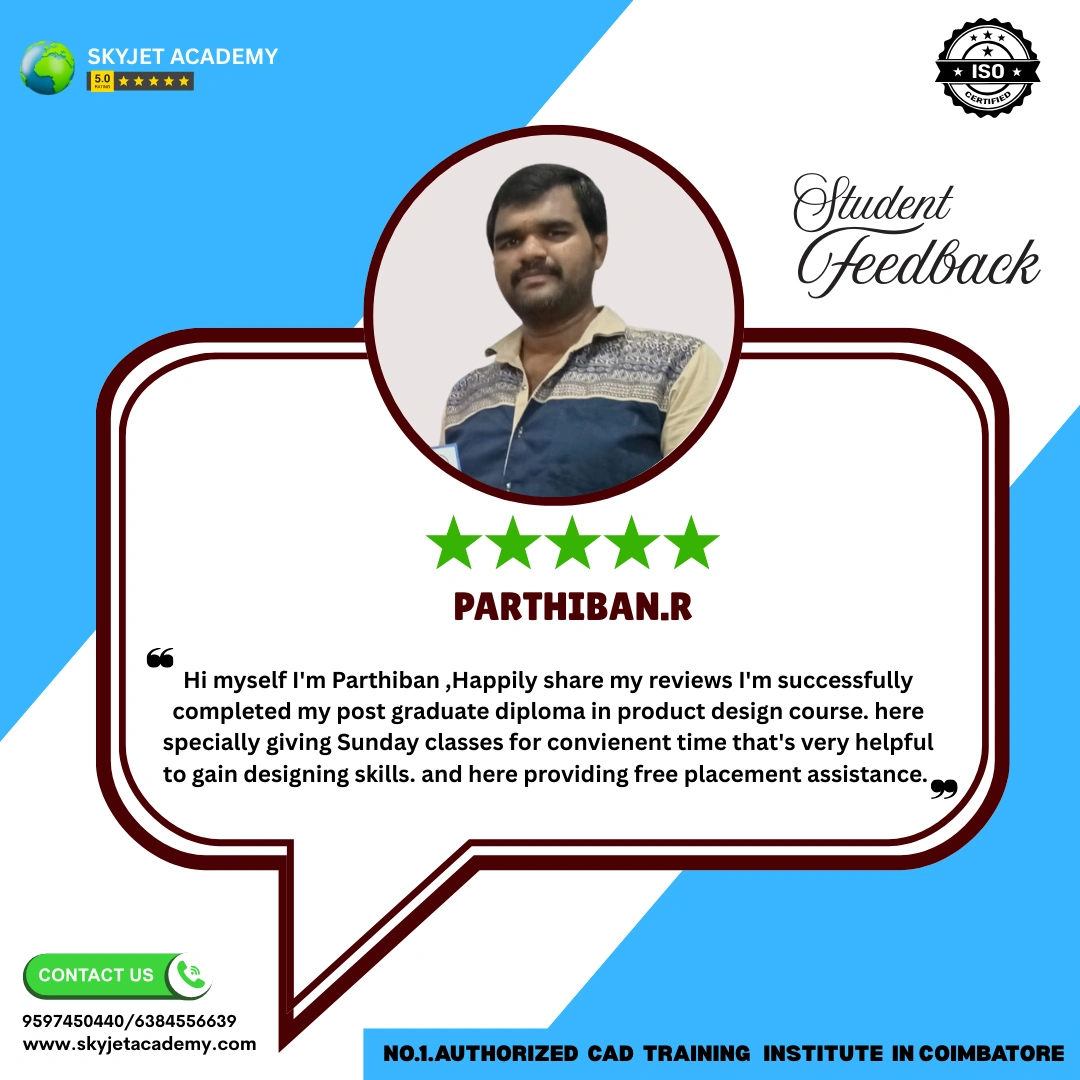
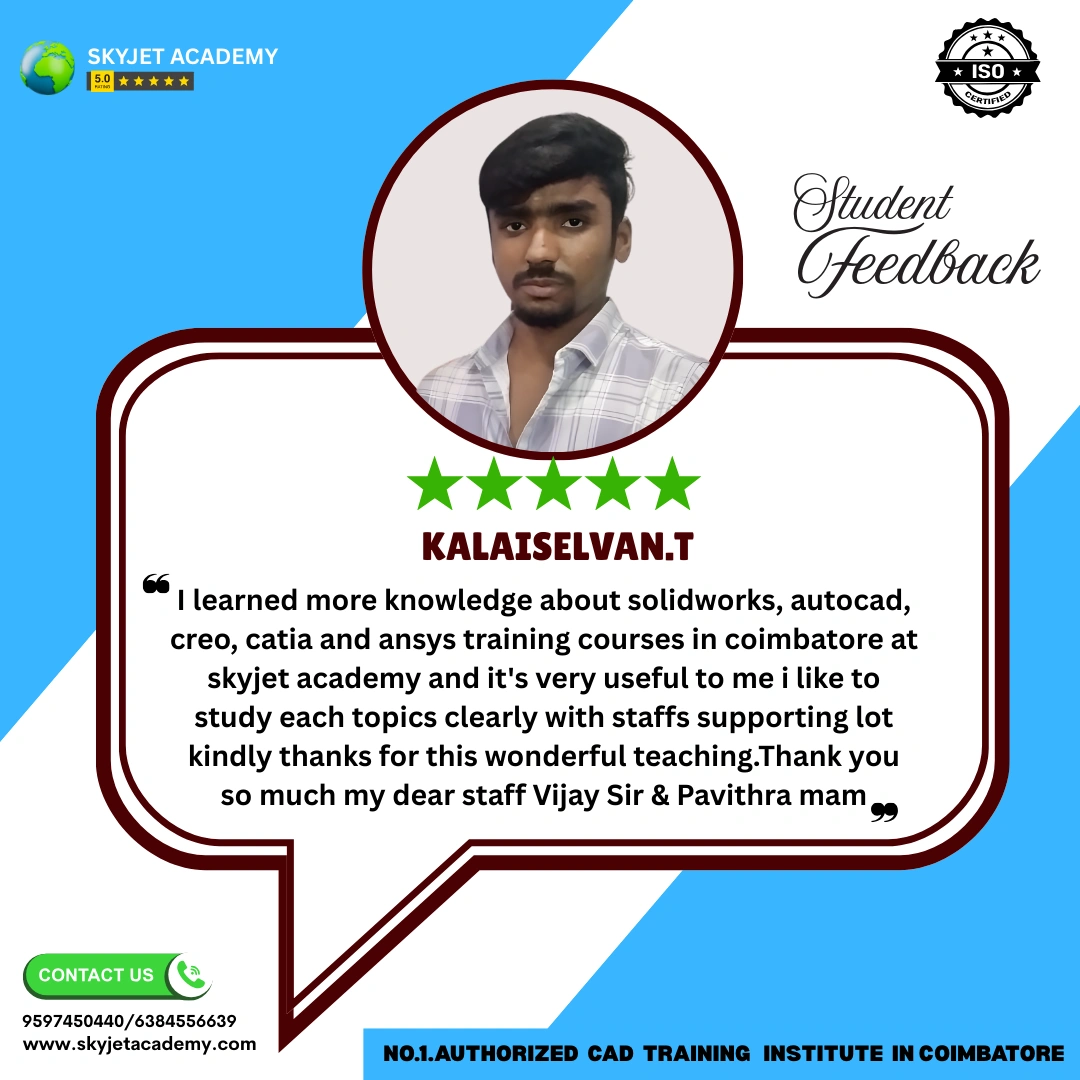
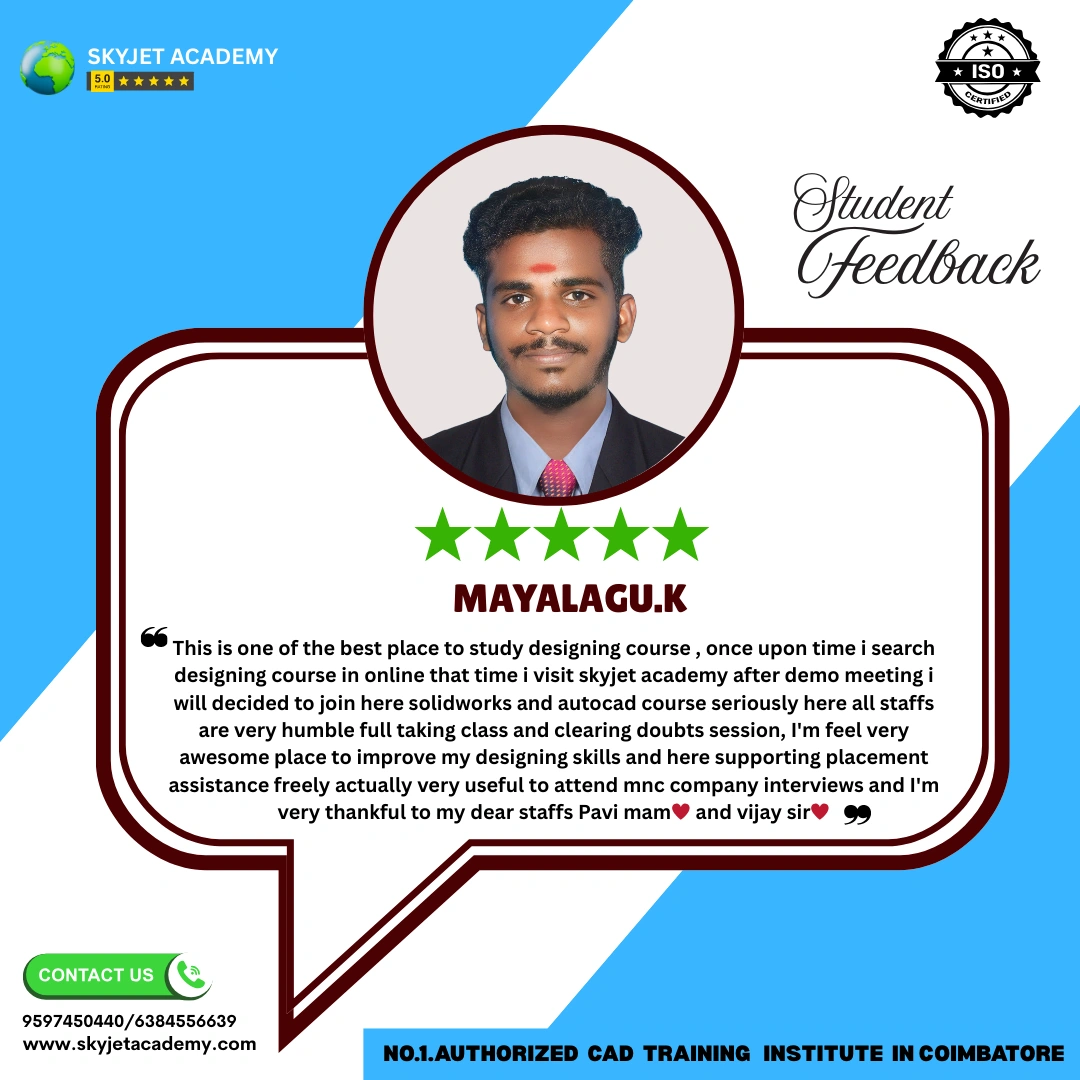

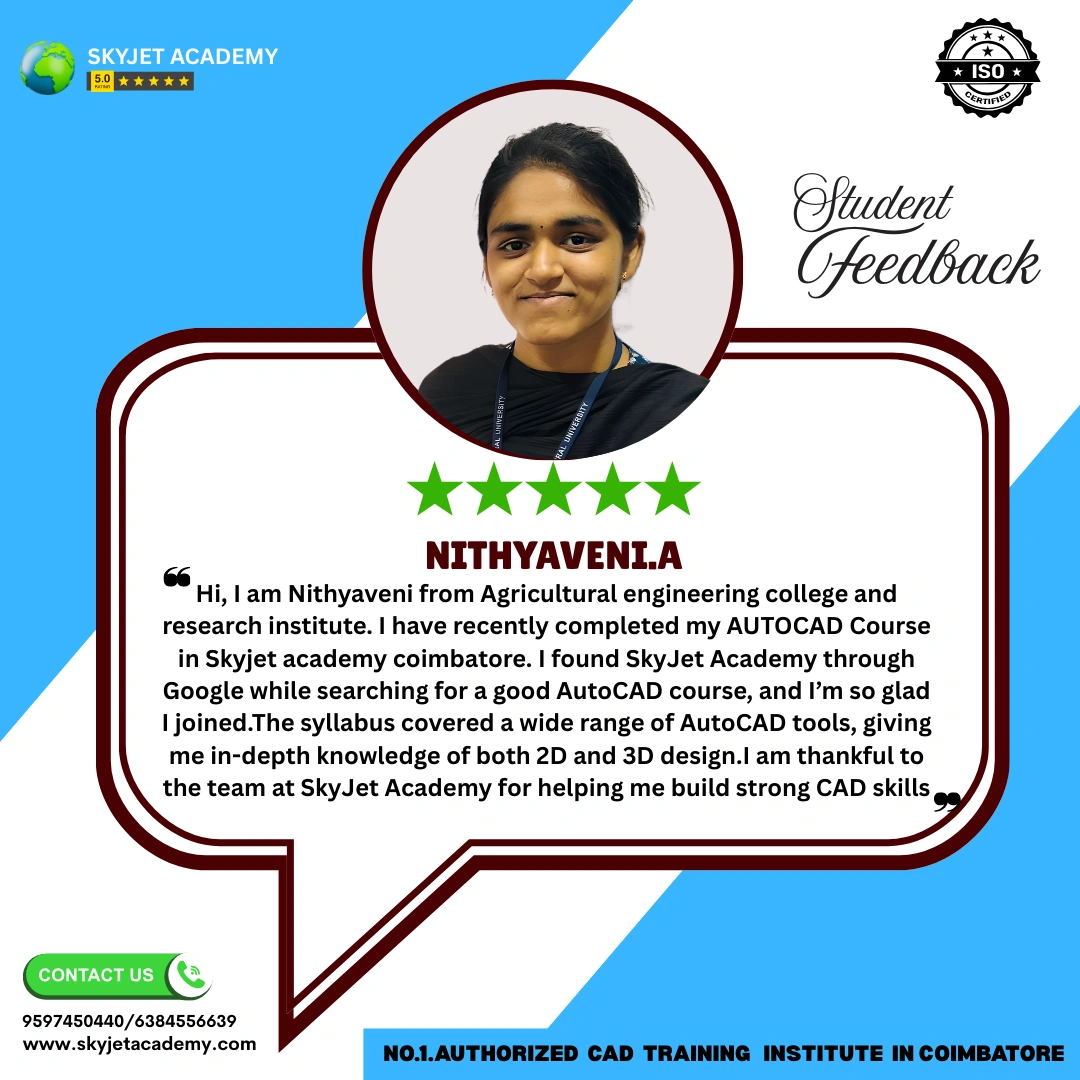
Student Reviews – ANSYS Course
What Our ANSYS Students Say About Skyjet Academy
Best ANSYS training center in Coimbatore. I joined to learn FEA simulation and the structured 80-hour curriculum is excellent. Static structural, thermal and modal analysis all taught with real industrial examples. Highly recommended!
— Karthik S, BE Mechanical
Skyjet Academy's ANSYS course helped me get placed as a simulation engineer. The thermal analysis and CFD sections were excellent. Practical projects like heat sink and piston analysis gave me real confidence for interviews.
— Ramesh P, Automobile Engineering Student
Excellent ANSYS Workbench training at Skyjet. Labs have the latest licensed ANSYS software. The buckling and modal analysis chapters were very detailed. Got placed in an automotive company within 3 weeks of course completion!
— Priya M, Aeronautical Engineering Fresher
Very good CAE training for mechanical engineers. The 15-chapter ANSYS syllabus is very comprehensive. Stress analysis, fatigue loading and thermal stress were all taught with real industry project examples. Affordable fees too!
— Vijay K, Diploma Mechanical
I completed ANSYS Workbench training from Skyjet Academy. The cantilever beam, pressure vessel and connecting rod analysis sessions were very practical. Got placed in a manufacturing company. Strongly recommended!
— Arun T, BE Mechanical
Skyjet Academy provides quality ANSYS training with real industry projects. Trainers are highly knowledgeable in FEA and simulation. ISO certificate is recognized by companies in Coimbatore and Tiruppur. Best institute!
— Divya R, Working Professional
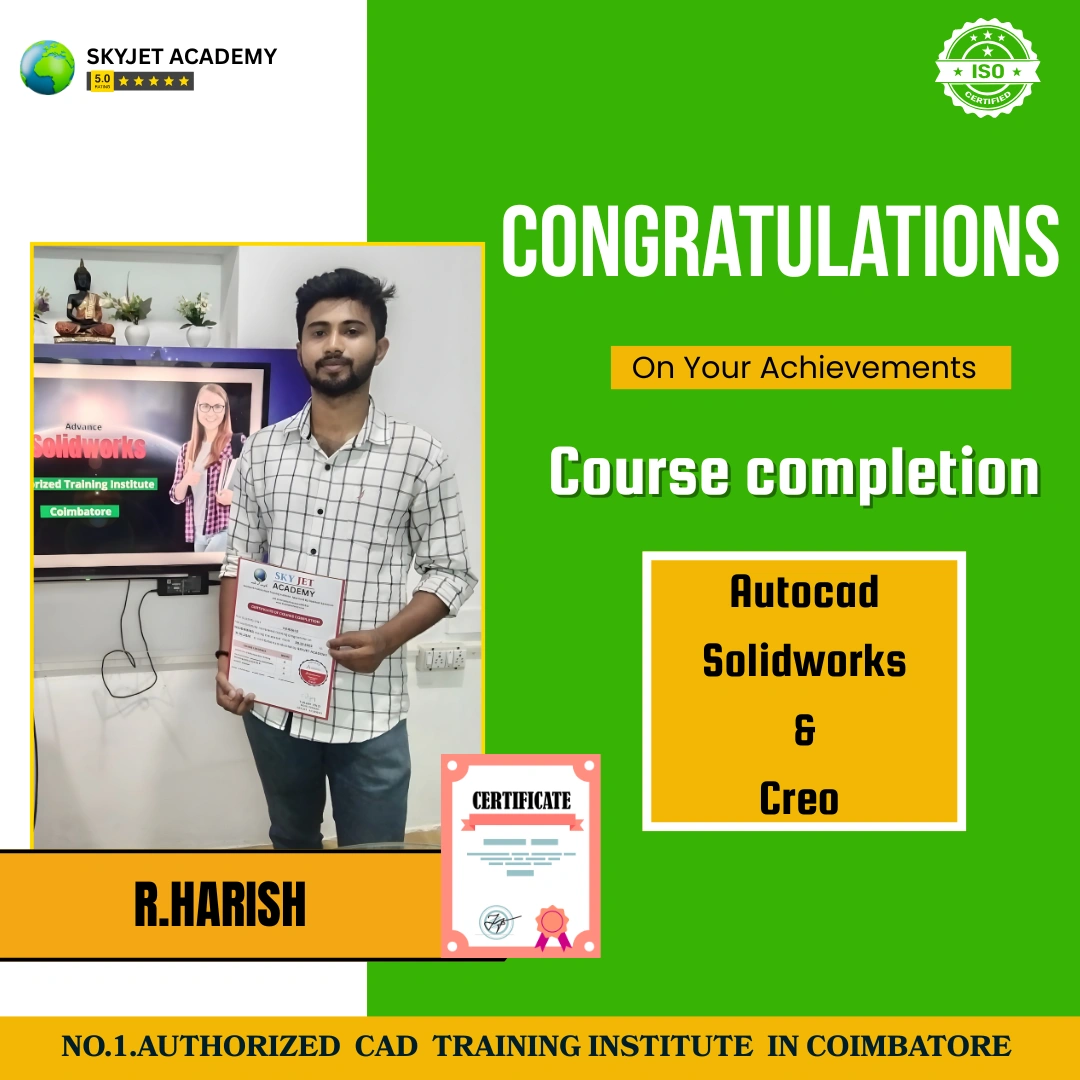
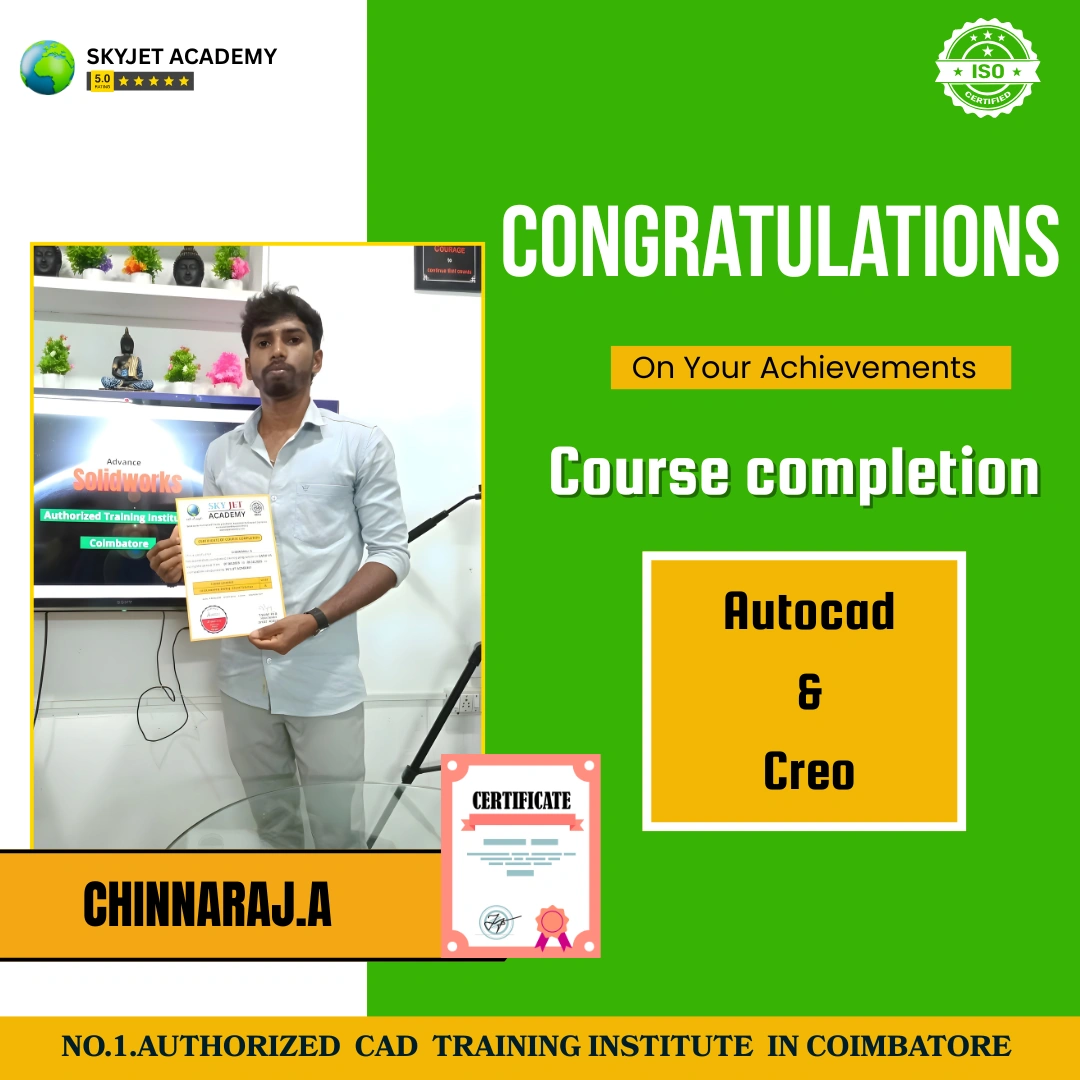
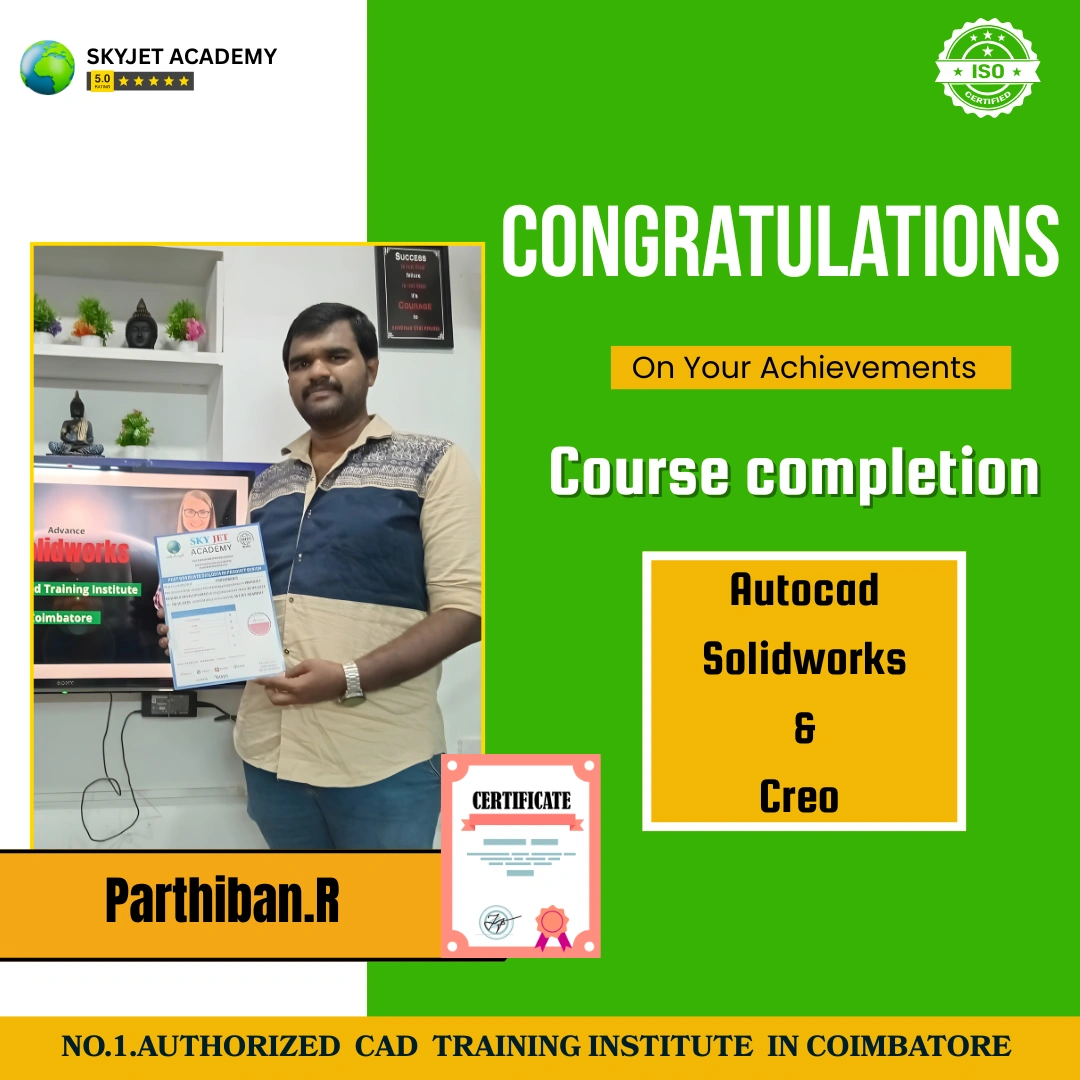
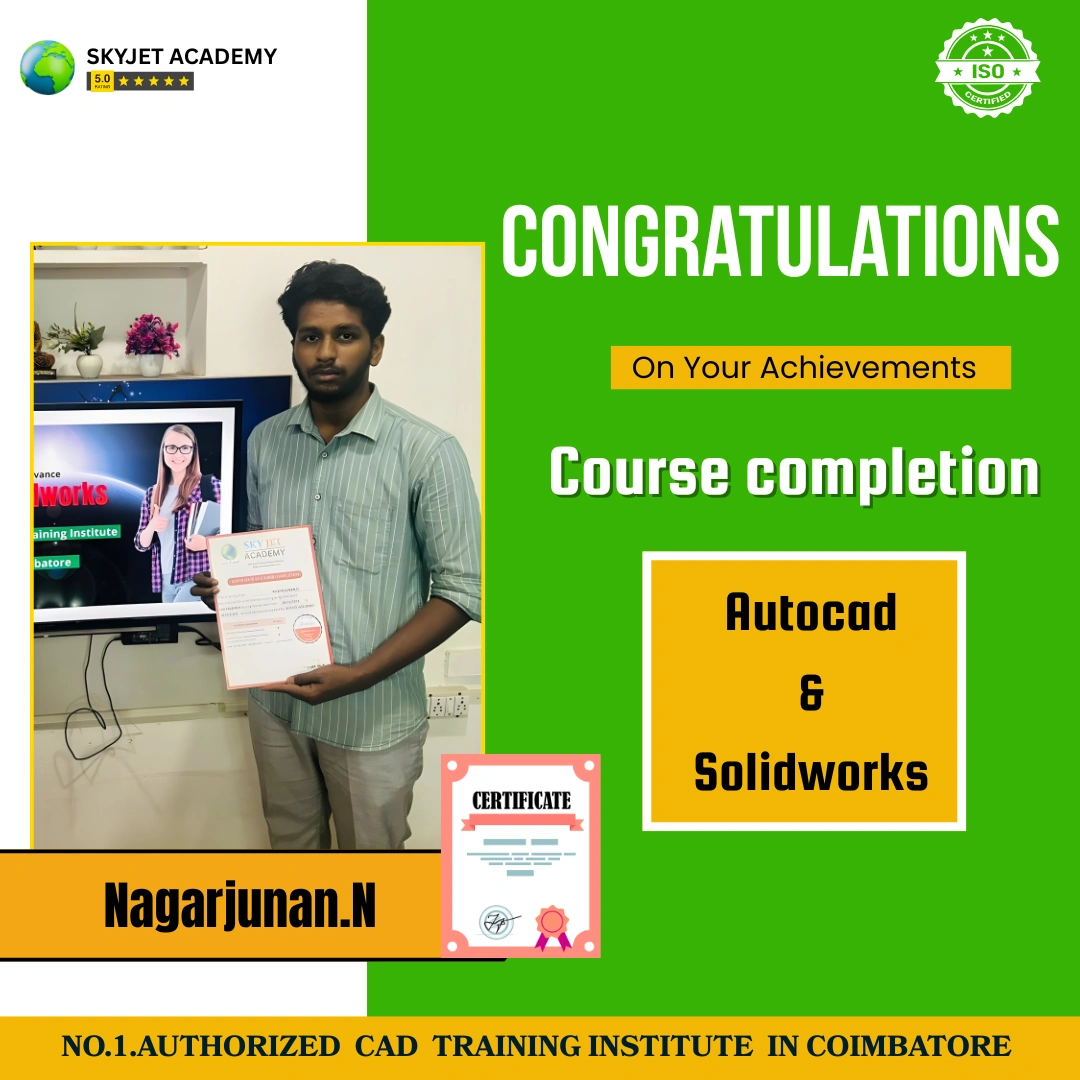
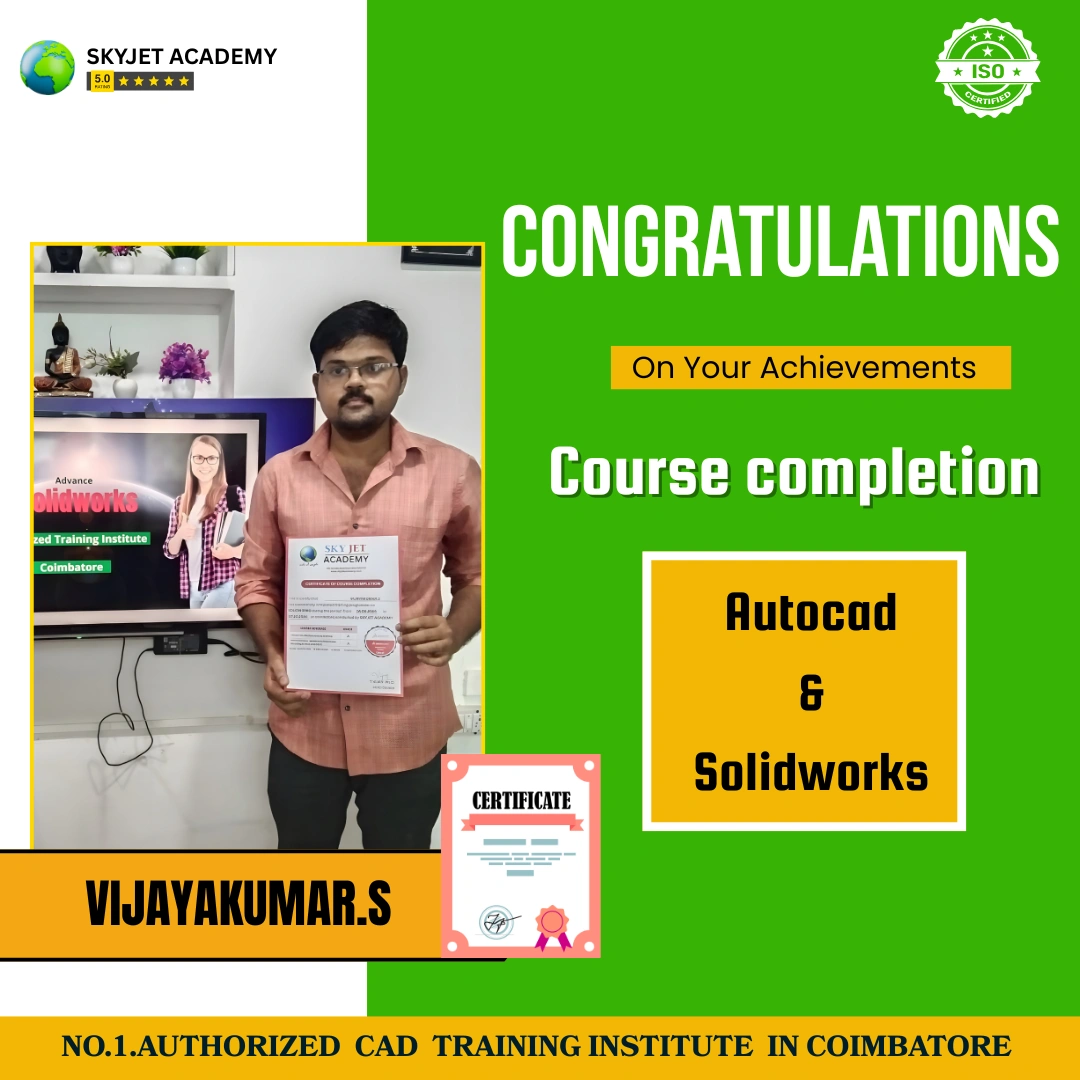
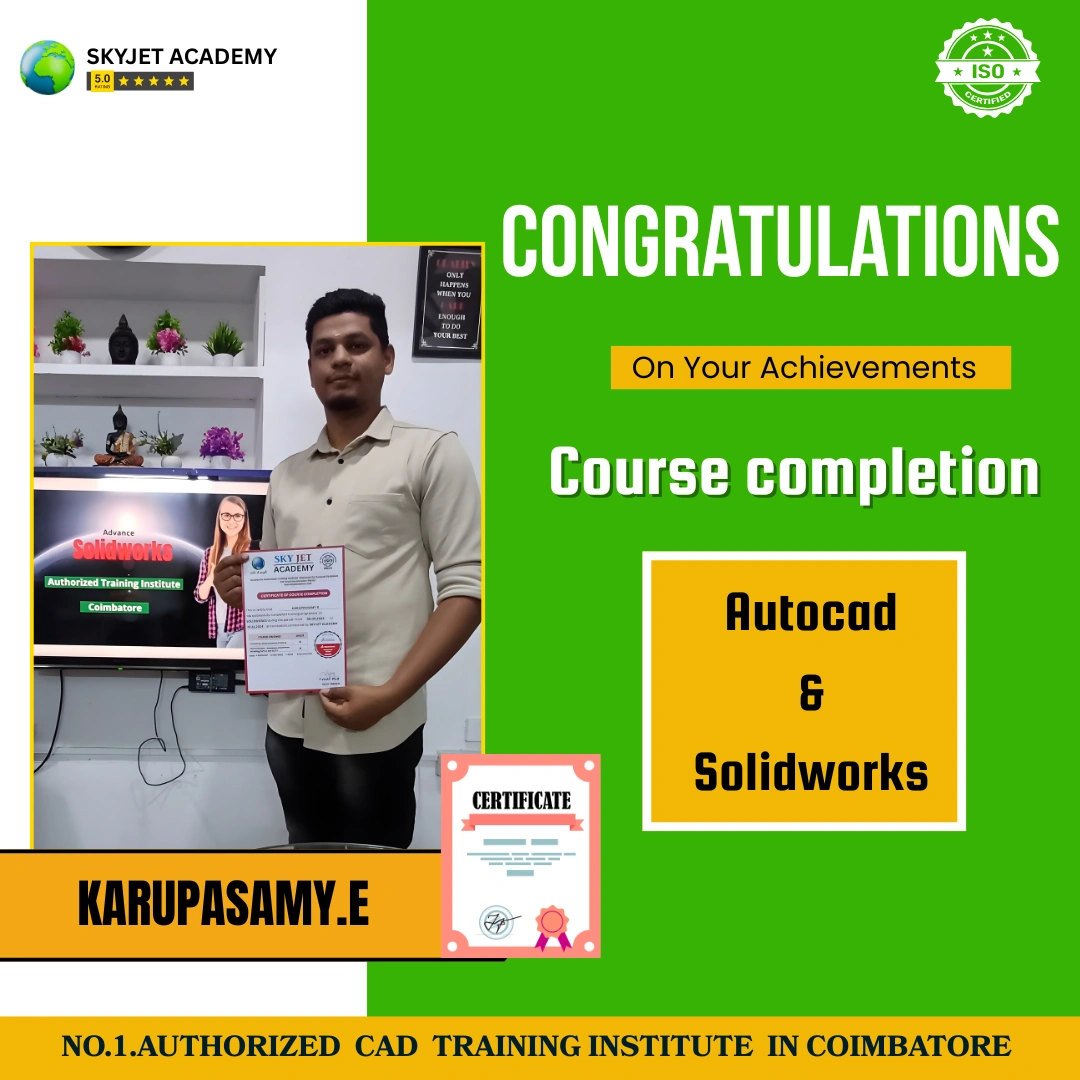
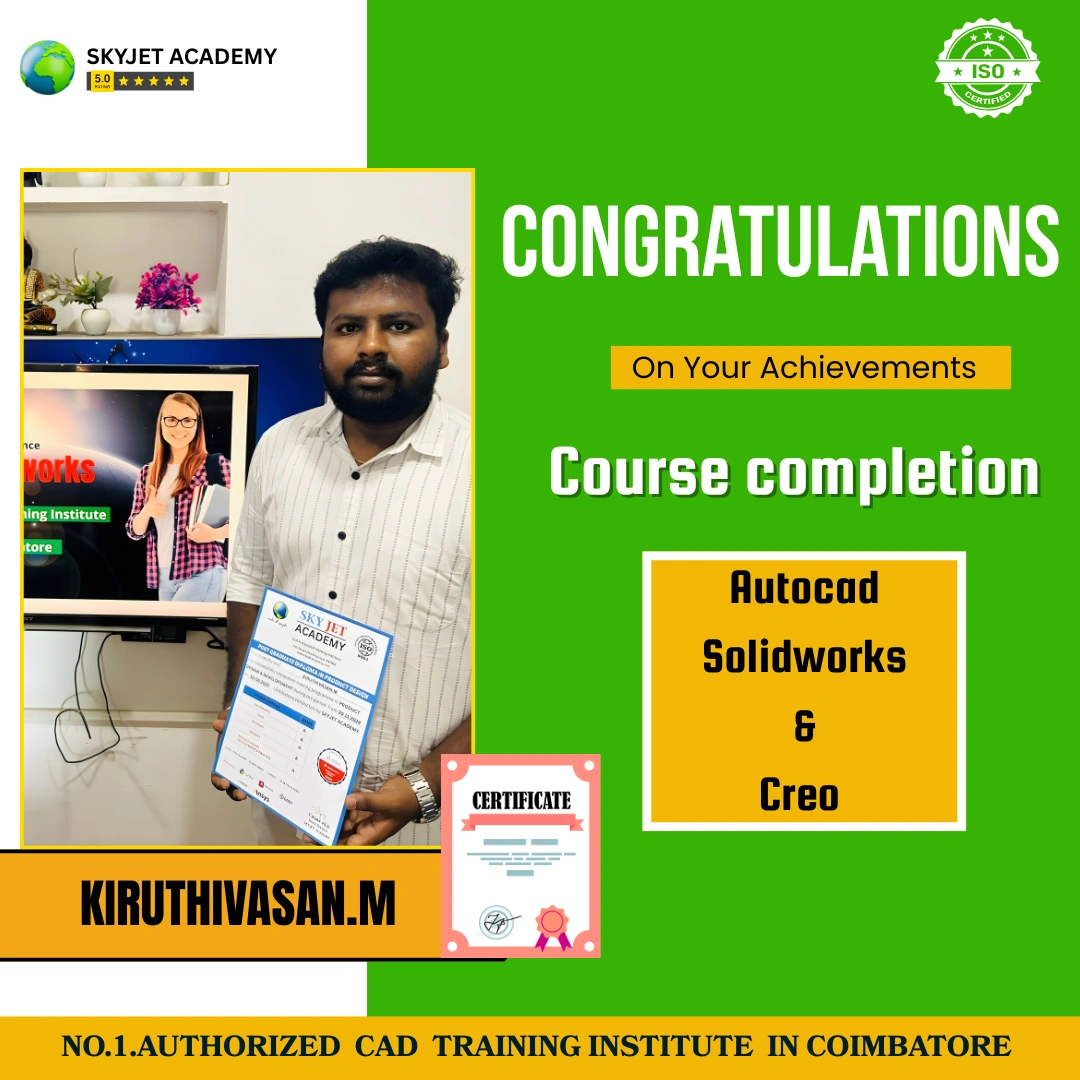
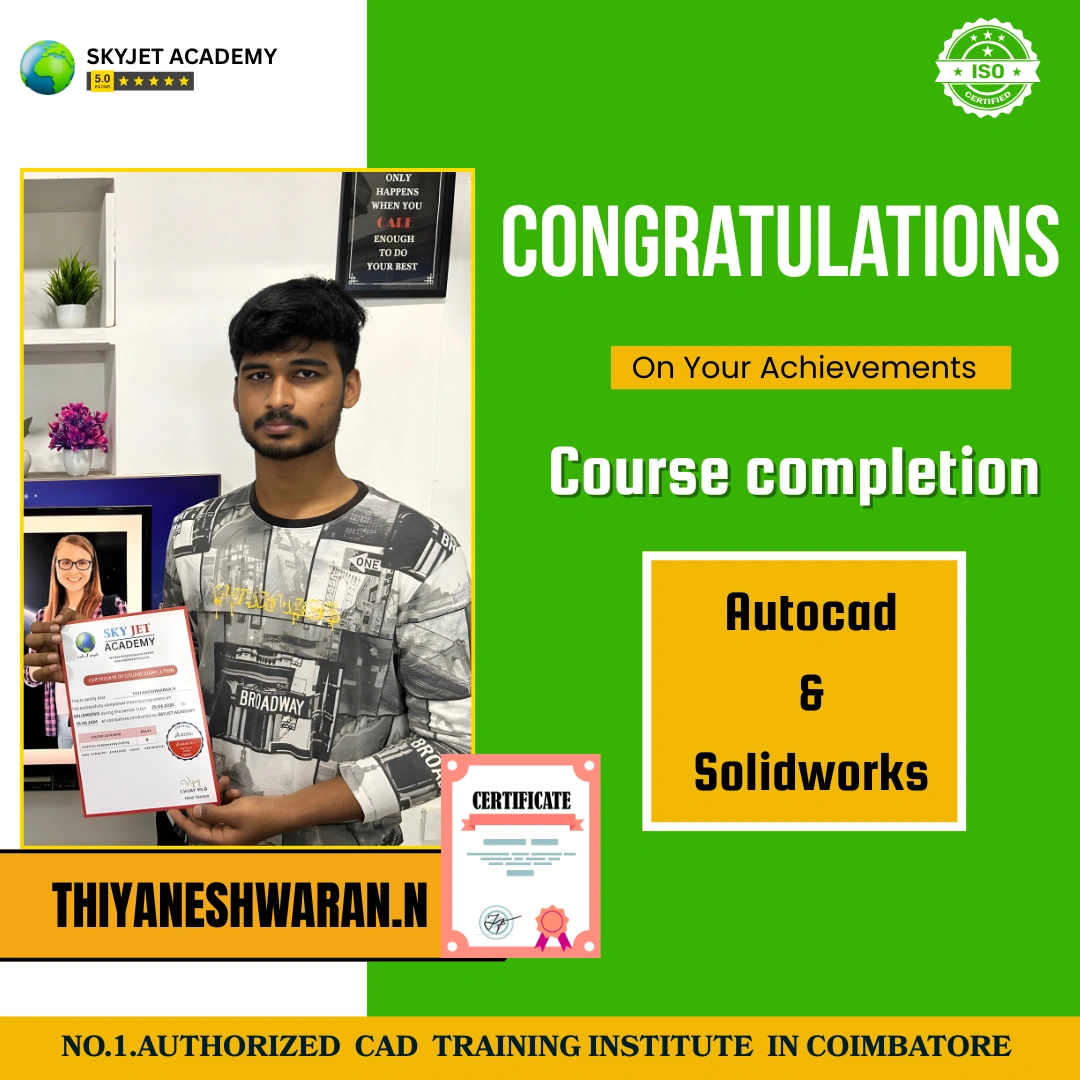
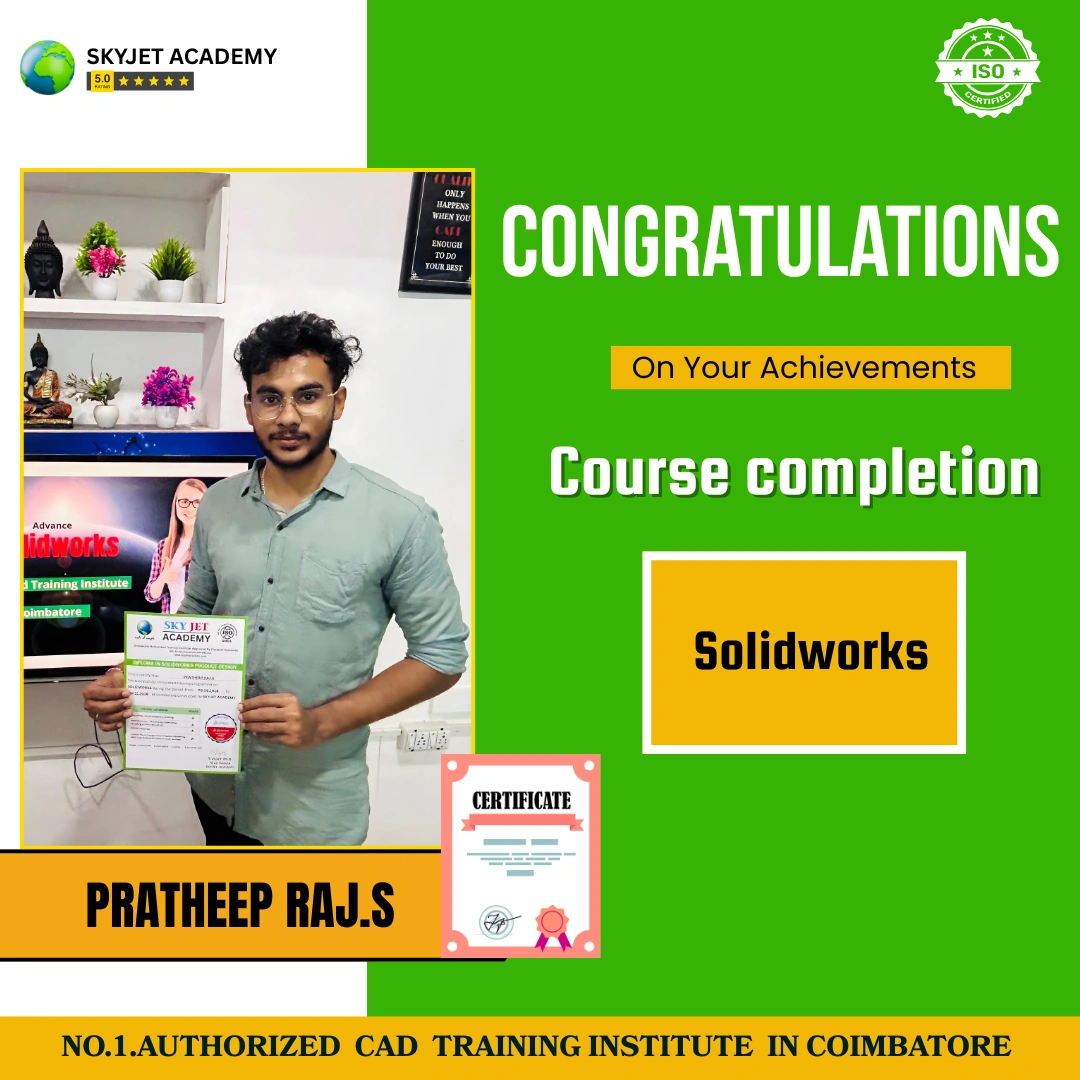
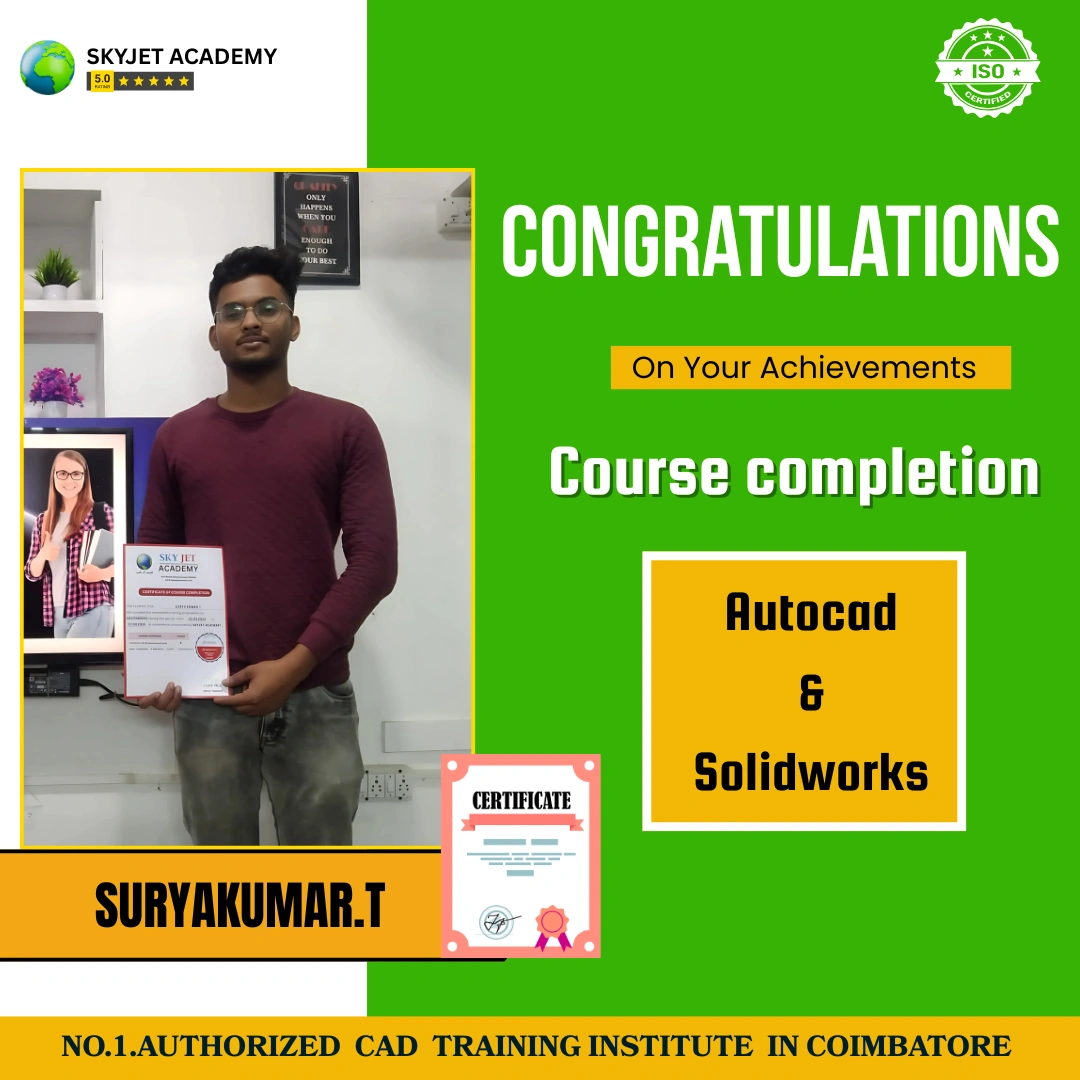
Our Successful ANSYS Students
Why Skyjet Academy?
Our Best Features and Advanced Teaching Method
Student Support Services
Free Demo Class
Attend a free ANSYS Workbench demo session and experience our teaching quality before enrolling.
Placement Guidance
Interview preparation, resume building and job placement assistance after course completion.
Study Materials
Complete ANSYS Workbench notes, project files and simulation reference materials for all students.
Instant Callback
Submit your details and our counsellor will call you within 30 minutes to guide you.
Our Courses
Register for ANSYS Course
Book your free demo class. Our team will contact you shortly.
Frequently Asked Questions – ANSYS Training
For More Details – ANSYS Course Enquiry
Skyjet Academy Location – Gandhipuram, Coimbatore
4th Crosscut, Gandhipuram, Coimbatore – 641012 | Call: +91 9597450440