

SolidWorks Training in Coimbatore – Skyjet Academy
Skyjet Academy offers the best SolidWorks training in Coimbatore with an industry-oriented 4-level curriculum designed for mechanical engineers, diploma students and freshers. Our SolidWorks course covers 3D part modelling, assembly, drafting, GD&T, simulation, sheetmetal, weldments, surface modelling and live industrial projects.
SolidWorks by Dassault Systèmes is the most widely used 3D CAD software in manufacturing, product design, automotive, aerospace and engineering industries. Skyjet Academy is an authorized training institute providing CSWA and CSWP certification training with real-time industrial project experience and 100% placement support.
We proudly serve students from Gandhipuram, Peelamedu, Saravanampatti, Singanallur, Tiruppur, Avinashi, Ondipudur, Ganapathy and nearby areas. Join Skyjet Academy and become a certified SolidWorks design professional.
SolidWorks Course Details
-
Duration
2–4 Months (4 Levels) -
Certification
CSWA / CSWP / ISO Recognized -
Placement
100% Placement Assistance -
Fees
Starting ₹17,800 | Combo Offers Available -
Batch Timings
Weekday | Weekend | Fast Track -
Location
4th Crosscut, Gandhipuram, Coimbatore
Authorized SolidWorks Training Institute
Industry-recognized SolidWorks training with CSWA, CSWP and ISO certification in Coimbatore
100% Placement Assistance
Dedicated placement support with interview preparation, resume building and mock tests
Industry Expert Trainers
Learn SolidWorks from experienced mechanical design professionals with strong industry background
4-Level Comprehensive Course Structure
Essential → Professional → Simulation & Analysis → Manufacturing & Production
Practical & Project-Based Learning
Real-time industrial SolidWorks projects covering mechanical, automotive and manufacturing domains
CSWA & CSWP Certification Preparation
Dedicated exam training with mock tests and full preparation for SolidWorks certification exams
Licensed Software & Smart Labs
Well-equipped computer labs with genuine SolidWorks licensed software
Affordable Fees with Combo Offers
Up to 50% combo offer when combined with AutoCAD, CATIA or CREO courses
Trusted by 1000+ Students Since 2013
Strong student reviews and success stories from Coimbatore and nearby areas
Best SolidWorks Training Institute in Gandhipuram, Coimbatore
Skyjet Academy is the best SolidWorks training institute in Gandhipuram, Coimbatore providing industry-oriented SolidWorks training for mechanical engineers, diploma students and job seekers. Our SolidWorks course covers 3D part modelling, assembly, drafting, GD&T, simulation analysis, sheetmetal, weldments and live industrial projects with CSWA, CSWP certification training and 100% placement support. SolidWorks course fees start from ₹17,800 with combo discounts up to 50%. We serve students from Gandhipuram, Peelamedu, Saravanampatti, Singanallur, Tiruppur, Avinashi, Ondipudur, Ganapathy and nearby areas in Tamil Nadu.
SolidWorks Course Details & Fees
| Level | Duration | Starting Fees | Certification | Placement |
|---|---|---|---|---|
| Level 1 – Essential | 1 Month | ₹16800 | ISO / Industry Recognized | ✅ 100% |
| Level 2 – Professional | 1 Month | Combo Offer | CSWA Certification Training | ✅ 100% |
| Level 3 – Simulation & Analysis | 1 Month | Combo Offer | ISO / Industry Recognized | ✅ 100% |
| Level 4 – Manufacturing & Production | 1 Month | Combo Offer | CSWP / CSWE Training | ✅ 100% |
* Combo discounts up to 50% available. Call +91 9597450440 for current offers.
SolidWorks Course Syllabus
SolidWorks Level 1 – Essential
SolidWorks Level 2 – Professional
SolidWorks Level 3 – Simulation & Analysis
SolidWorks Level 4 – Manufacturing & Production
SOLID WORKS TUTORIAL HUB
Free video tutorials covering AutoCAD, SolidWorks, Creo, CATIA, GD&T, Product Design, Surface Modelling, and Engineering Projects.
- Learn at your own pace
- Industry-oriented exercises
- Beginner to Advanced Level
500+
Tutorial Videos10,000+
Students Trained15+
Solid Works Courses2D

3D
CSWA ( Advanced Design )

CSWA ( Advanced Assembly design )
Weldment
Sheetmetal
Molding

Surface
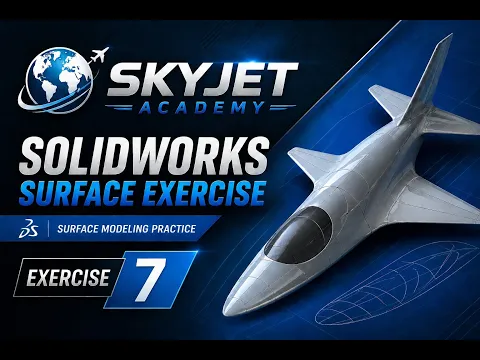
SOLID WORKS TUTORIAL HUB
Free video tutorials covering AutoCAD, SolidWorks, Creo, CATIA, GD&T, Product Design, Surface Modelling, and Engineering Projects.
- Learn at your own pace
- Industry-oriented exercises
- Beginner to Advanced Level
500+
Tutorial Videos10,000+
Students Trained15+
Solid Works CoursesSolidWorks Advanced Course Syllabus
×- Solidworks Introduction
- Units
- Apply Scene Settings
- Plane Introduction
- Line
- Center Line
- Mid Line
- Circle
- Corner Rectangle
- Center Rectangle
- Center Point Arc
- Tangent Arc
- 3 Point Arc
- Trim-Power trim
- Trim to Colset
- Fully Defined Concept
- Shortcuts
- Relation
- Slot Straight
- Center Point Slot
- 3 Point Arc Slot
- Center Point Arc Slot
- Linear Pattern
- Circular Pattern
- Mirror
- Fillet
- Chamber
- Offset
- 3 Point Corner Rectangle
- 3 Point Center Rectangle
- Parallelogram
- Perimeter Circle
- Polygon
- Spline
- Style Spline
- Ellipse
- Parabola
- Conic
- Text
- Point
- Move
- Copy
- Rotate
- Scale
- Strength
- Stretch Entities
- Quick Snap
- Center Point
- Mid Point
- Quadrant
- Intersection
- Nearest
- Tangent
- H/V Point
- Grid Snap
- Trim-Corner
- Trim Away Inside
- Trim Away Outside
- Instant 2D
- Repair Sketch
- Revision
- Drawing Method
- Natural Plane
- Artificial Plane
- Surface Plane
- Parallel Plane
- Inclined Plane
- Mid Plane
- Diagonal Plane
- Extrude Boss
- Extrude Cut
- Fillet
- Chamber
- Rib
- Zoom Fit
- Zoom to Area
- Previous View
- Section View
- View Orientation
- Display Style
- Hide All Types
- Appearance
- Apply Scene
- View Settings
- Isometric
- Trimetric
- Dimetric
- Linear Pattern
- Circular Pattern
- Mirror
- Curve Driven Pattern
- Revolve
- Revolve Cut
- Axis
- Point
- Coordinates
- Draft
- Shell
- Helix
- Spiral
- Sweep
- Swept Boss
- Swept Cut
- Loft
- Loft Cut
- Boundary
- Boundary Cut
- Sketch Driven
- Table Driven
- Fill Pattern
- Variable Pattern
- Hole Wizard
- Advance
- Thread
- Intersect
- Wrap
- Cosmetic Thread
- Split Line
- Project Curve
- Composite Curve
- Curve through X,Y,Z Point
- Curve through Reference Point
- Revision and Discussion
- CSWA Question Paper Discussion
- Insert Components
- Standard Mates
- Copy Components
- Move
- Rotate Components
- Copy with Mates
- Explode View
- Smart Fasteners
- Design Library
- Profile Center
- Symmetric
- Width
- Path Mate
- Linear
- Limit
- Angle Mate
- Cam
- Slot
- Hinge
- Gear
- Rack and Pinion
- Screw
- Universal Joint
- Assembly Revision
- CSWA Assembly Question Practice
- Motor
- Spring Gear
- Contact
- Gravity
- Motion Study Properties
- Bill of Material
- Standard Sheet Size Settings
- Scale Ratio
- Standard 3 View
- Model View
- Project View
- Auxiliary View
- Section View
- Removed Section
- Detail View
- Broken-out Section
- Break View
- Crop View
- Alternate Position View
- View Palette Method
- Edit Sheet Format
- Image Insert
- PDF Generates
- Annotation
- Smart Dimension
- Auto Dimension
- Trim Expert
- Model Items
- Tables
- General Tables
- Bill of Material
- Center Mark
- Center Line
- Area Hatch and Fill
- Note(A)
- Balloon
- Auto Balloon
- Magnetic Line
- GD & T
- Datum Feature
- Datum Target
- Hole Callout
- 3D Sketch
- Structural Member
- Weldments
- Trim and Extend
- End Cap
- Gusset
- Weld Bead
- Base Flange Tab
- Edge Flange
- Miter Flange
- Hem
- Jag
- Sketched Bend
- Cross Break
- Swept Flange
- Lofted Bend
- Corners
- Convert to Sheetmetal
- Sheet Metal Gusset
- Tab and Slot
- Vent
- Normal Cut
- Flat and Unfold
- Flat
- Forming Tool
- No Bends
- Rip
- Insert Bends
- Draft Analysis
- Undercut Analysis
- Parting Analysis
- Scale
- Draft
- Parting Line
- Shut-off Surface
- Parting Surfaces
- Tooling Split
- Core
- Revision
- Planer Surface
- Offset Surface
- Ruled Surface
- Filled Surface
- Knit Surface
- Exclude Surface
- Revolved Surface
- Swept Surface
- Loft Surface
- Boundary Surface
- Free Form
- Surface Flatten
- Delete Face
- Replace Face
- Extend Surface
- Trim Surface
- Untrim Surface
- Thicken
- Thickened Cut
- Cut with Surface
- Static
- Force Analysis
- Torque
- Pressure
- Gravity
- Compare Results
- Plot Tools
- Report Generation
- Thermal
- Frequency
- Buckling
- Fatigue
- Non-Linear
- Drop Test
- Internal
- External
- Revision
- Project
Software & Tools Covered
Everything you learn in this SolidWorks training programme
SolidWorks 3D
Assembly Design
Simulation
Sheetmetal
GD&T
CSWA / CSWP
Weldments
Flow Analysis
Our Achievements
0
Students Trained
100%
Placement Support
0
Years Experience
5/5
Google Rating
Certified
Expert Trainers
Our Hiring Partners



Career Opportunities After SolidWorks Training
Product Design Engineer
Design mechanical components and assemblies using SolidWorks in manufacturing companies
Automotive Design Engineer
Design vehicle components, fixtures and tooling for leading automobile manufacturers
Simulation Engineer
Perform FEA, stress analysis and flow simulation for product validation in R&D companies
Sheetmetal Design Engineer
Design sheetmetal enclosures, panels and fabrication components for manufacturing industries
Mechanical Design Engineer
Create detailed 3D models, assemblies and engineering drawings for precision components
CSWA / CSWP Certified Designer
Work as a globally certified SolidWorks designer in top multinational engineering companies
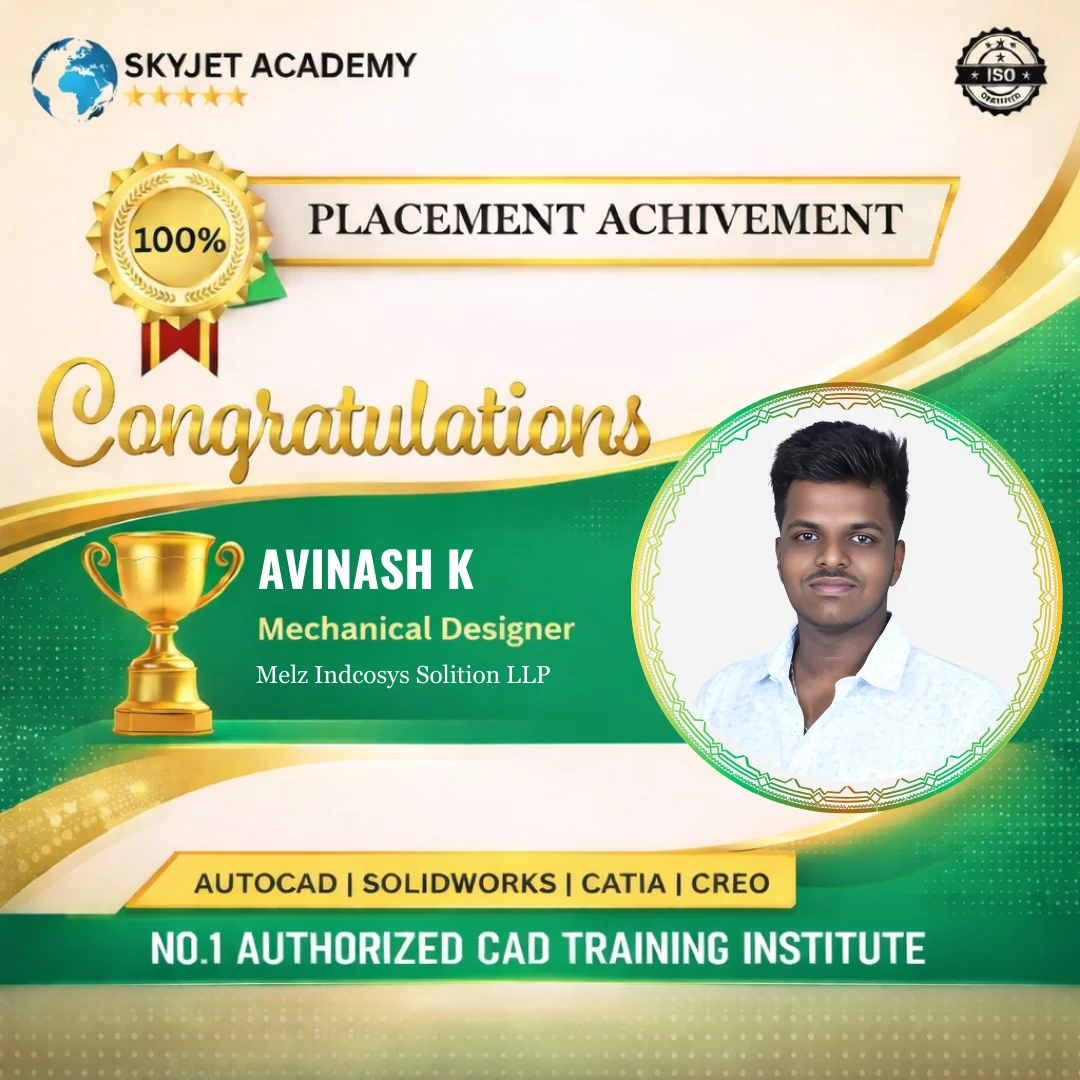
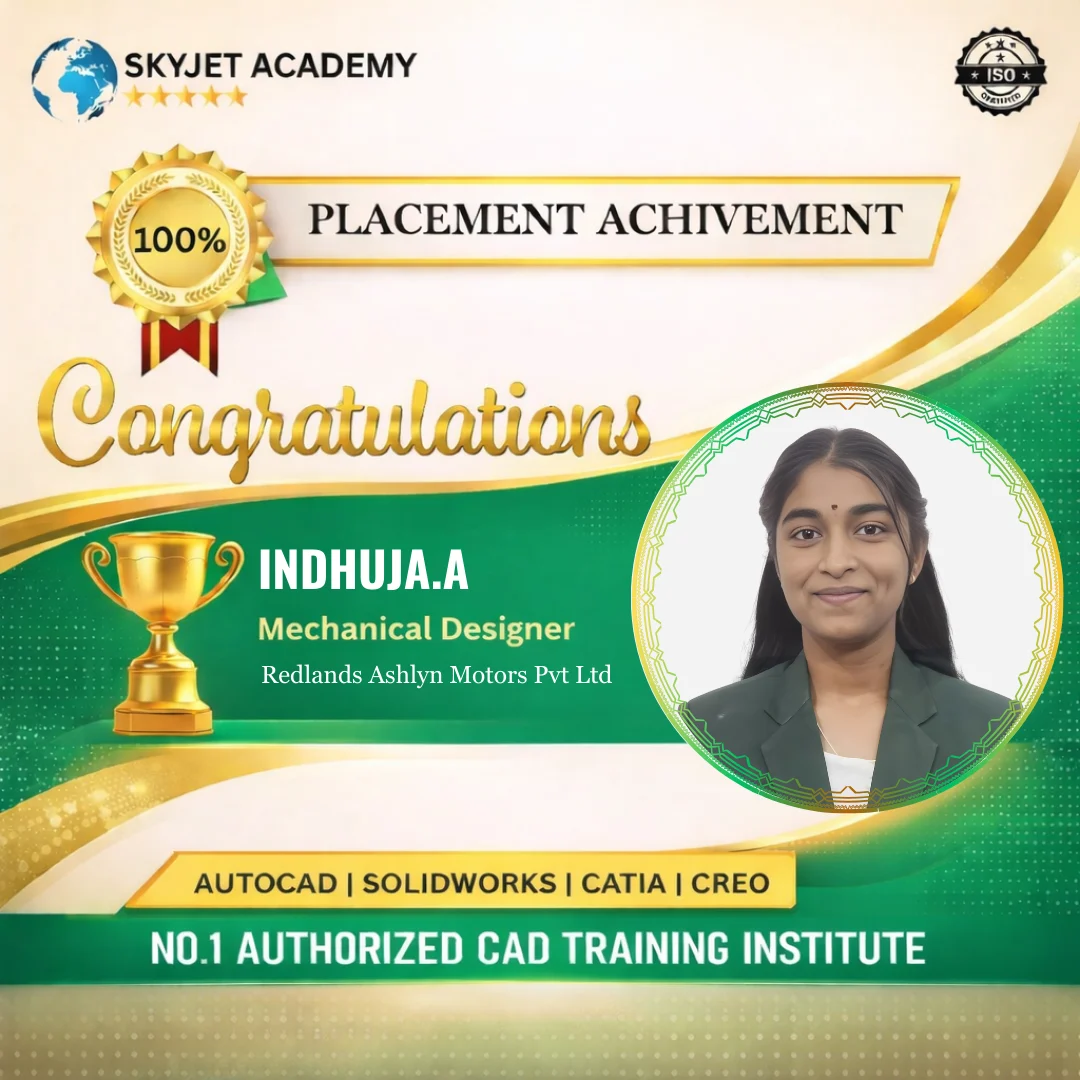
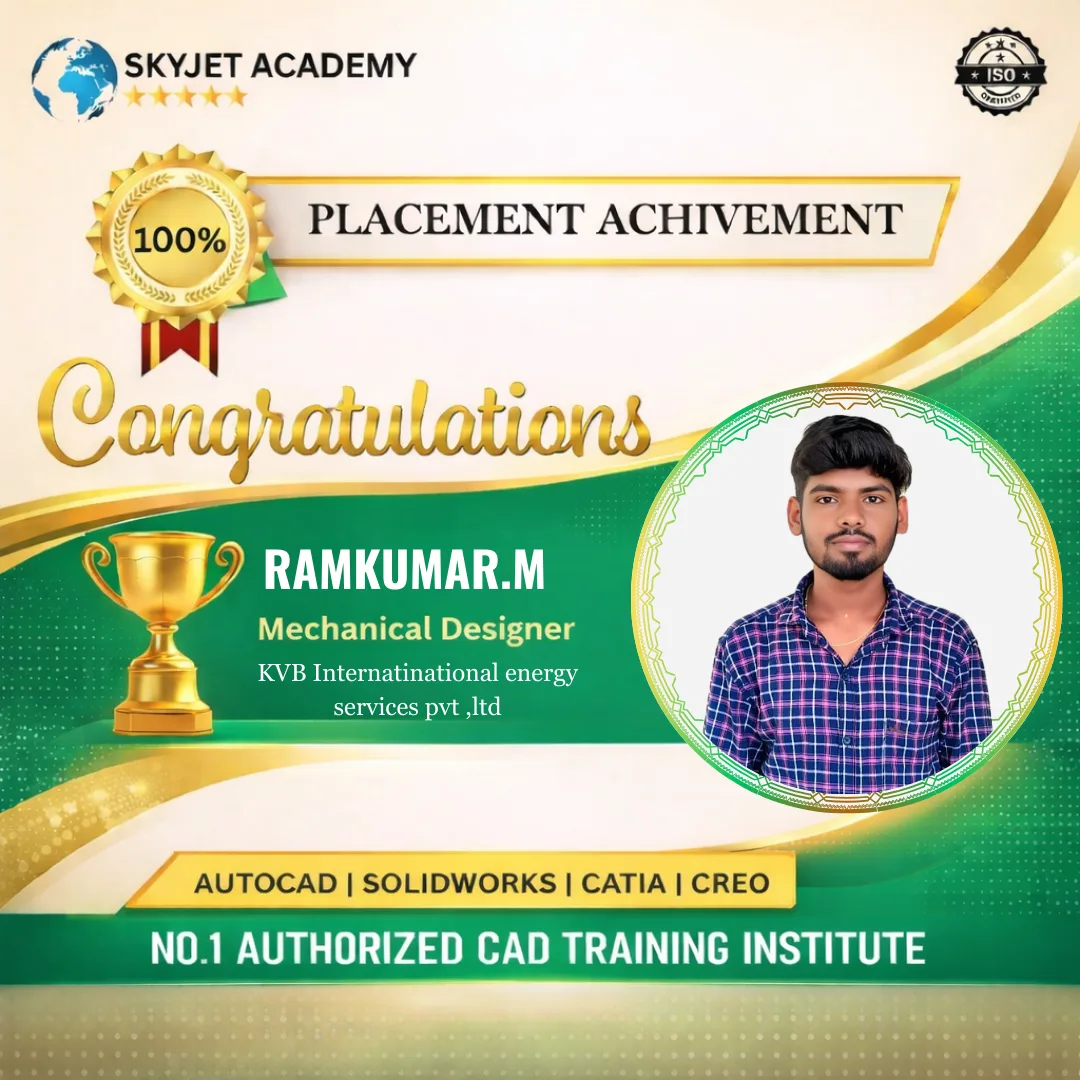
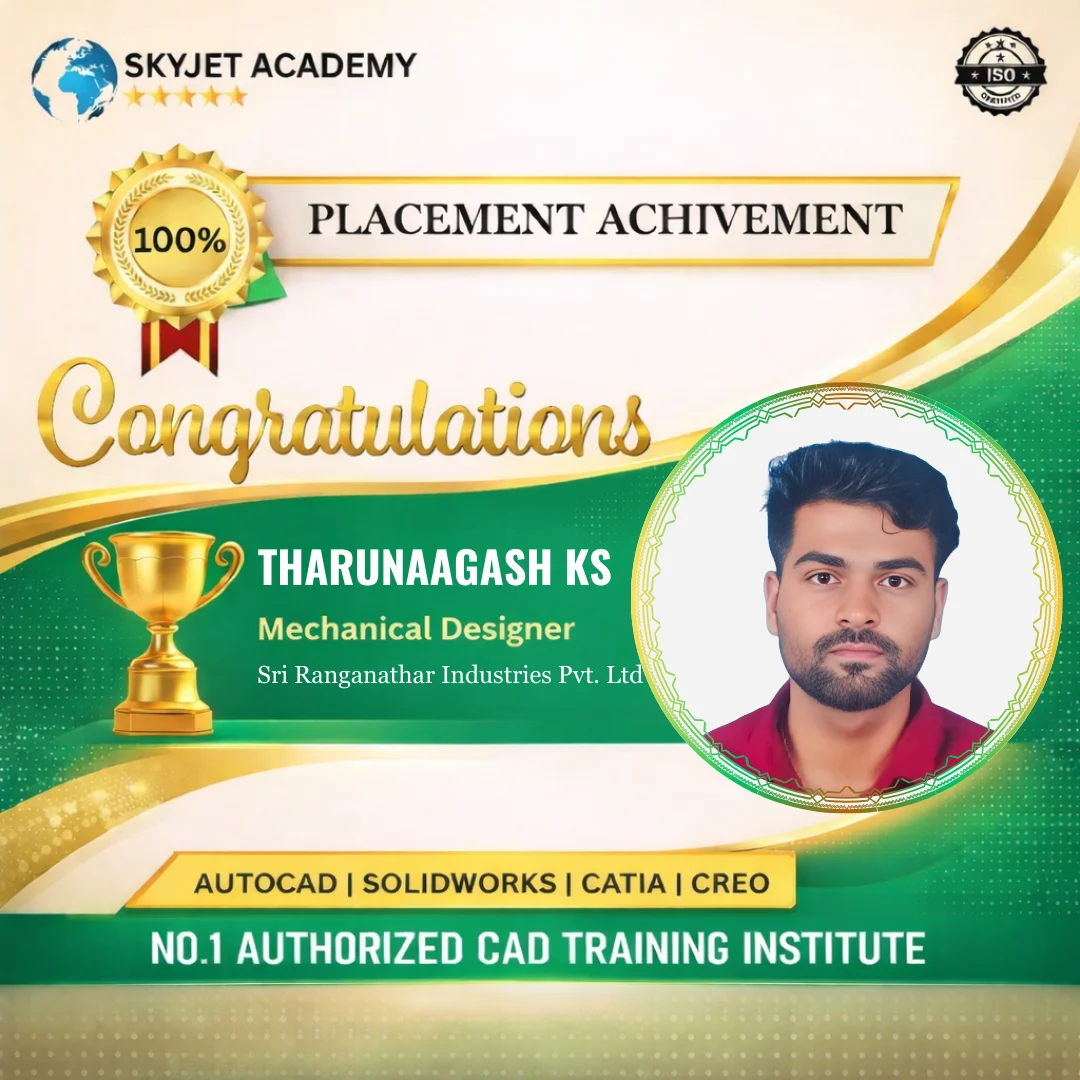
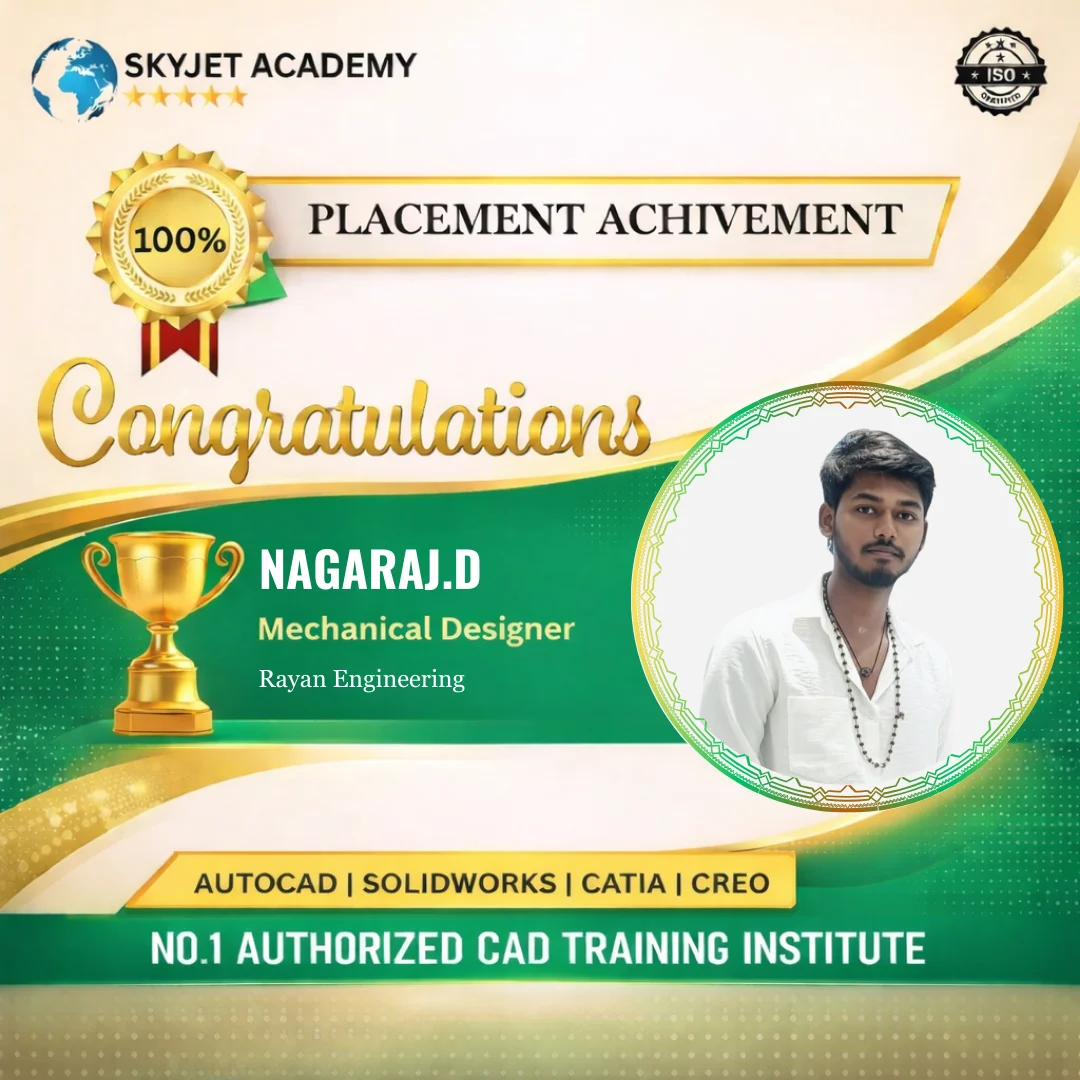
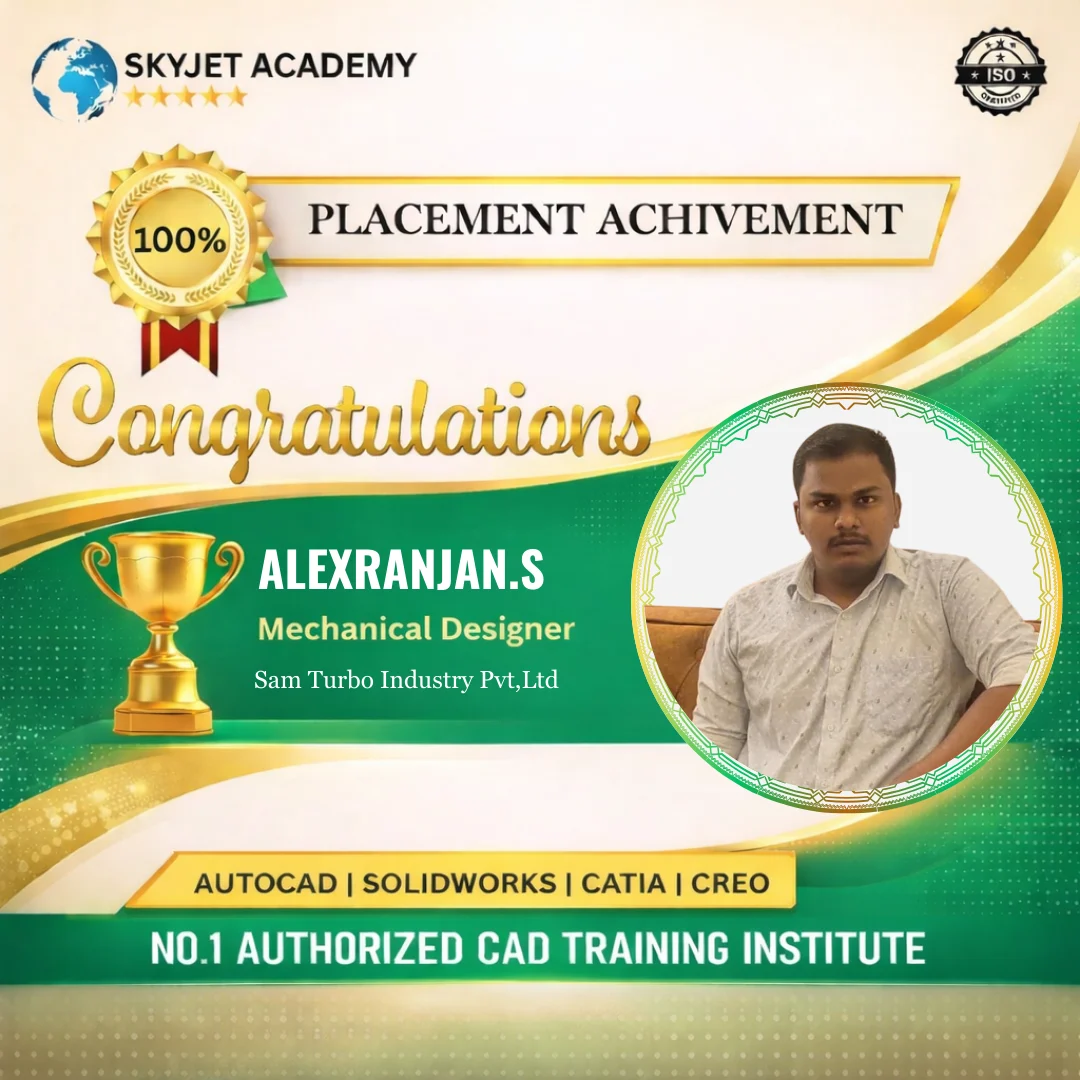
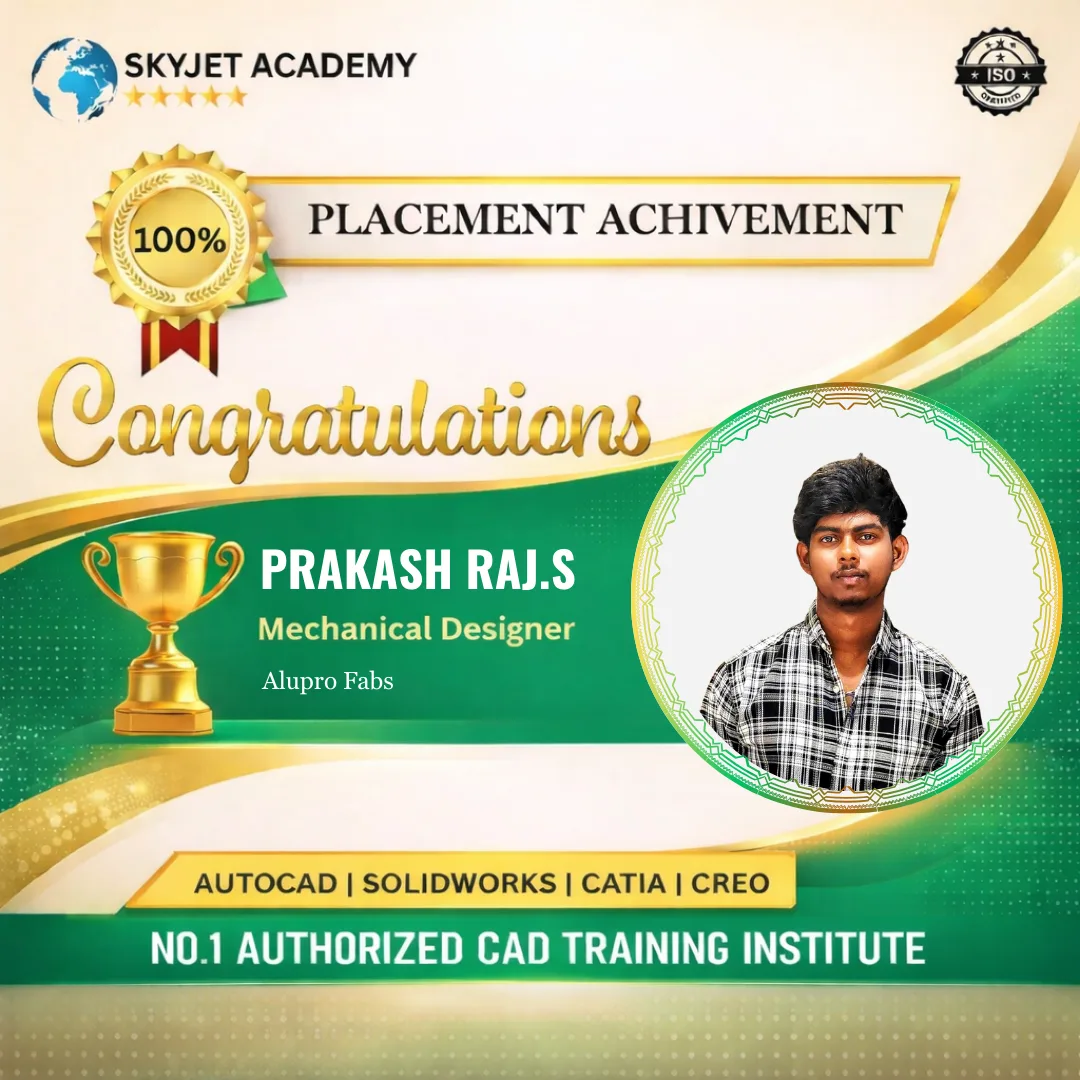
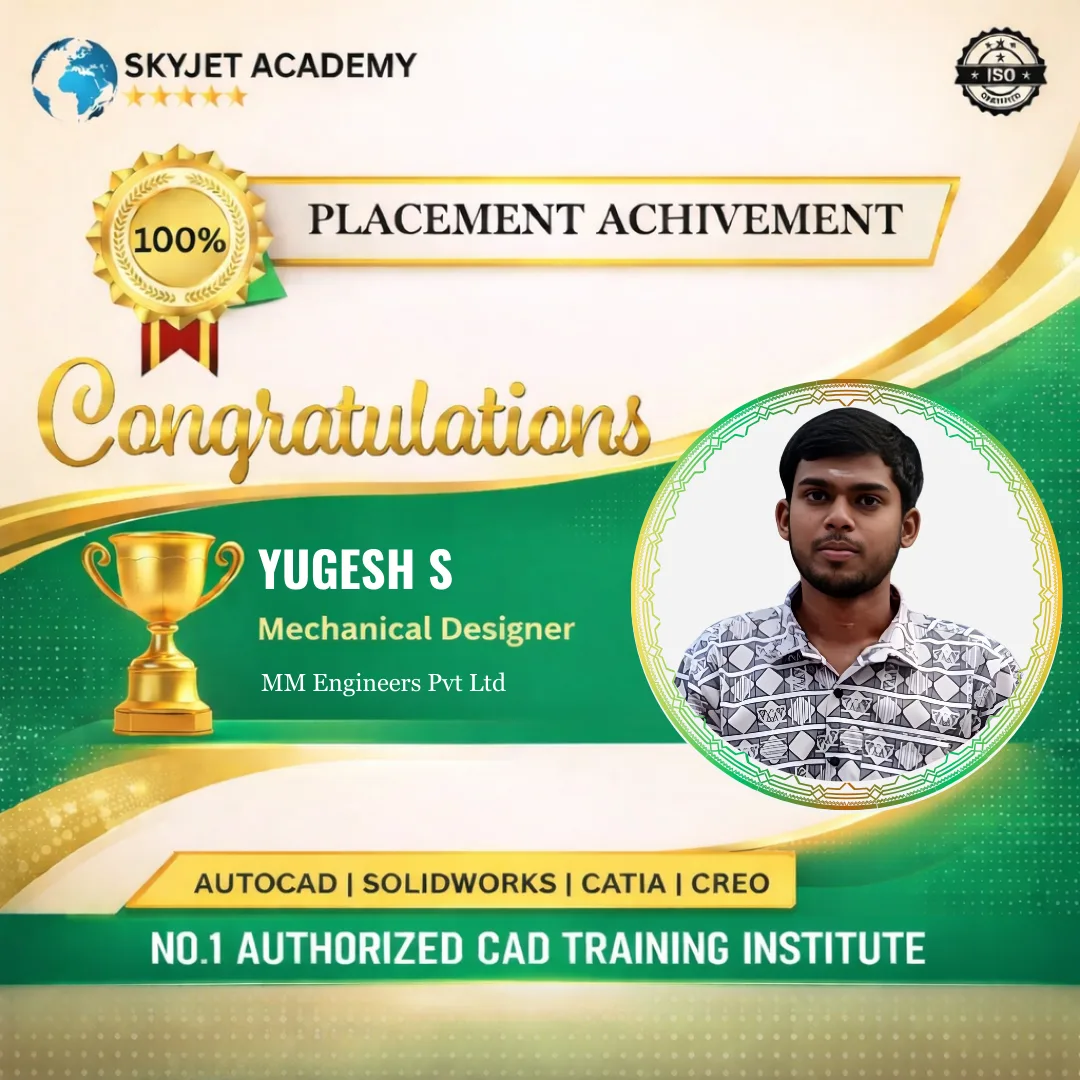
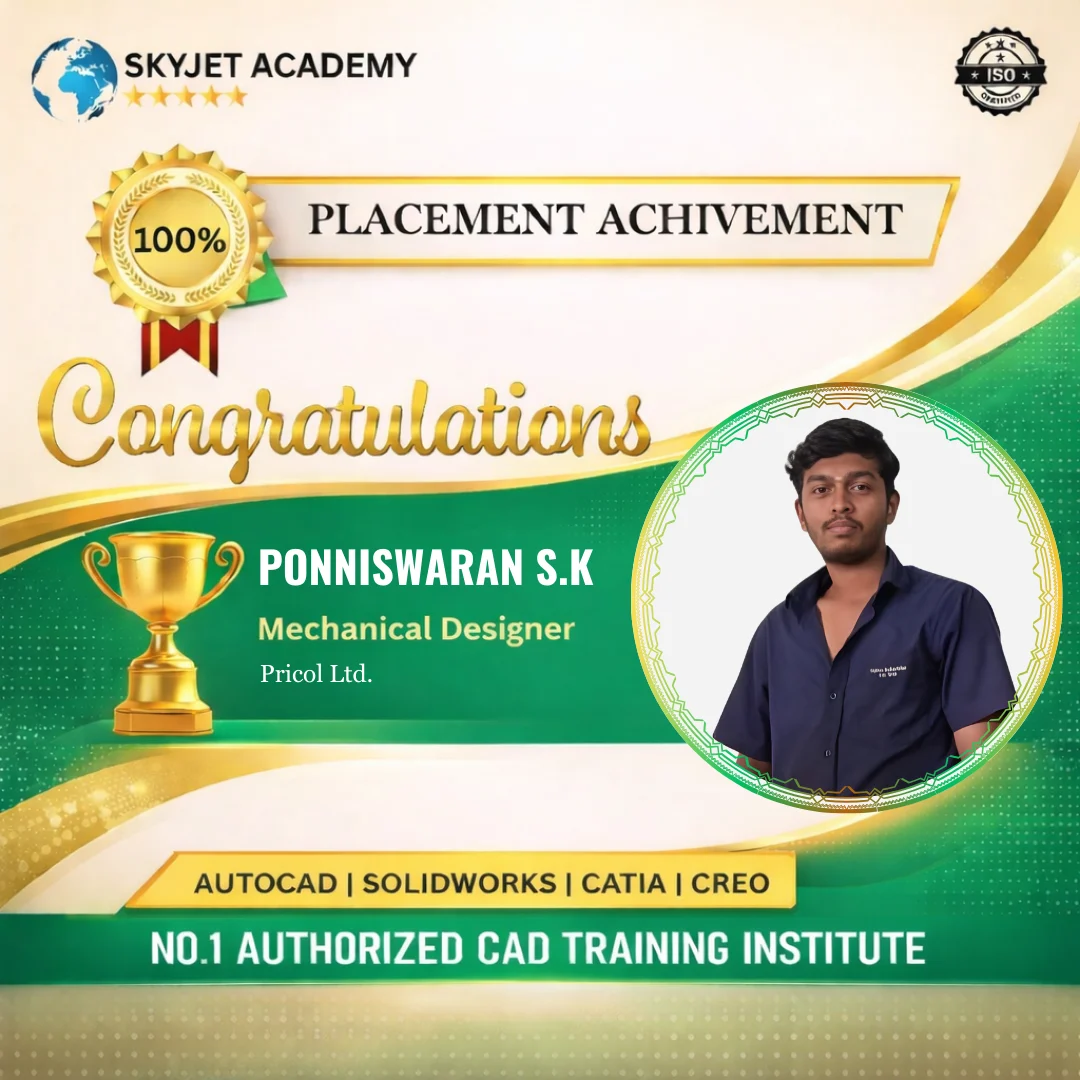
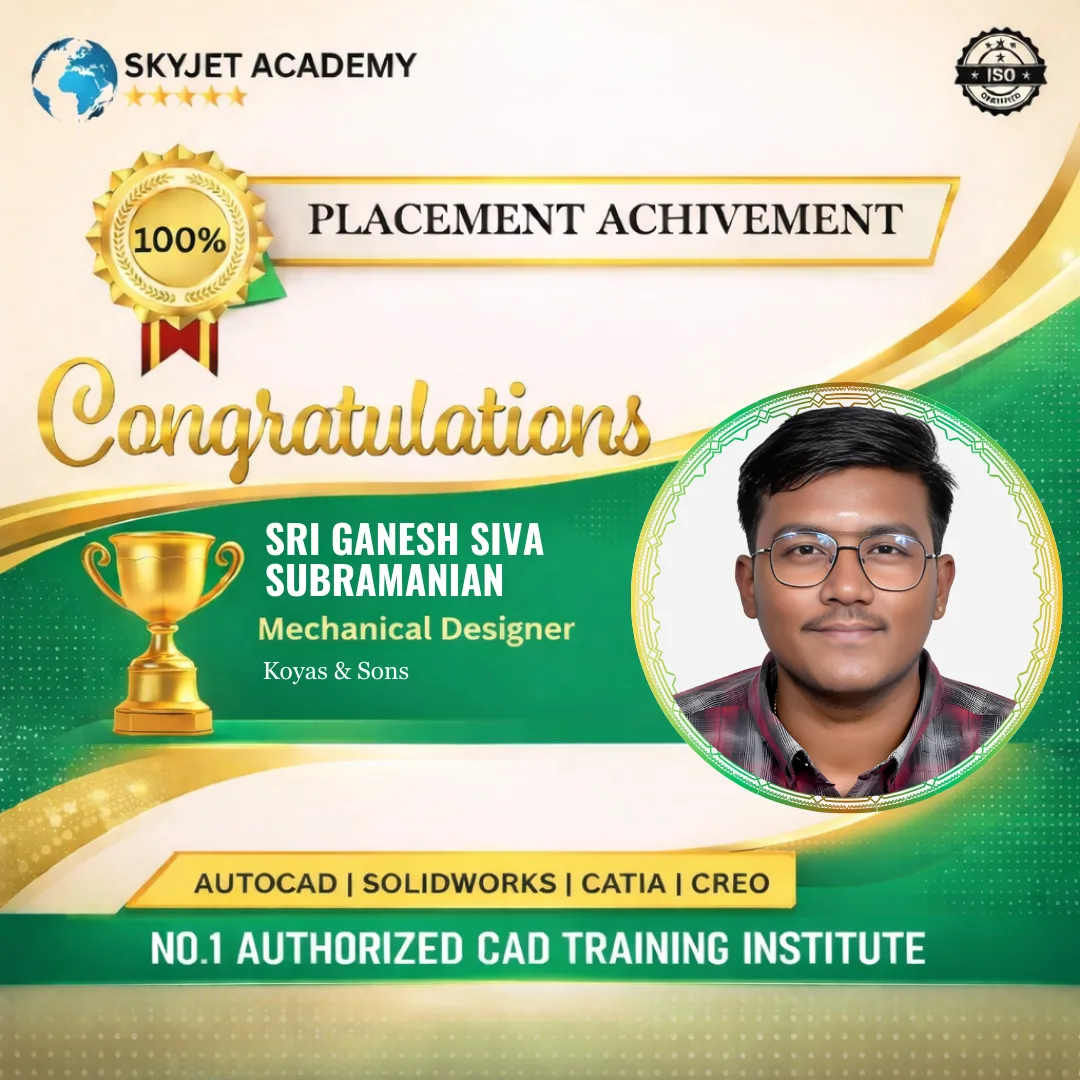
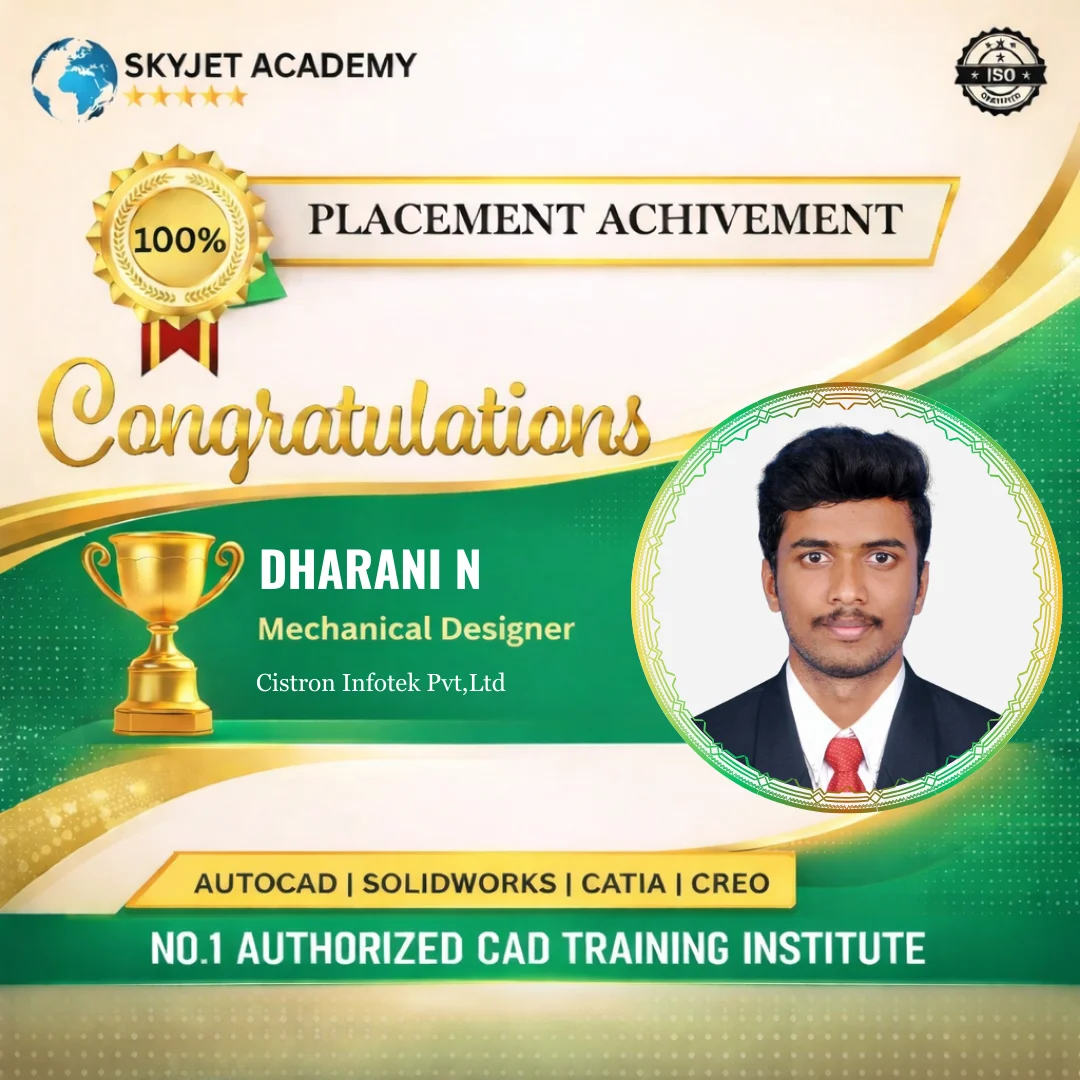
Placement Achievements
Student Testimonials
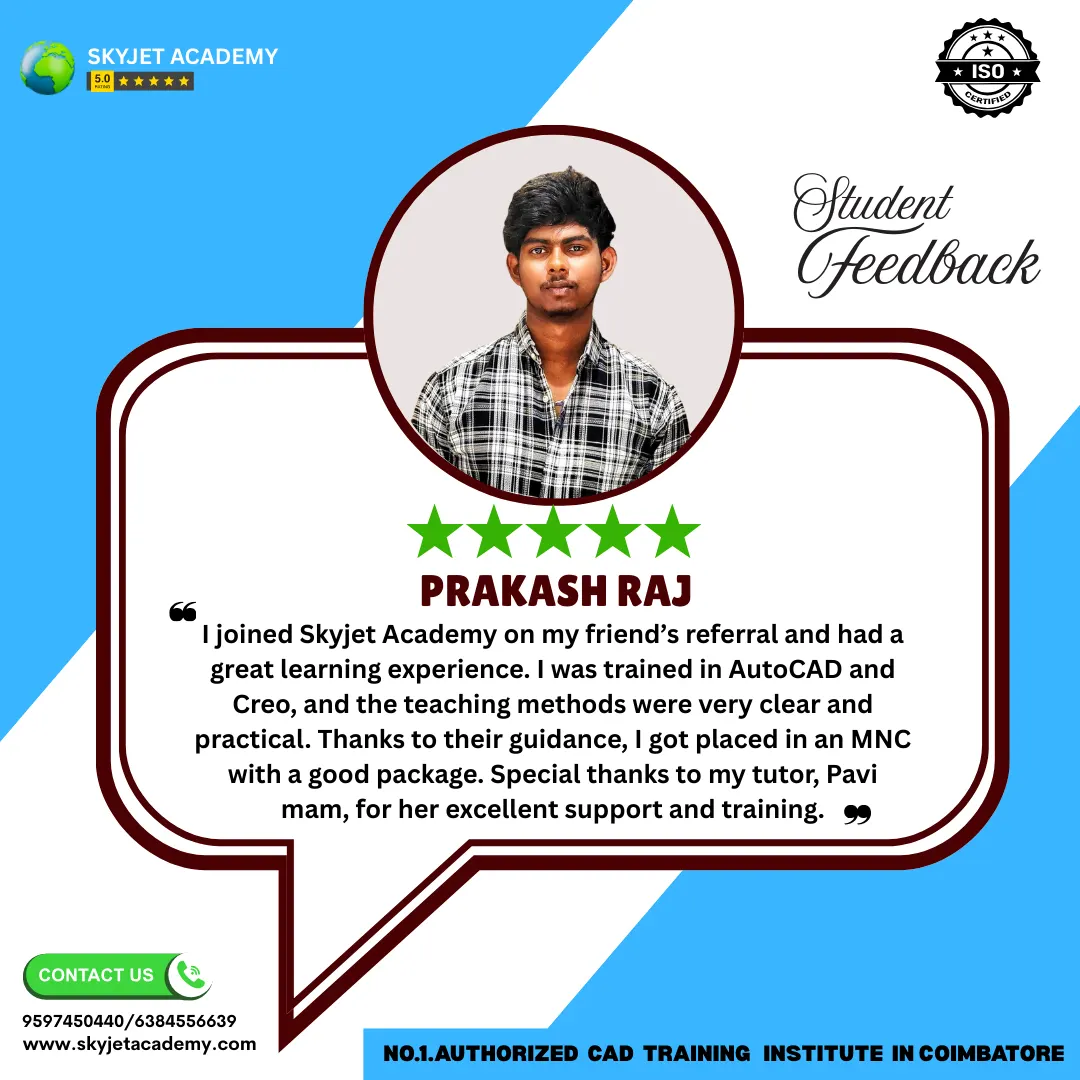
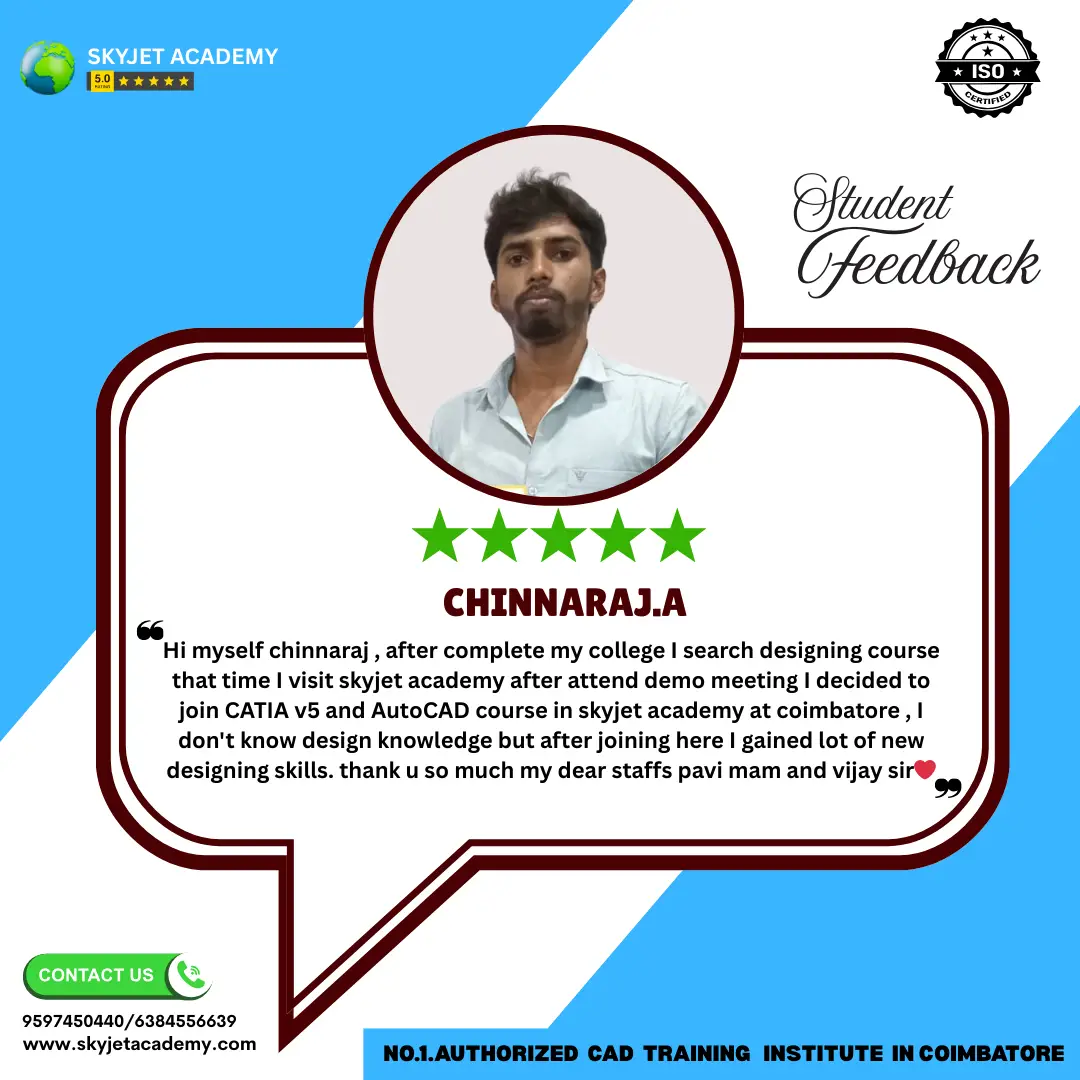
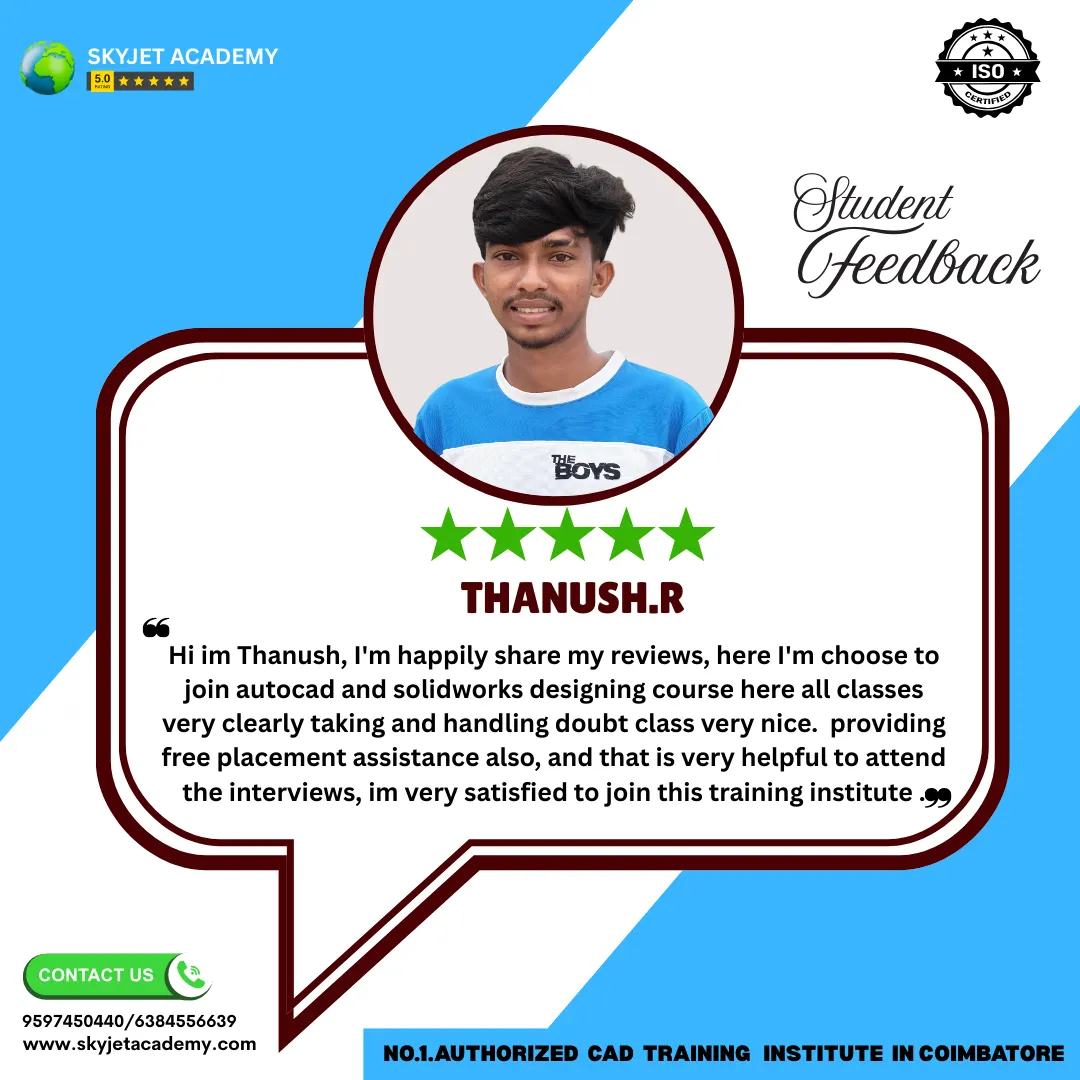

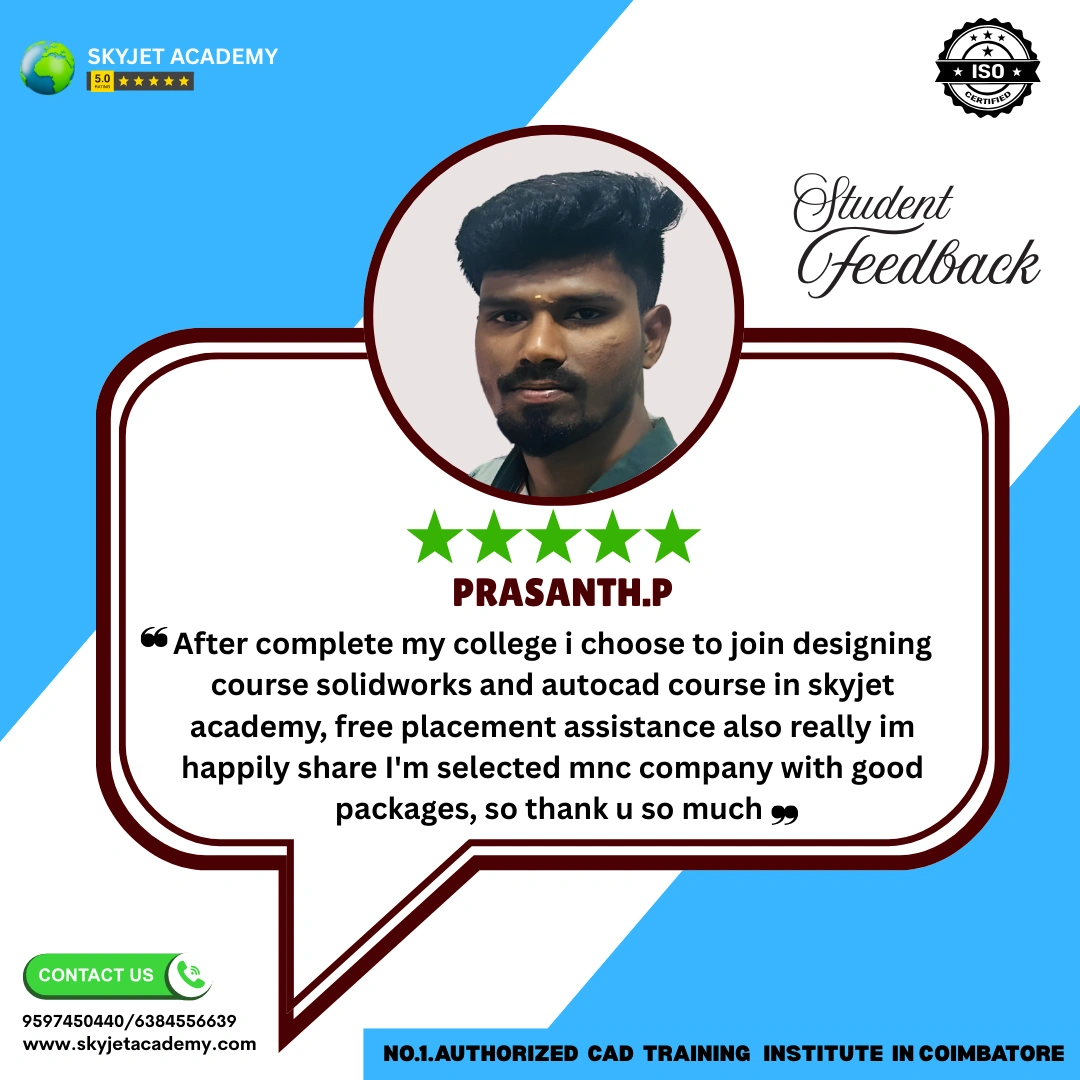
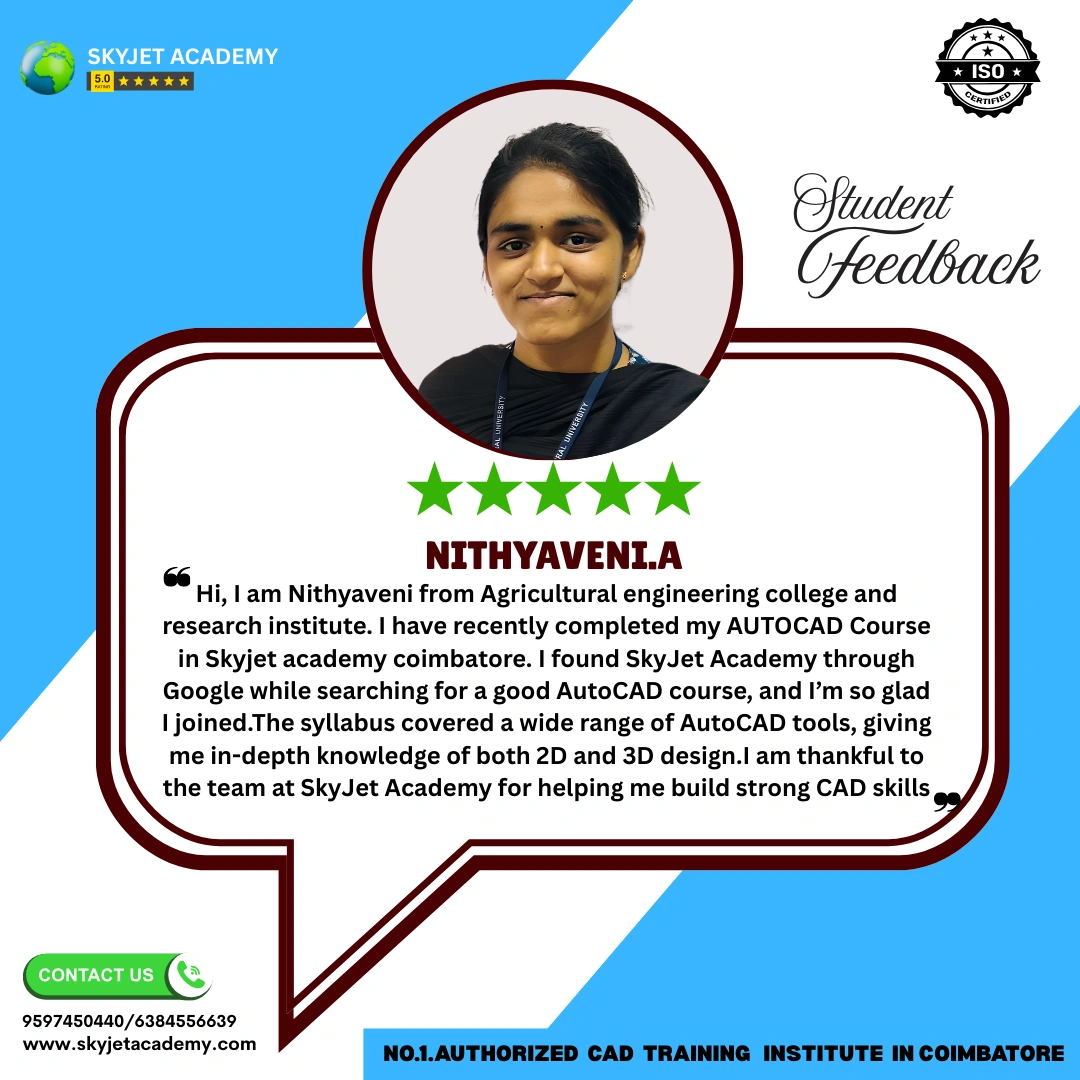
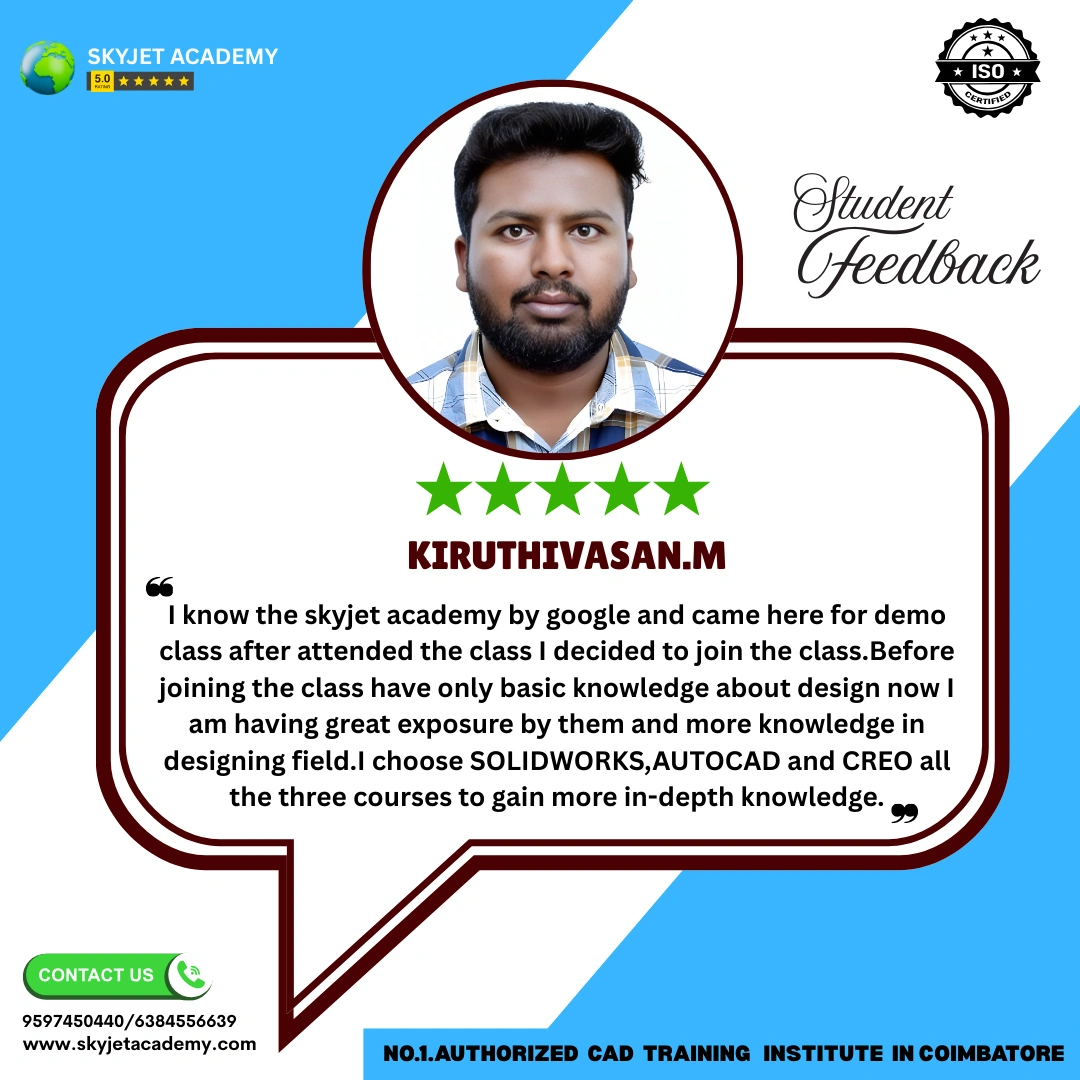

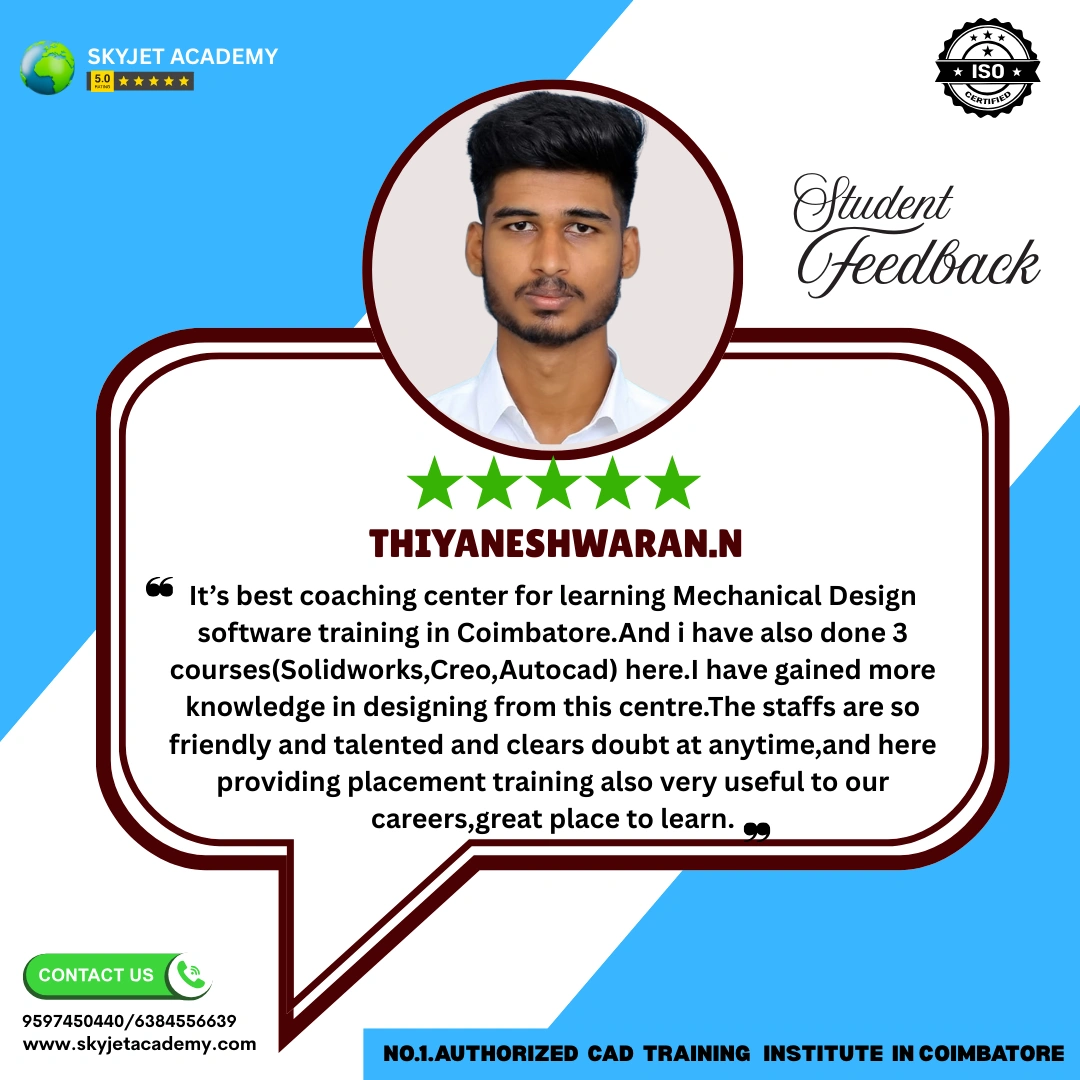
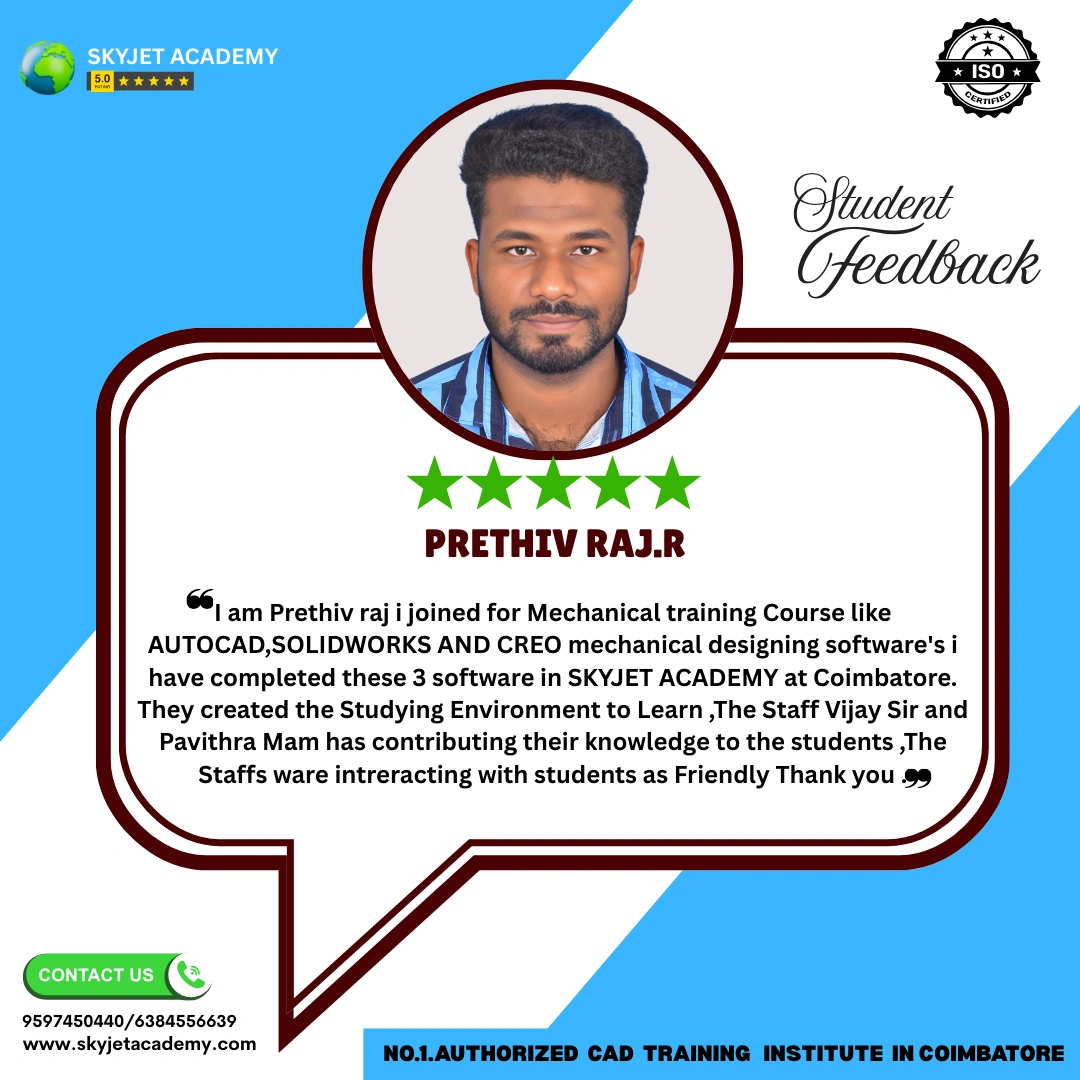
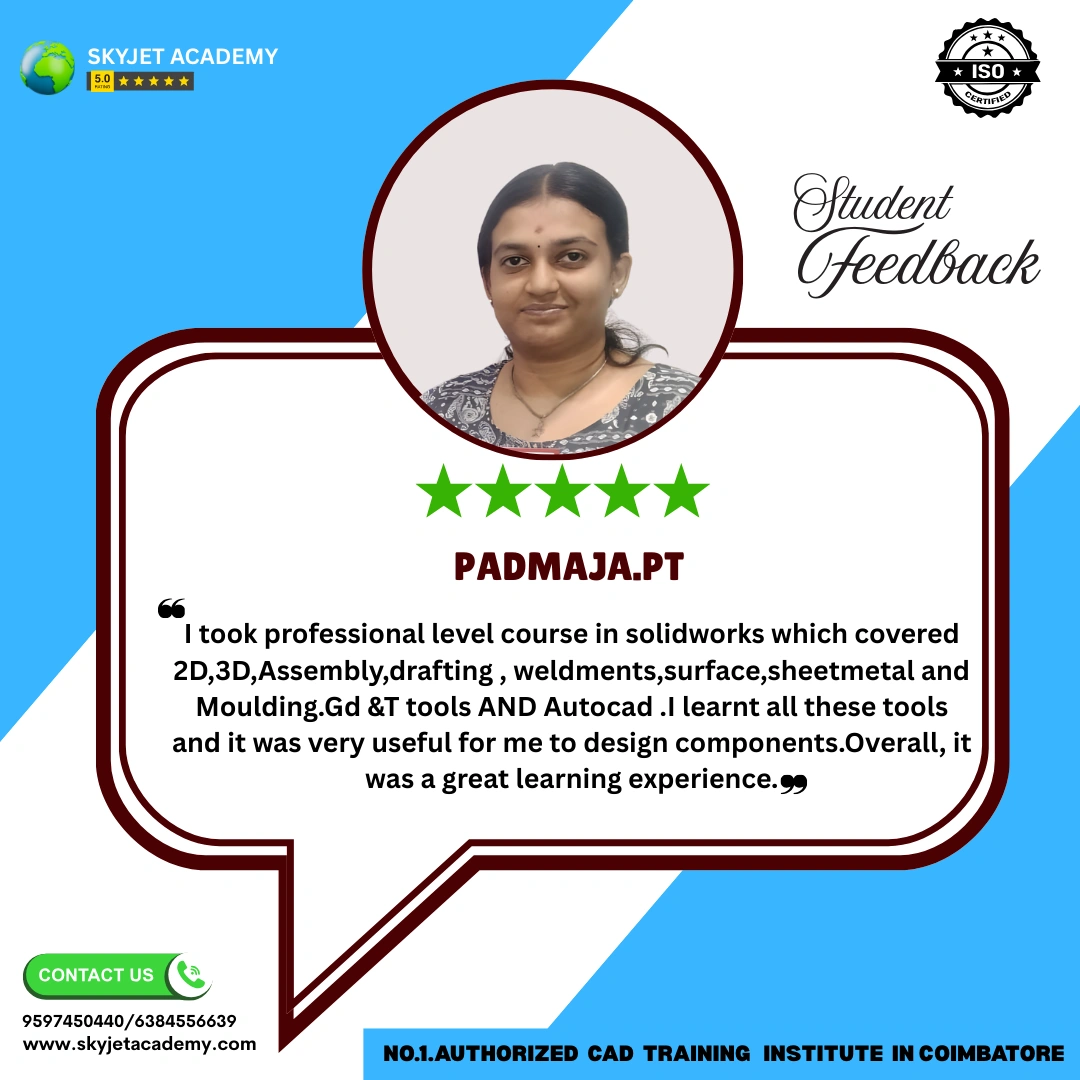
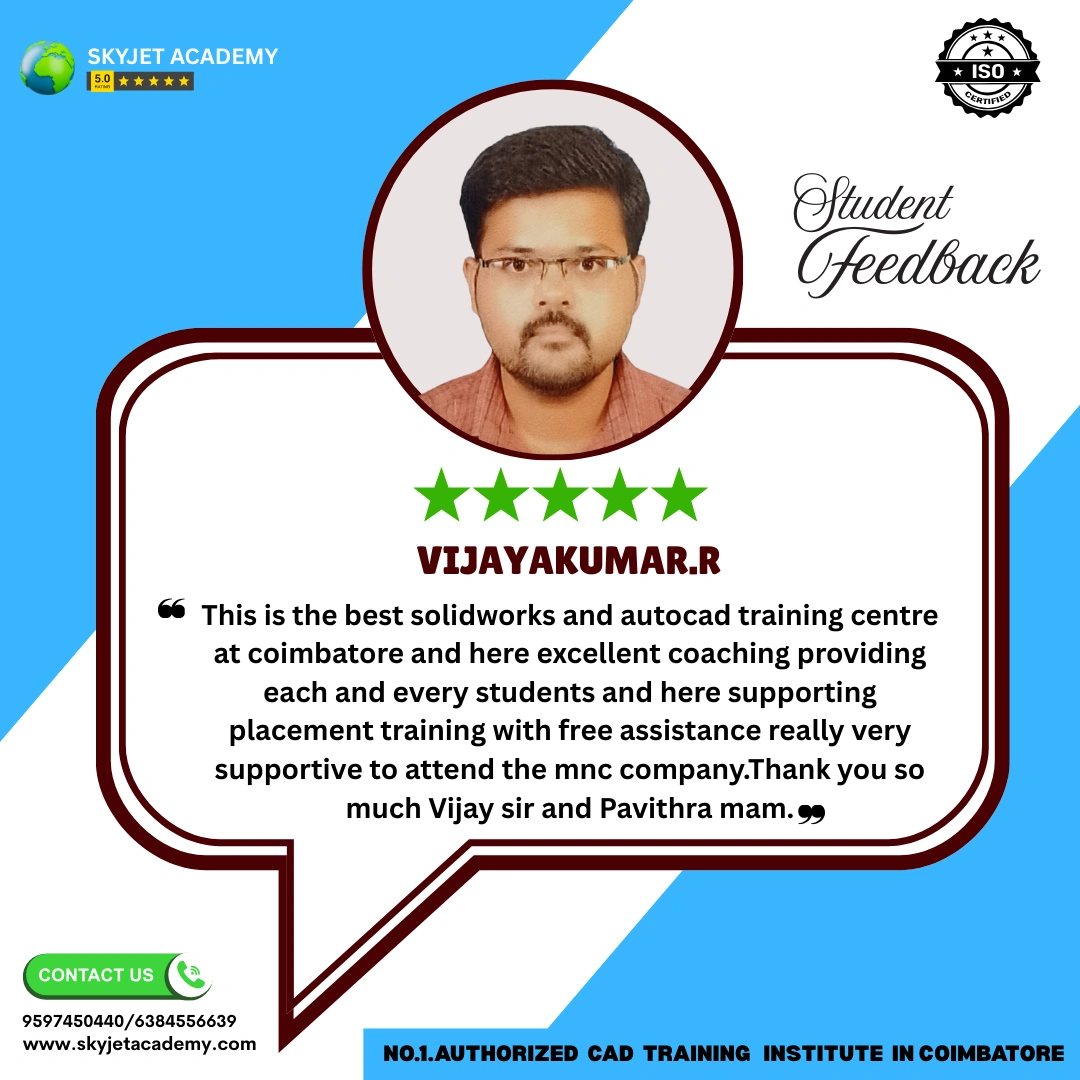
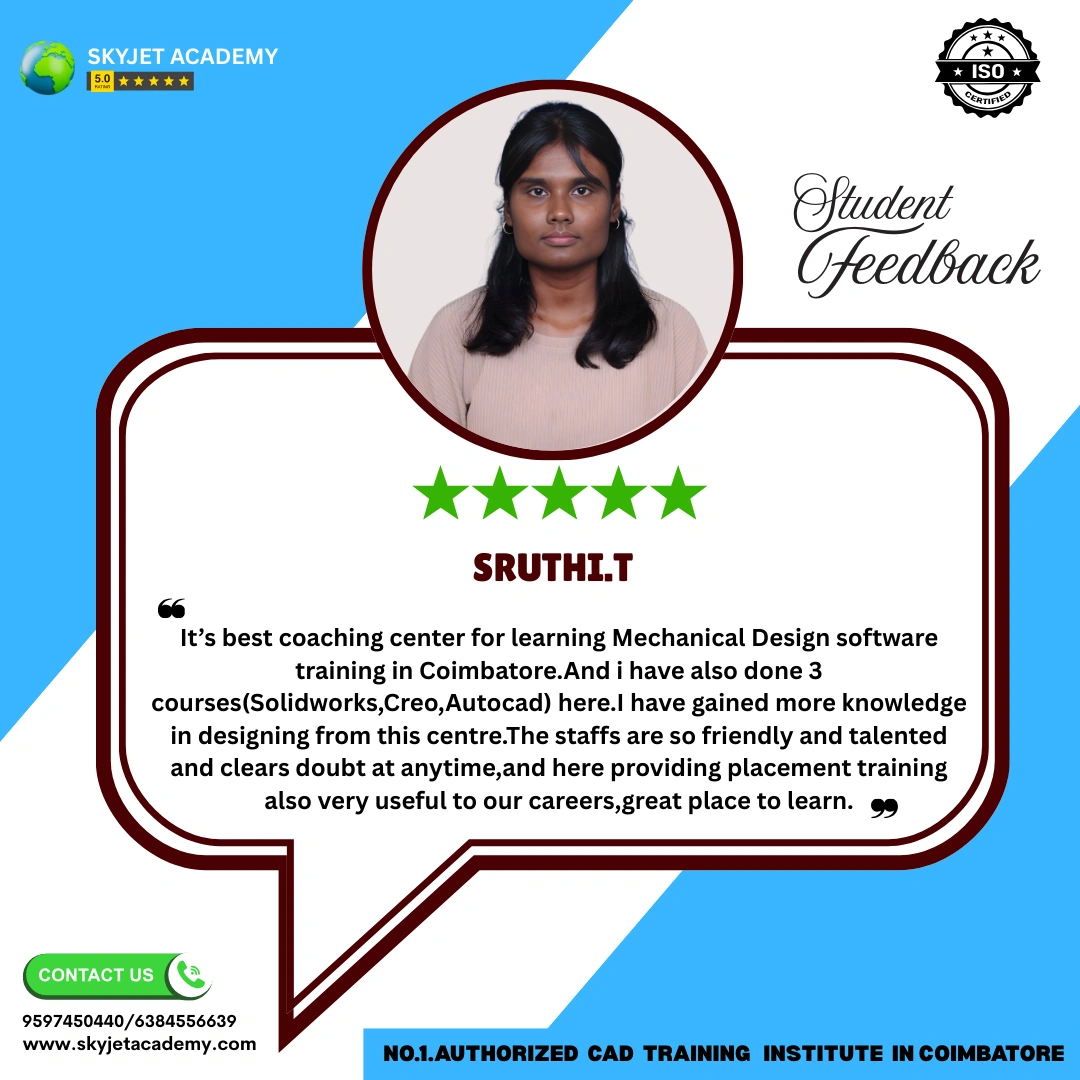
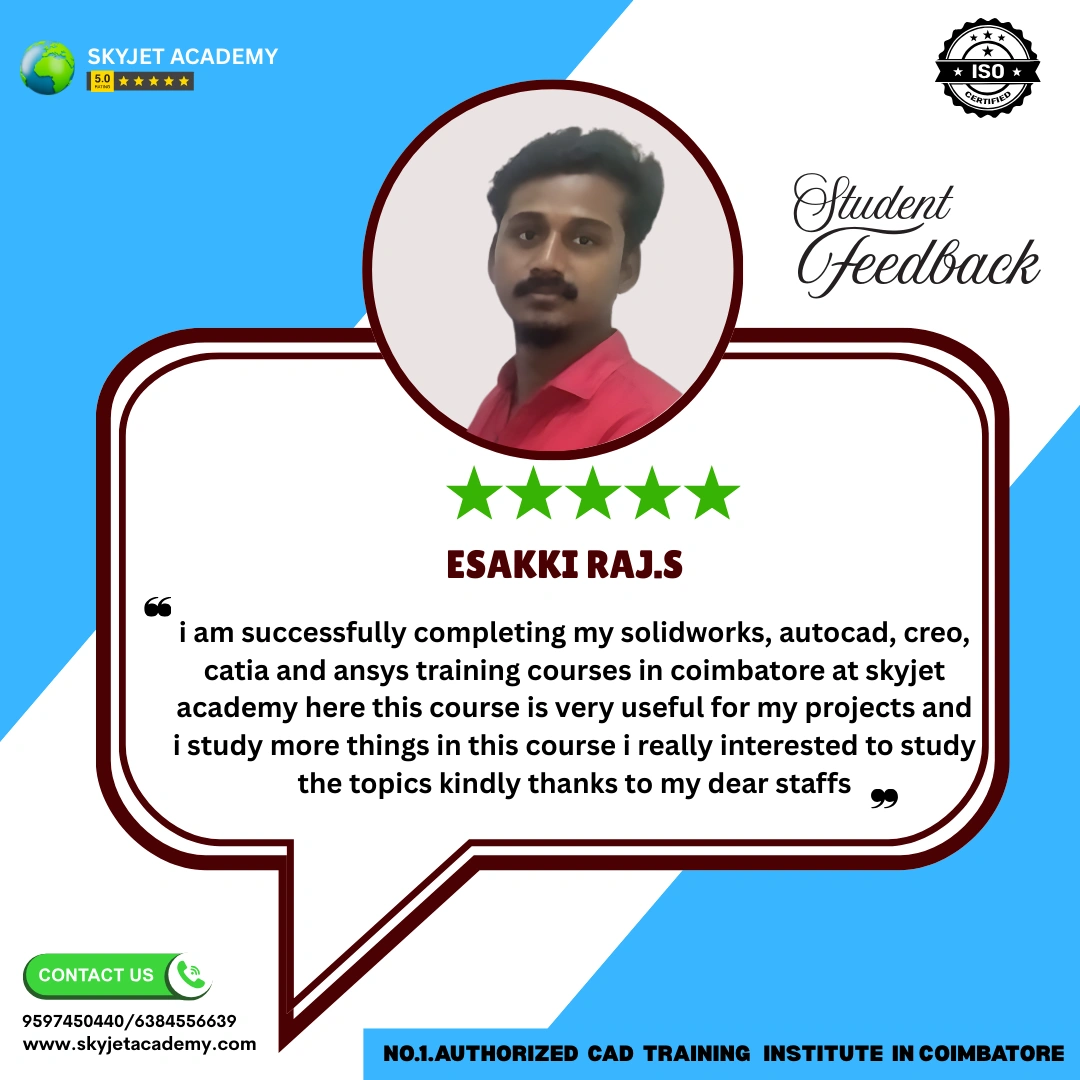
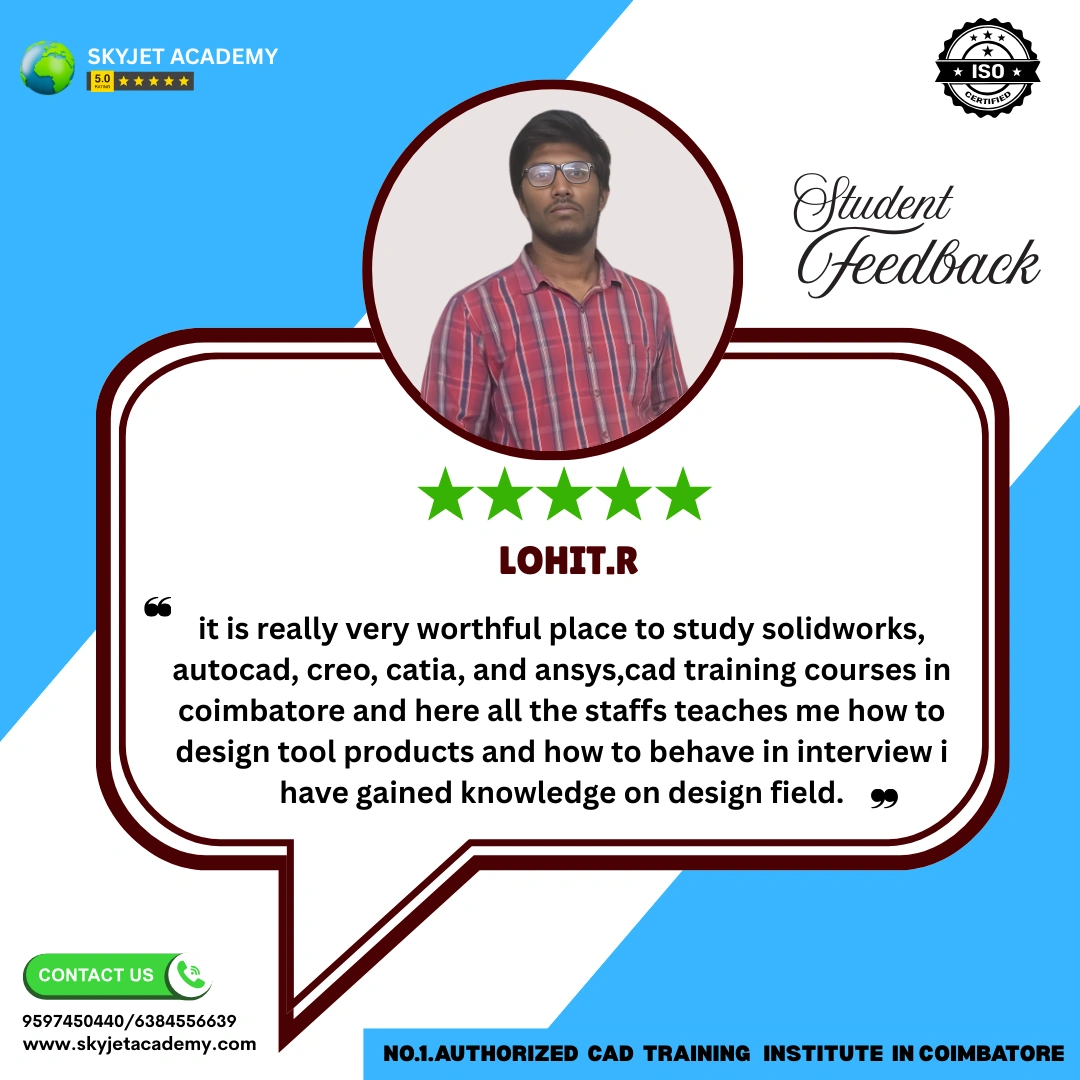
Student Reviews – SolidWorks Course
What Our SolidWorks Students Say About Skyjet Academy
Best SolidWorks training center in Coimbatore. Staffs have strong knowledge and coaching improved my design skills. I completed CSWA training and gained deep knowledge in Part, Assembly, Drafting and GD&T.
— J. Muhammed Thasleem
Skyjet Academy provides excellent SolidWorks training with industry-level teaching. Individual attention and practical projects helped me improve my mechanical design knowledge. Highly recommended for freshers.
— Sathish Kumar
Before joining Skyjet Academy I had zero knowledge in SolidWorks. Now I can design 3D models and assemblies confidently. Teaching is excellent and staff support is very good. Got placed in a manufacturing company!
— Mahesh R
Best CAD training institute in Coimbatore. Affordable fees, flexible timing and strong placement support. Vijay sir and Pavithra mam guide students very well. The simulation and analysis module was very detailed.
— Manoj S
Very good training institute for mechanical engineers. Practical sessions and live projects helped me get job opportunities. The CSWA certification training prepared me very well for the exam.
— Manikandan P
Excellent training center with advanced SolidWorks learning and real industrial projects. Sheetmetal, weldments and surface modelling were all taught with practical examples. I strongly recommend Skyjet Academy.
— Vimal Ramalingam
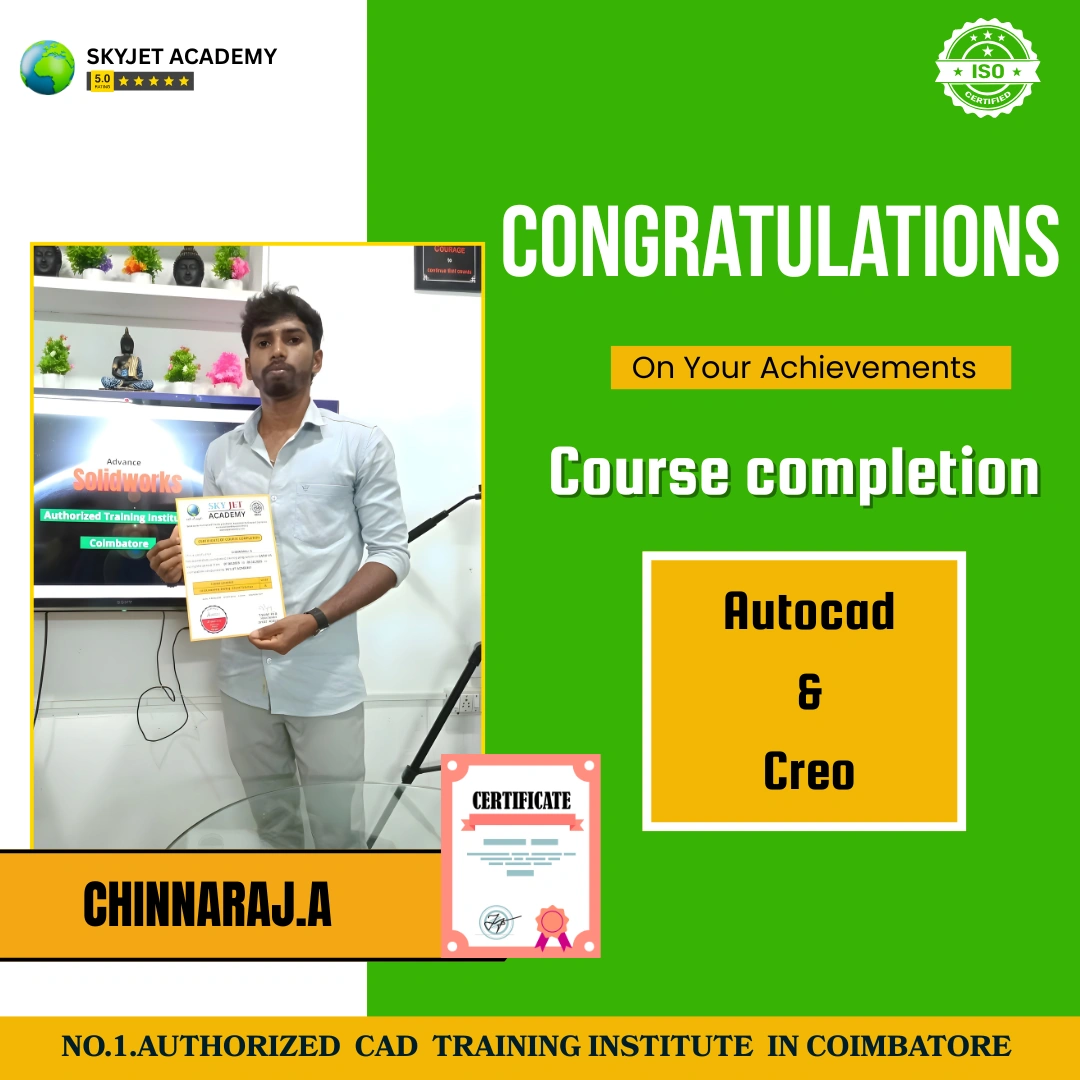
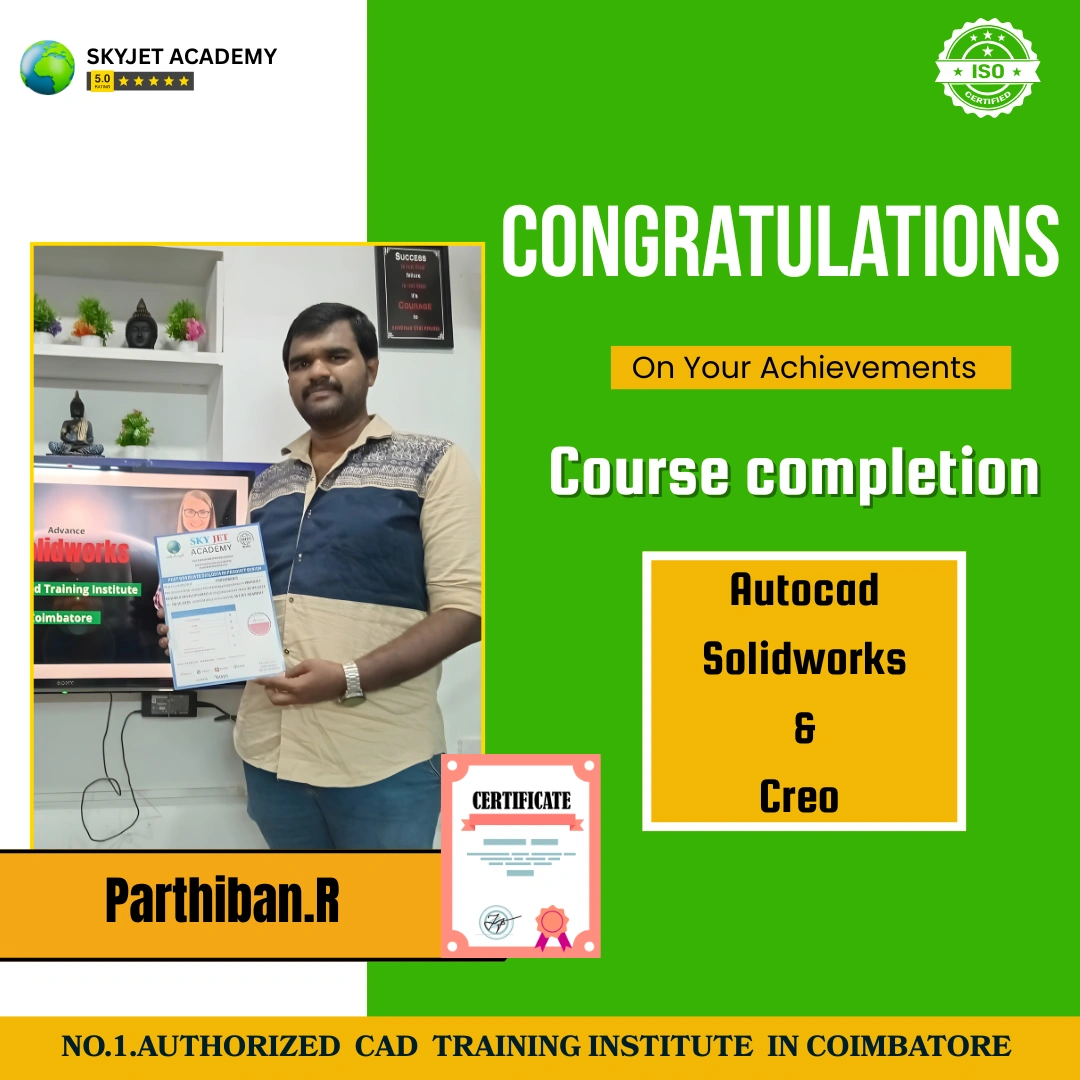
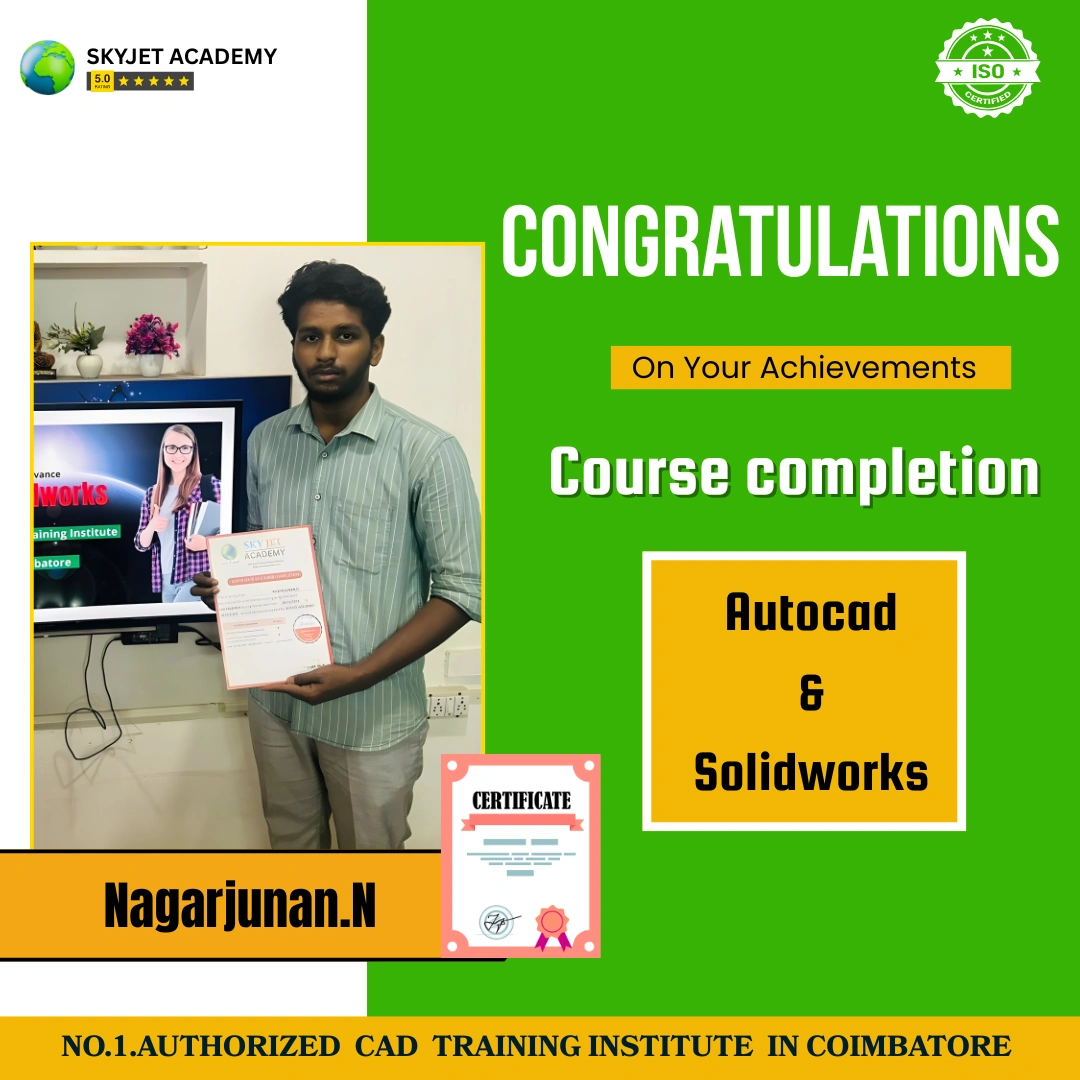
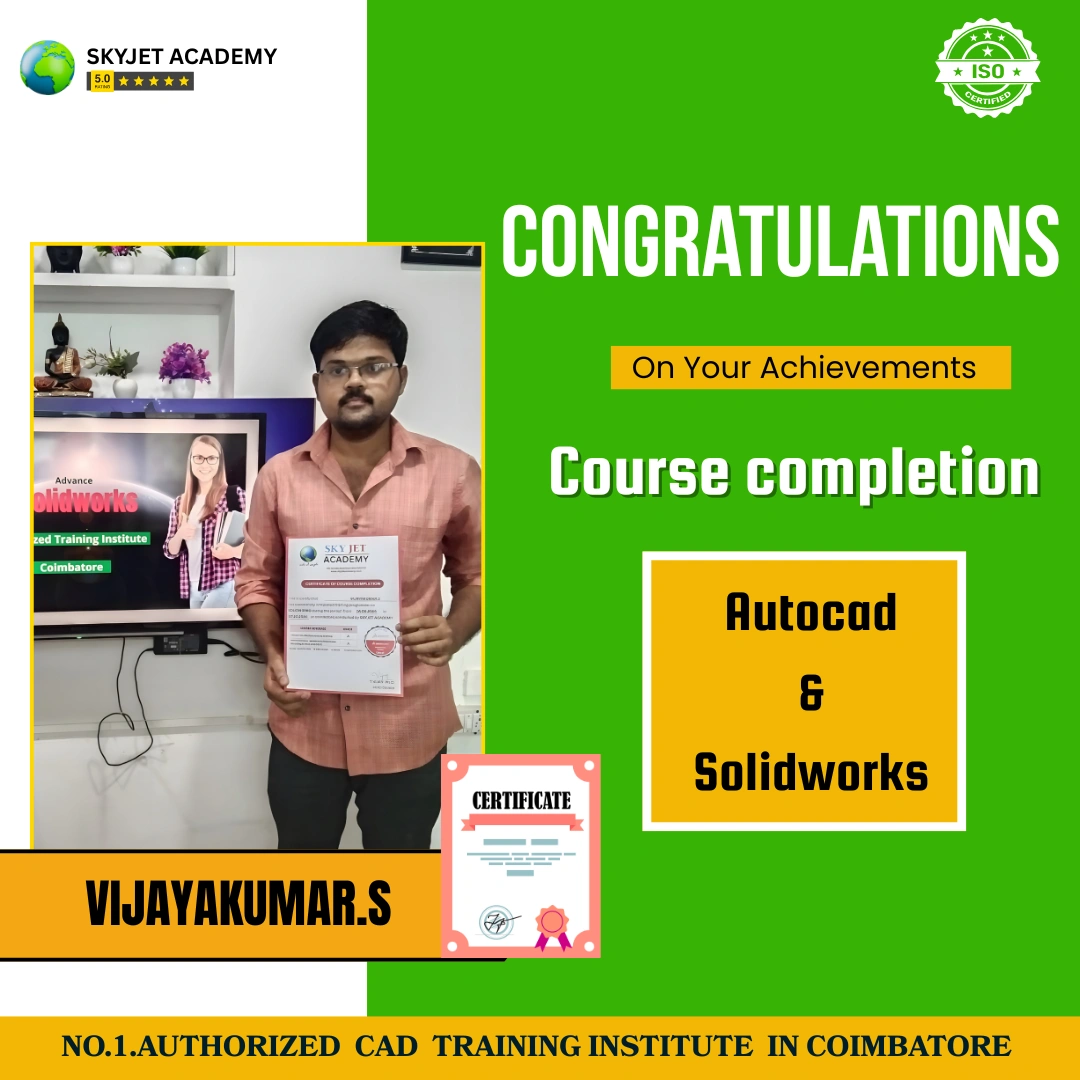
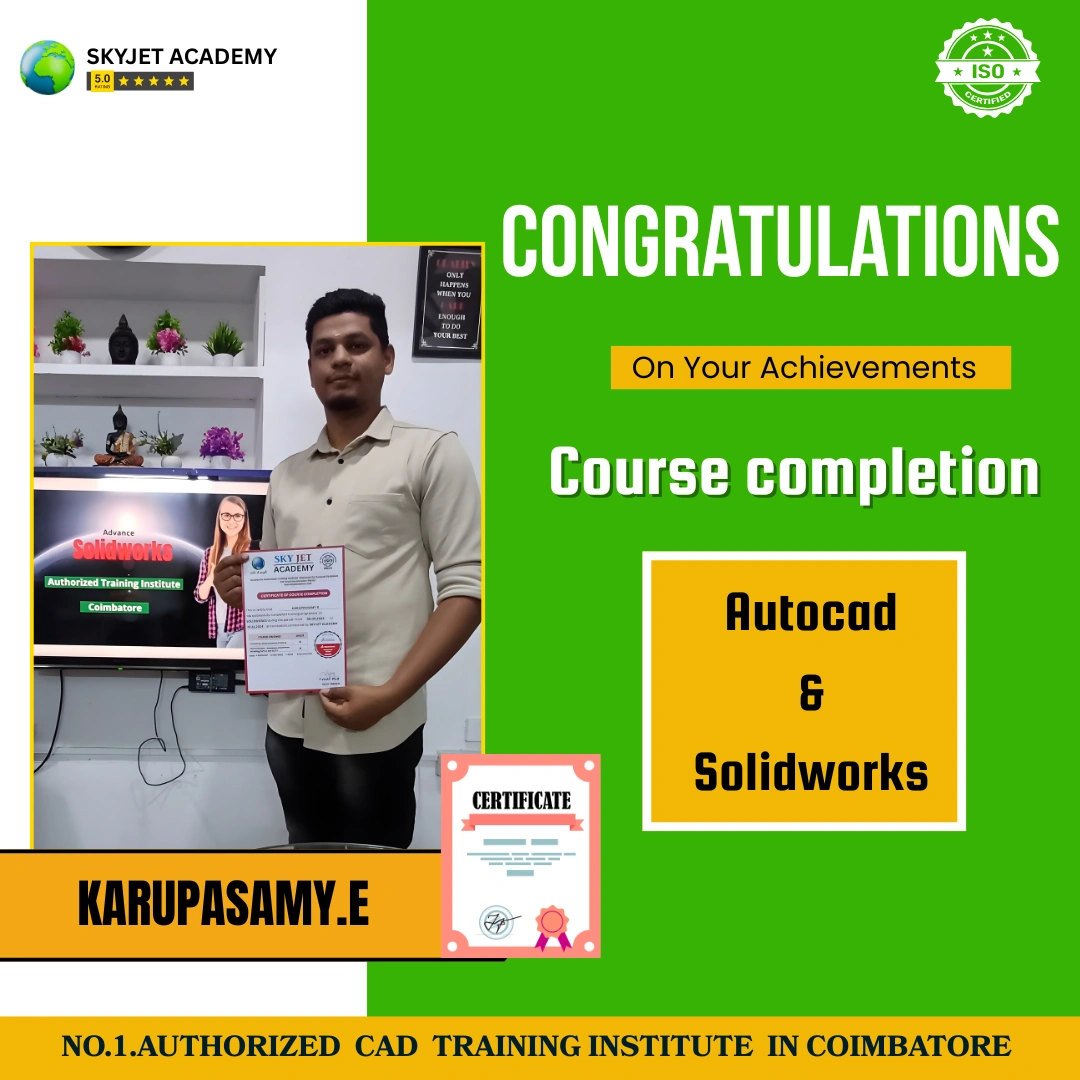
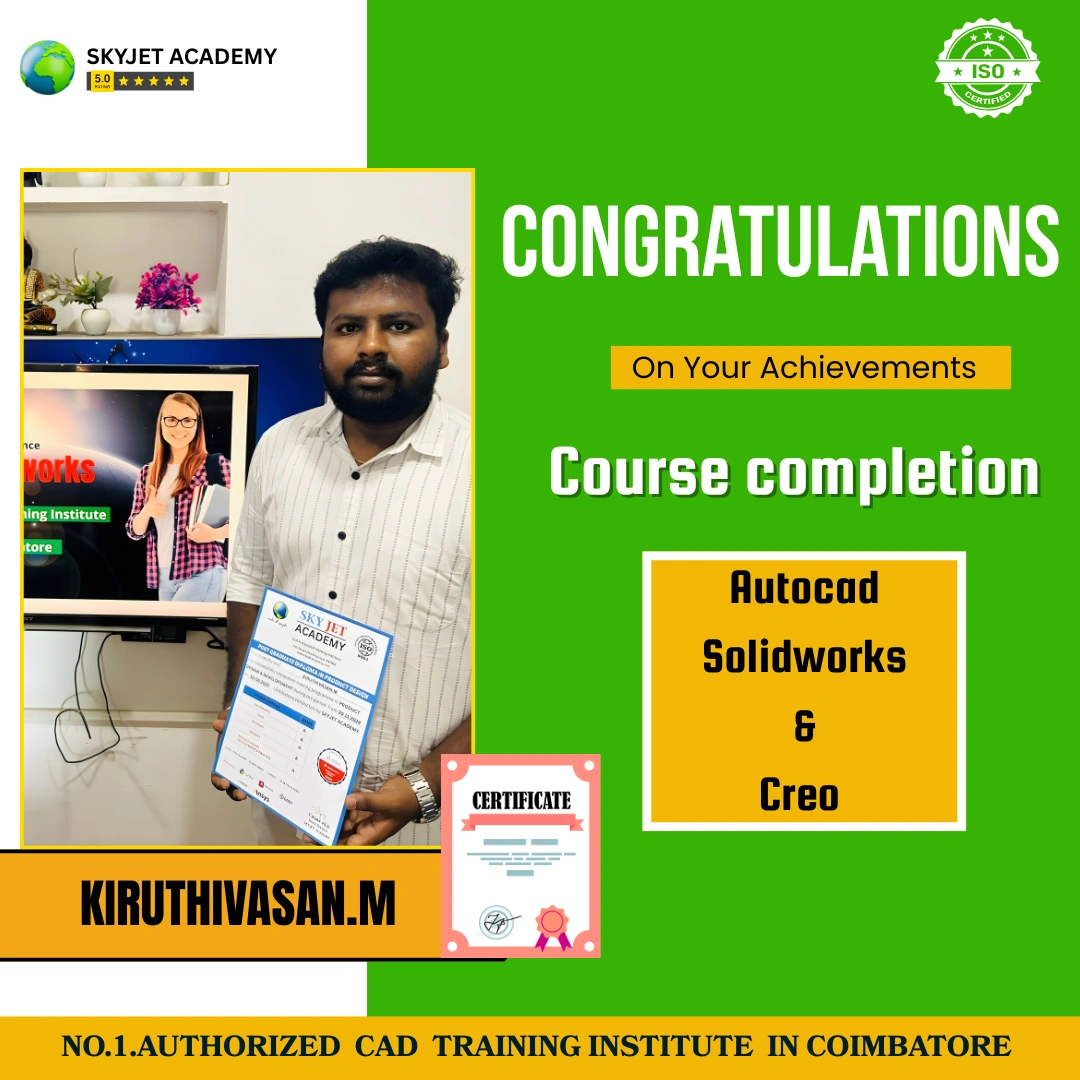
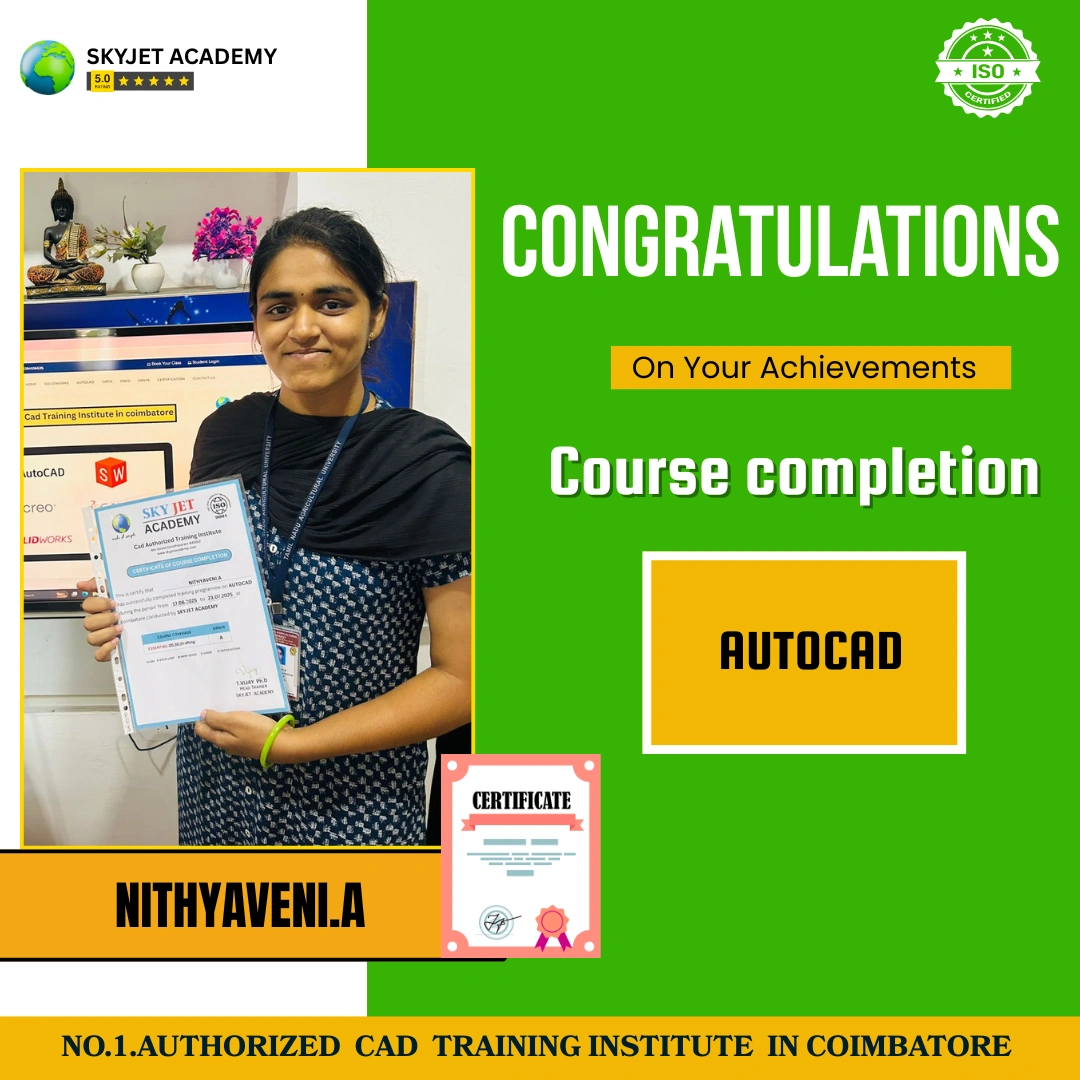
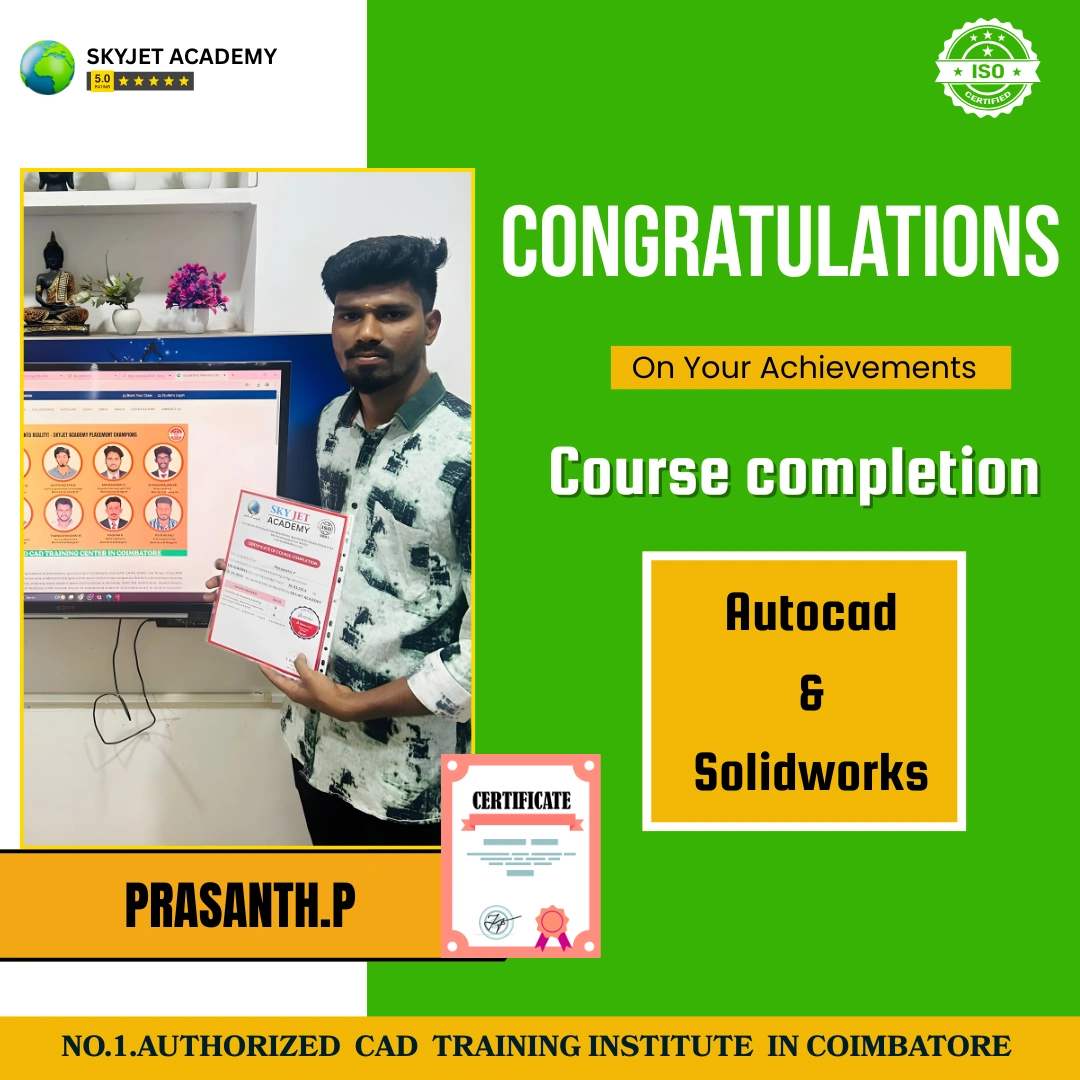
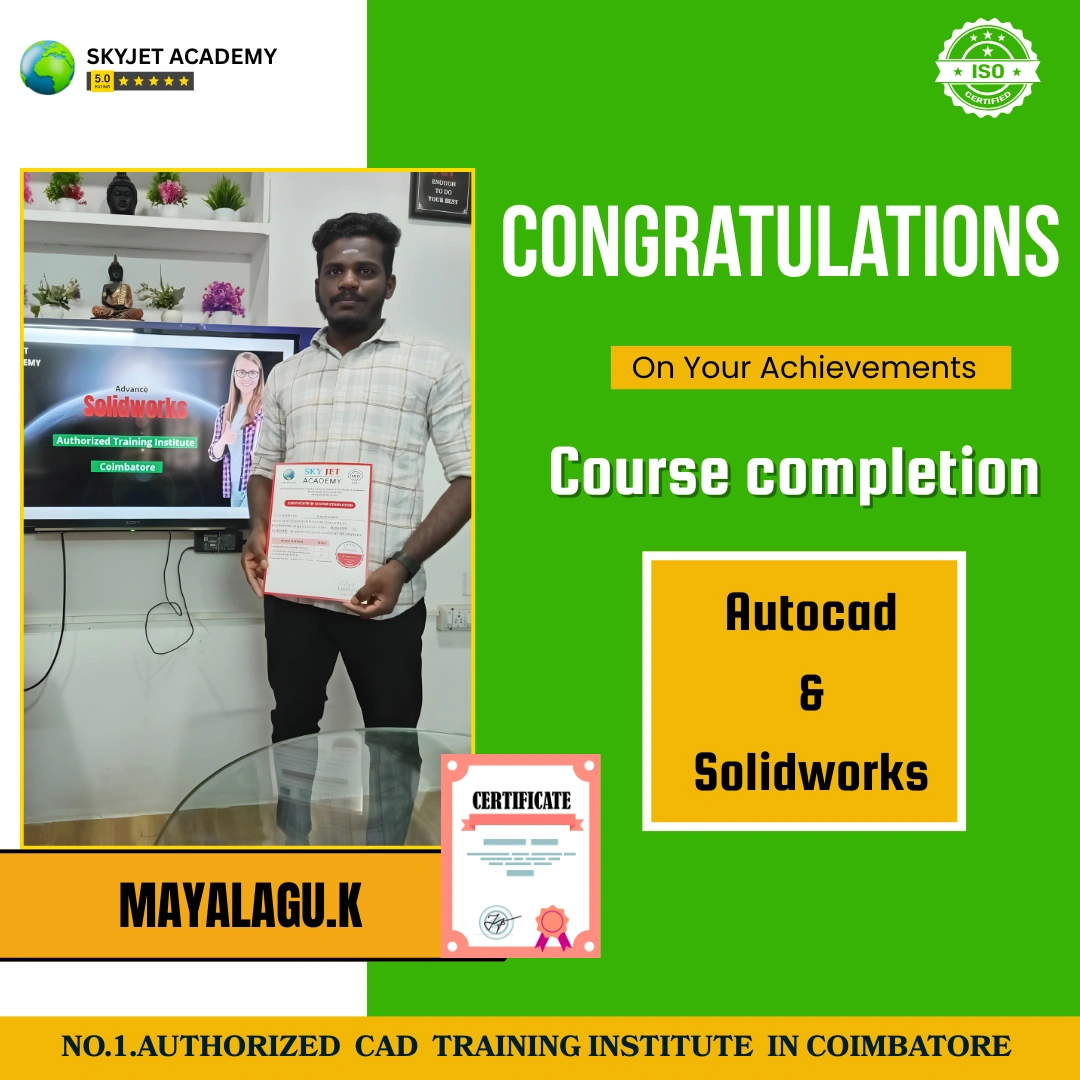
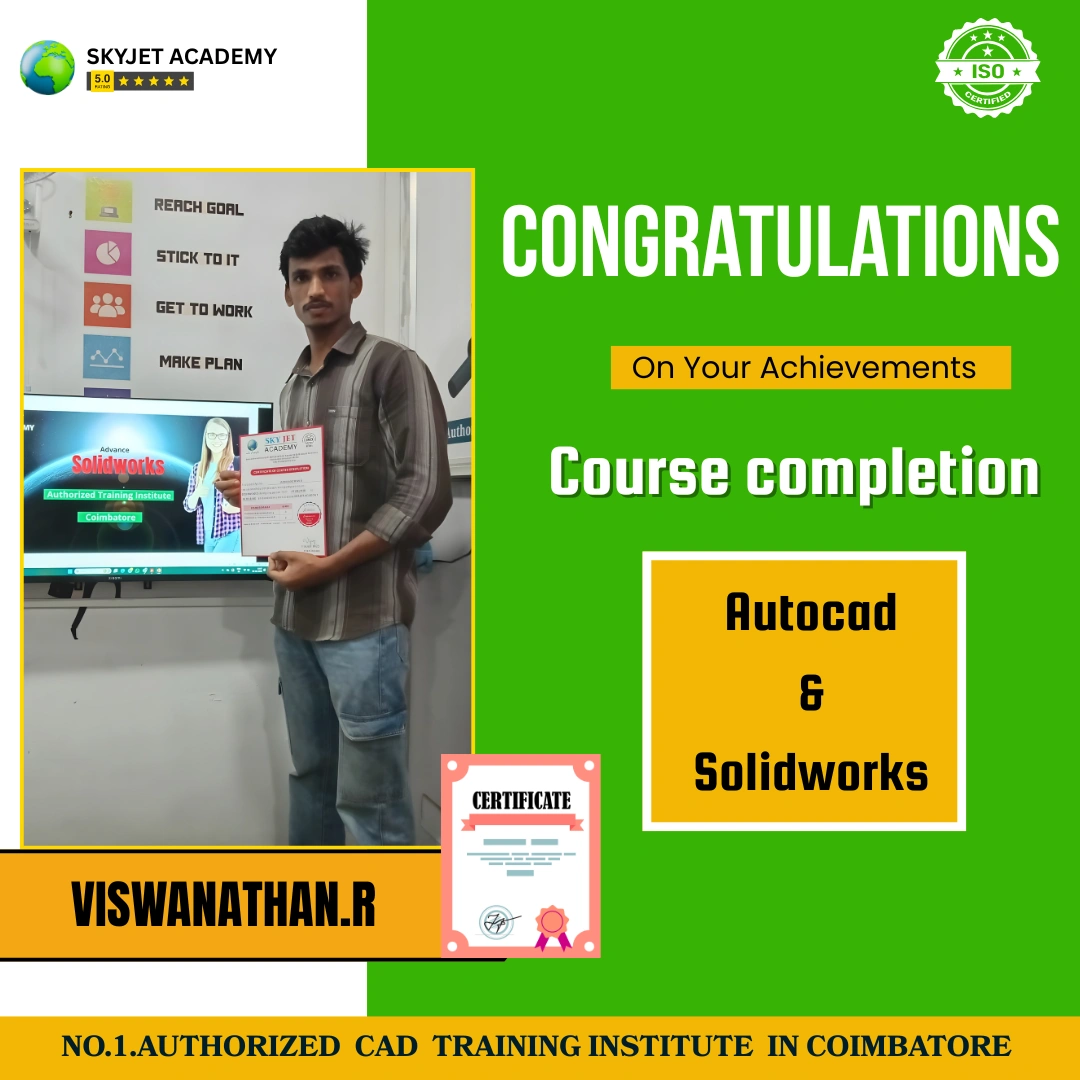
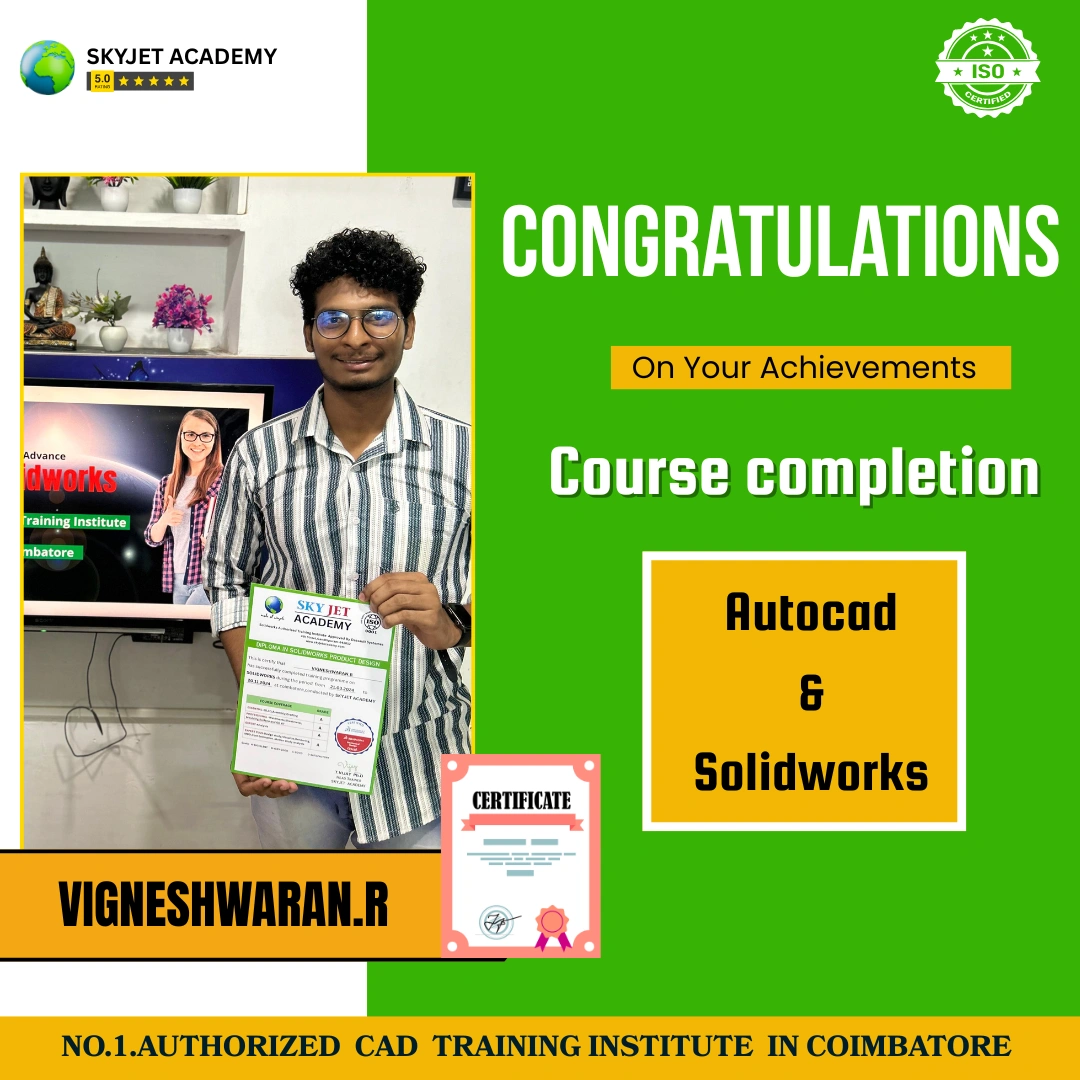
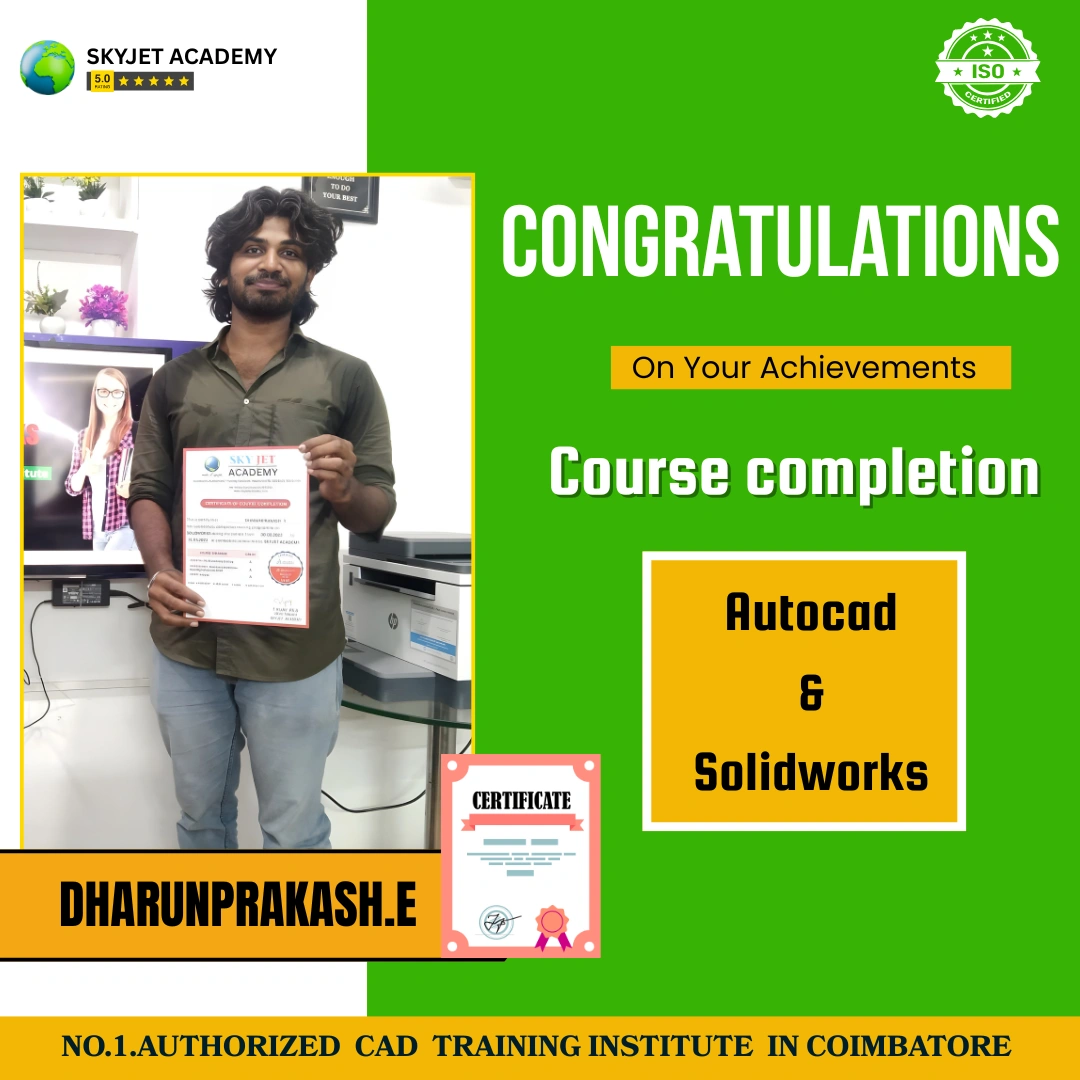
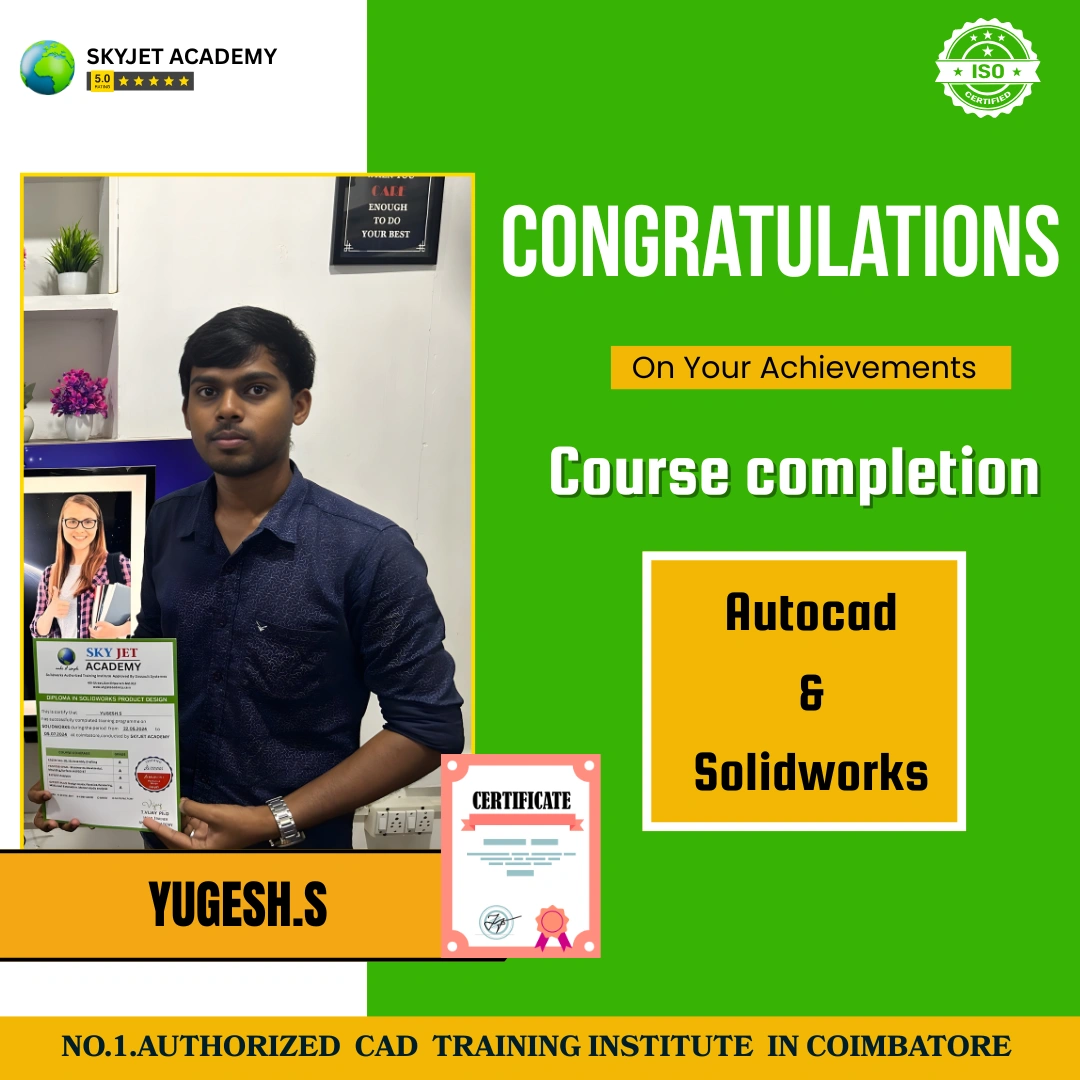
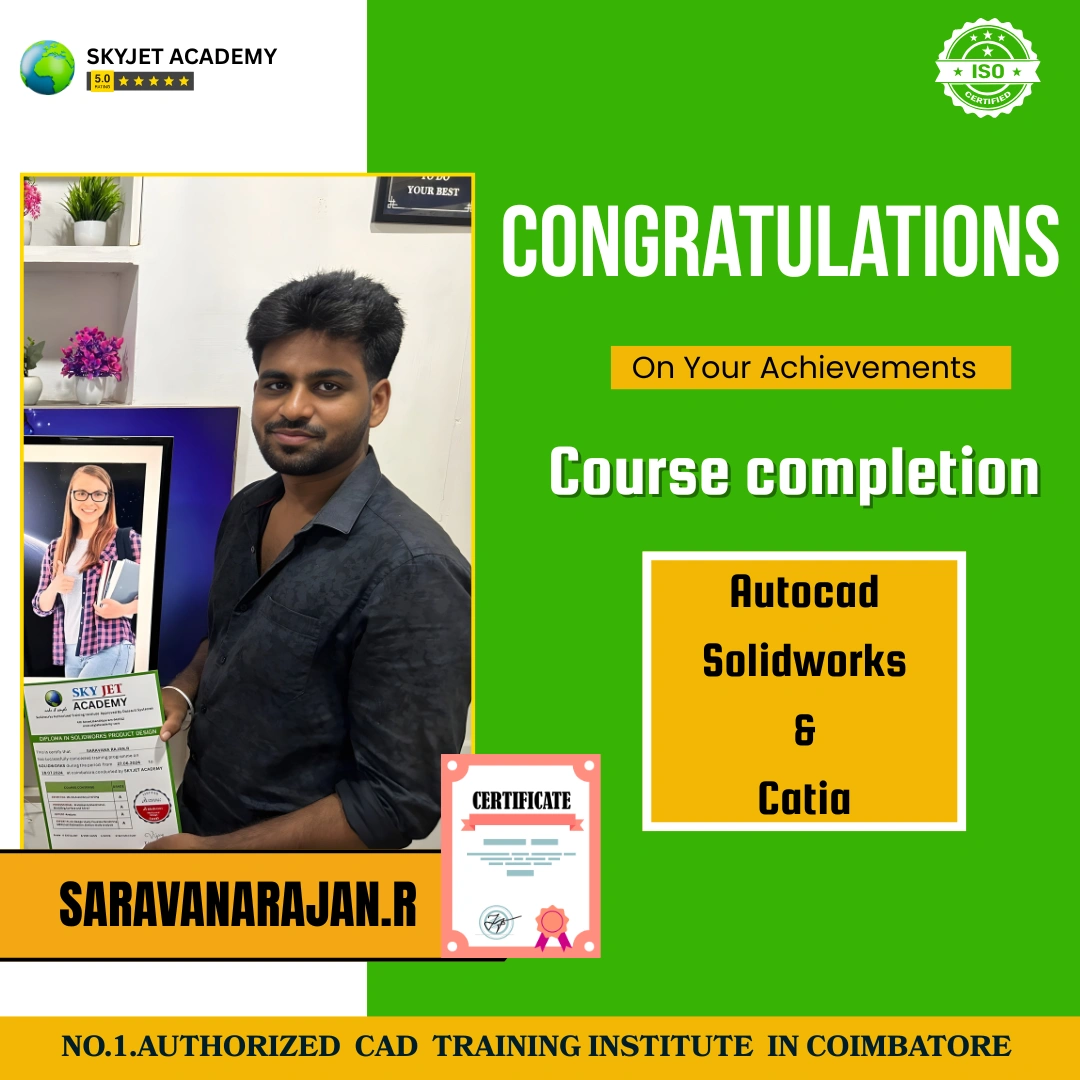
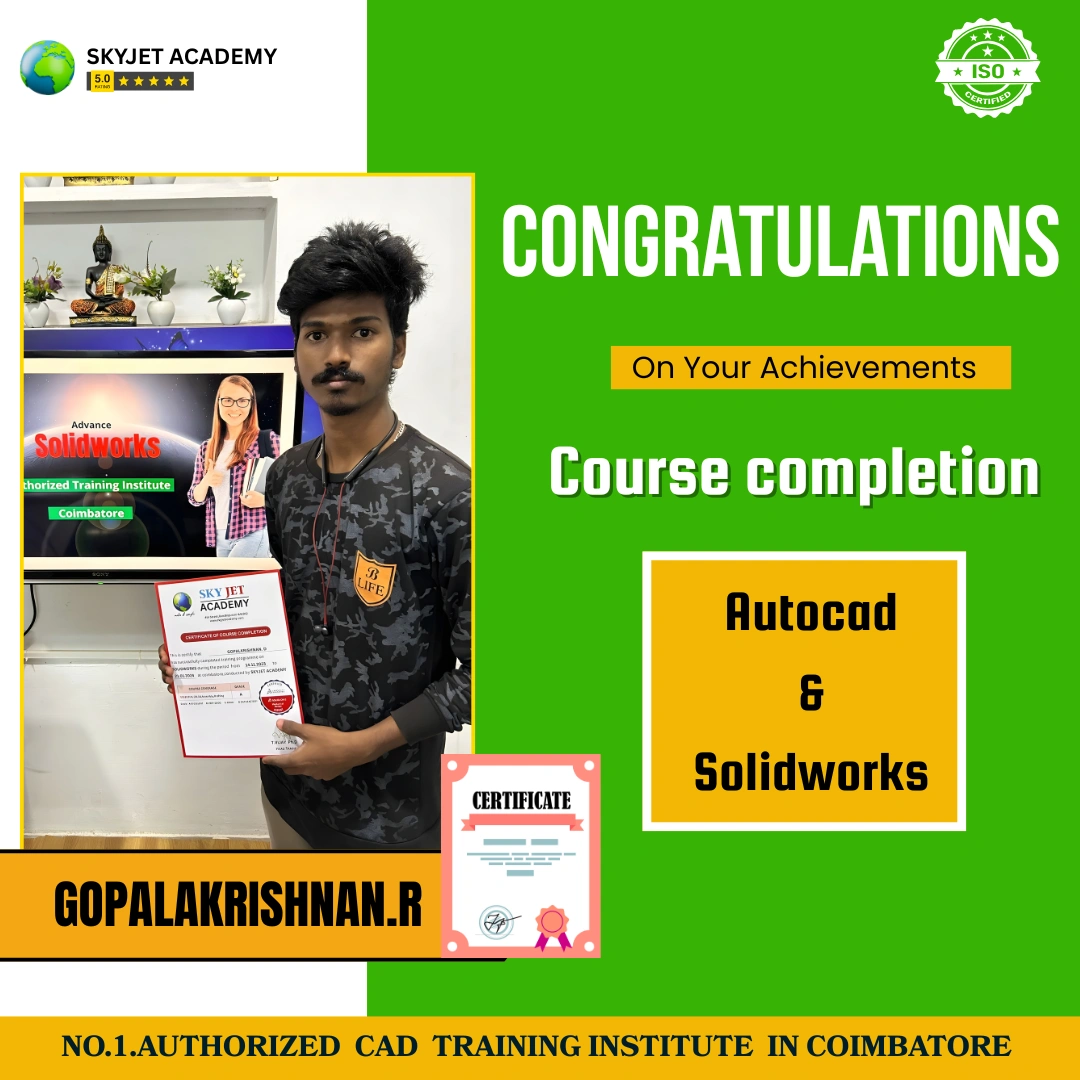
Our Successful SolidWorks Students

Why Skyjet Academy?
Our Best Features and Advanced Teaching Method
Student Support Services
Free Demo Class
Attend a free SolidWorks demo session and experience our teaching quality before enrolling.
Placement Guidance
Interview preparation, resume building and job placement assistance after course completion.
Study Materials
Complete SolidWorks notes, project files and CSWA/CSWP reference materials provided.
Instant Callback
Submit your details and our counsellor will call you within 30 minutes to guide you.
Our Courses
Register for SolidWorks Course
Book your free demo class. Our team will contact you shortly.
Frequently Asked Questions – SolidWorks Training
For More Details – SolidWorks Course Enquiry
Skyjet Academy Location – Gandhipuram, Coimbatore
4th Crosscut, Gandhipuram, Coimbatore – 641012 | Call: +91 9597450440